14 WELGER RP 235 • E-LINK
5.3.1 Hydraulic switch: Pick-Up
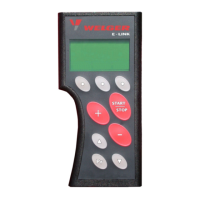
Press centre button to select the pick-up .
The Pick-Up is displayed directly above the centre button:
Move Pick-Up with the tractor's distribution valve.
Note!
The valves of the hydraulic switch are not actuated in Pick-Up position .
This setting has to be preferred to minimise the power consumption.
5.3.2 Hydraulic switch: bottom door
Press centre button to select the bottom door .
The bottom door is displayed directly above the centre button:
Move bottom door with the tractor's distribution valve.
When the bottom door is opened because of a material jam this condition is displayed in a window
(symbol "Bottom door"; with flashing exclamation mark).


 To Next Page
 Loading...