CMP100 User Guide
5
same time. A good method of checking multicast output is to check the output via VLC on your
control PC directly.
If you want to connect a switch between CMP100 and PC or other devices, this switch should
support IGMP V2 and IGMP snooping function. If the switch you used is not the correct configuration,
it could cause some network issue.
3.1.2 Logging into the Web GUI
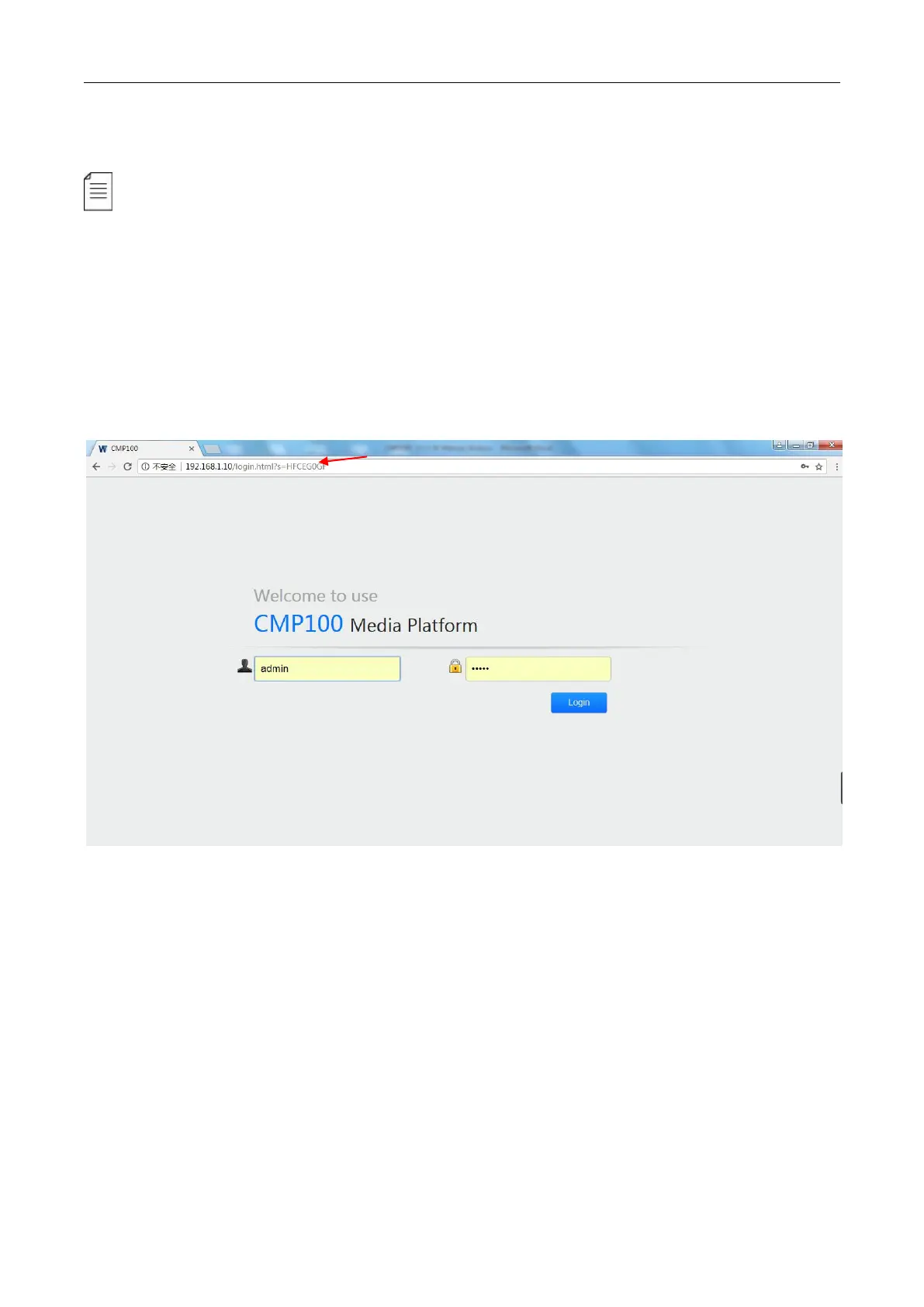
Type the CMP100 Baseboard IP address into the URL field of any recommended browser (IE8 or
above, Firefox, and Google Chrome) to access the logon page. By default, the admin user account is
admin with password admin. Click Login or strike Enter on the keyboard to login to the GUI.
3.2 Status
Status>Device status
After a successful login, you will always enter the status overview page, where you can check the
device status of:
a) Module List: shows the module(s) inserted
b) Device and module status figure, fan running status and notes of ports, lights and buttons
c) Menu Bar and time display



 To Next Page