CMP100 User Guide
4
Part3 Web GUI
3.1 Web GUI Overview
3.1.1 Connecting to the Management Port
Factory network settings of the Management Port:
IP address 192.168.1.10
Subnet Mask 255.255.255.0
Use the following step to access the Web GUI in a browser.
Connect PC to CMP100 network port directly.
Connect other devices (IP signal Receiver or Sender) to CMP100 network port directly.
Set the IP address of the laptop/computer in the same network segment with the CMP100
Baseboard IP address. CMP100 will occupy up to 17 IP addresses. Please avoid setting IP
address of the connected PC or other devices same as the CMP100 occupied IP address
section.
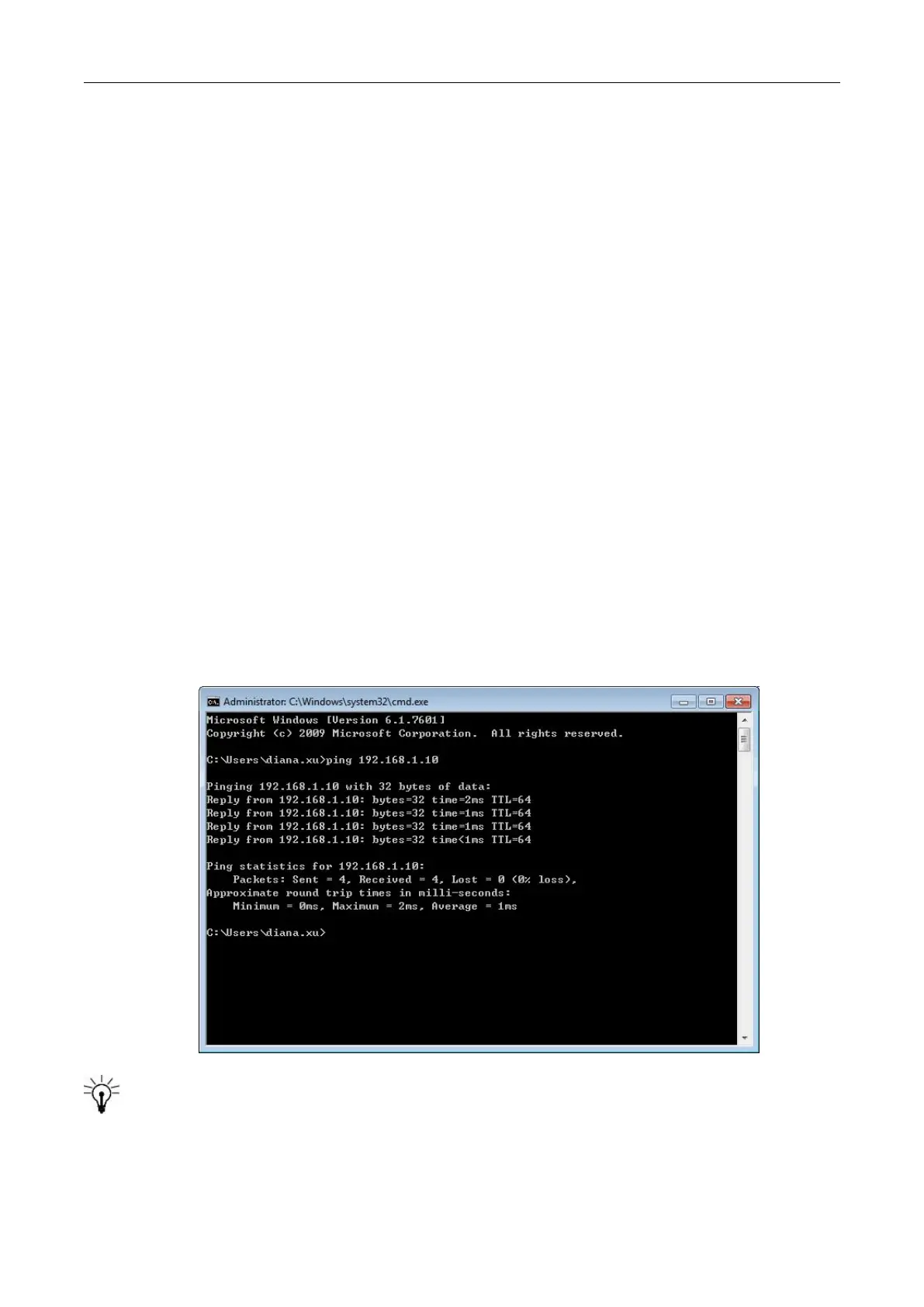
Check the physical connection by ping command.
CMP100 possesses an embedded gigabit switch inside the chassis, you can use it as a switch
with other devices together. The four network ports are used for both managing and streaming at the



 To Next Page