CMP100 User Guide
7
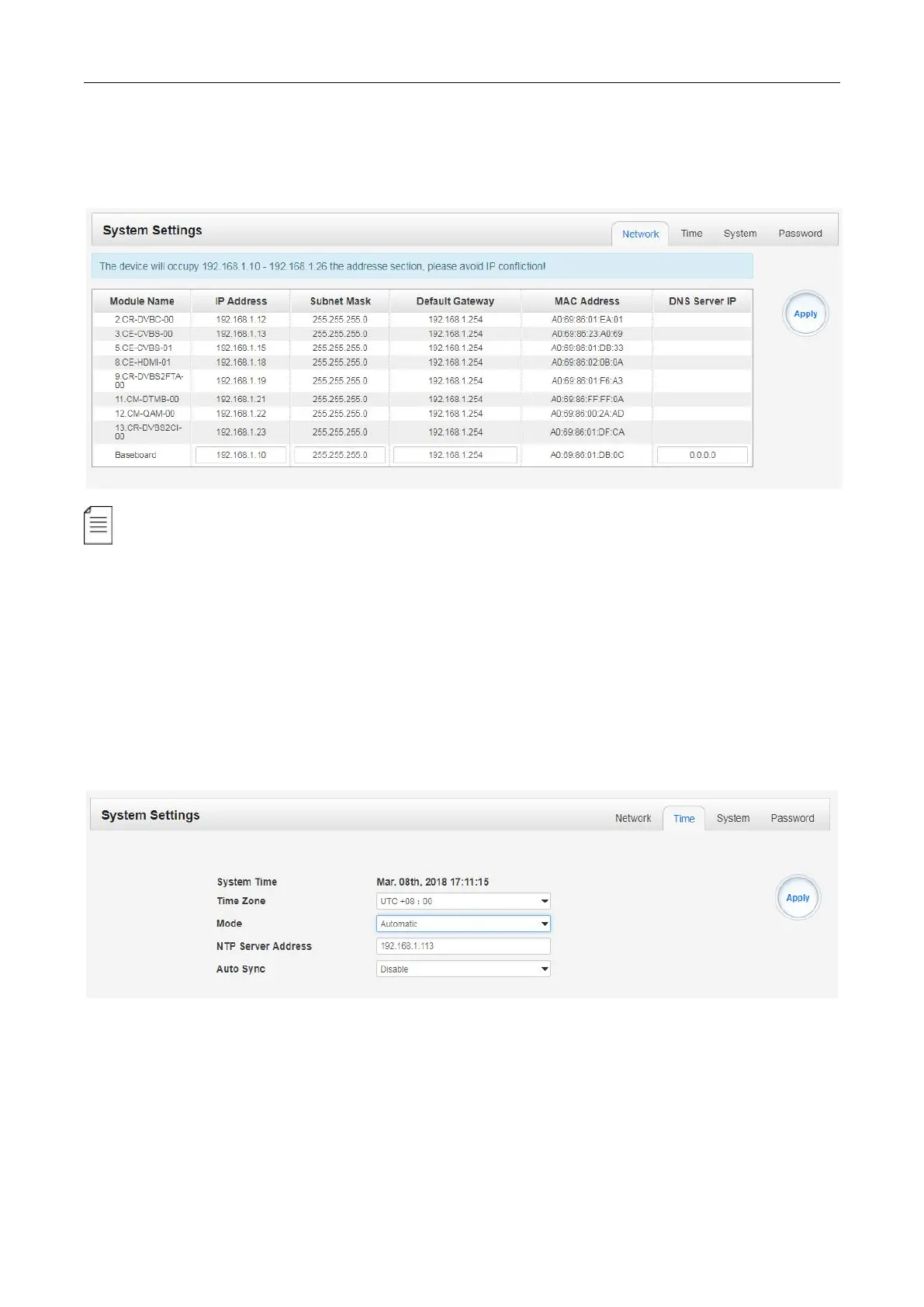
System Setting> Network
In Network page you can assign a static IP address to CMP100’s baseboard. Click the Apply button
in the right side to make the change take effect.
Note to avoid IP confliction when you set baseboard IP address, the occupied IP section will be
displayed in this page on the top blue area.
System Setting> Time
In Time page you can see current system time, change Time Zone, select system time Mode
(Manual or Automatic), enable/disable Auto Sync and modify NTP Server Address in Automatic
mode, change current system Time in Manual mode. Click the Apply button in the right side to make
the change take effect.



 To Next Page