CMP100 User Guide
i
Revision History
Add new modules, new features and adjust management page
Modify the product picture
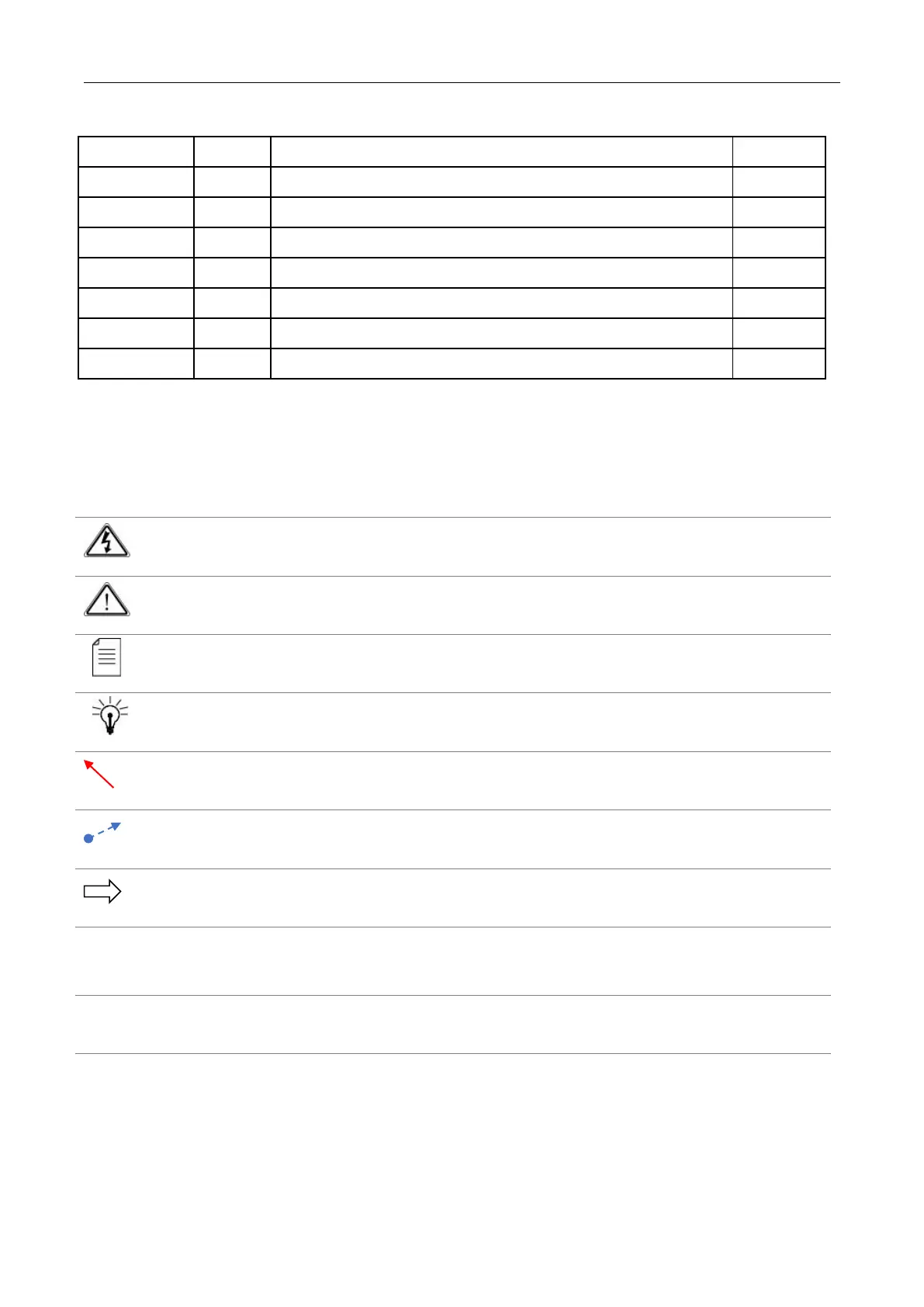
This guide contains some symbols to call your attention.
The DANGER symbol calls your attention to a situation that, if ignored, may cause
physical harm to the user.
The CAUTION symbol calls your attention to a situation that, if ignored, may cause
damage to Our product.
The NOTE symbol calls your attention to important information.
The TIP symbol calls your attention to additional information that, if followed, can
make procedures more efficient.
The Red Arrow symbols point to import details mention the context above or below
an image.
The Blue Arrow symbol indicates the motion path of an item in an operation step.
The thick Arrow symbol calls your attention to a serial of operation steps mentioned
in the context.
This guide also contains the following text conventions.
The bold Italic text indicates a button to click, an item in the drop-down menu to
select, or a certain item in the UI.



 To Next Page