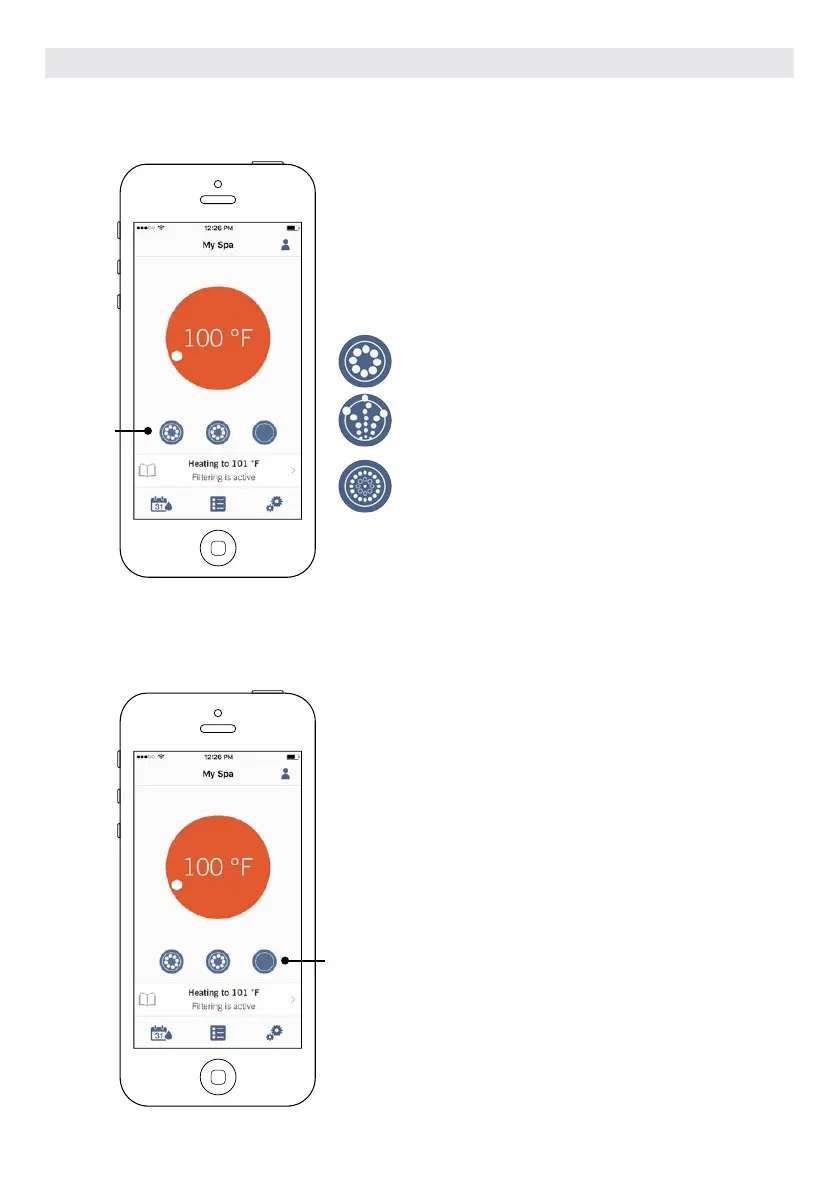
TURN ON/OFF ACCESSORIES
TURN ON/OFF THE LIGHTS
According to your hot tub pack configuration, you can start or stop
an accessory by simply touching the associated icon. The icon will
become animated when the accessory is on. Simply press on the
icon to start or stop the accessory.
If your accessory has more than one speed, press the button until
the desired speed is reached.
The icon designs are customized according to your hot tub pack
configuration:
Pump
Waterfall
Blower
To control your hot tub lights, simply press the button to
turn it on or off
Accessories
Light
OPTIONAL ACCESSORIES IN.TOUCH 2
110



 To Next Page