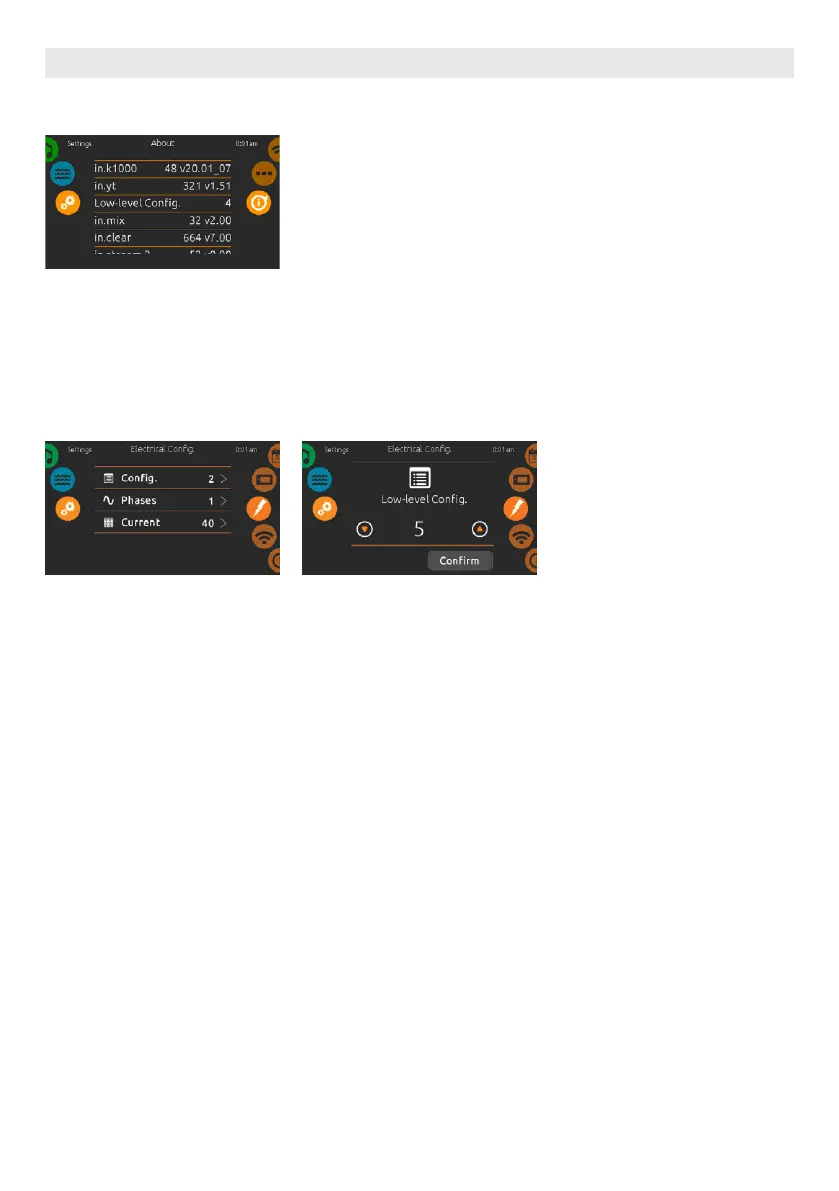
ABOUT
This section shows information about
the in.k1000 software number and
the revision numbers of the different
components of your system.
ELECTRICAL CONFIGURATION
Please do not make changes in this
section unless you are a qualified
electrician.
A password will be required. Please
contact a representative in order to
obtain that password.
To change the low-level configuration,
the number of phases and the input
current of your hot tub system, slide
the right wheel until the electrical
configuration icon is highlighted in the
middle.
USER INTERFACE SMART TOUCH
69



 To Next Page