16 WellSoft Owner’s Manual 4/7/2017
Setting The Controller
Controller Overview
Button Function
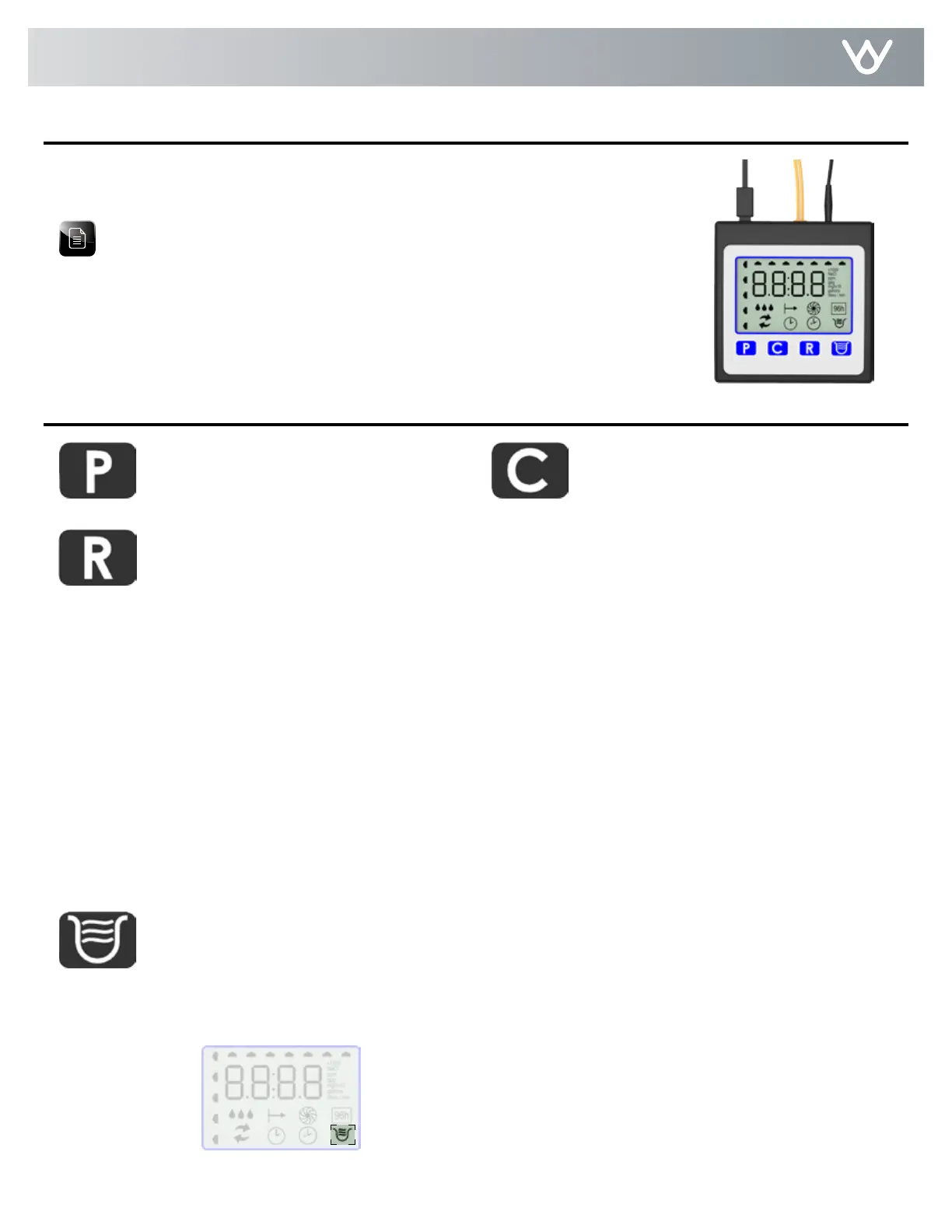
This appliance features a four-button icon controller with an LCD display. The controller
can be used to view the appliance’s status, perform regenerations, and change settings.
The controller must be set up correctly for the appliance to perform properly.
Note: Ensure that the bottom of the controller is firmly locked into the three clips
on the top of the valve assembly.
The controller measures water usage and regenerates based on need, so you do not
have to worry about vacation settings or extra guests. If your power has been off, the
appliance will retain programmed settings indefinitely. Time of day should be checked if
power is out more than 24 hours.
Used to set Customer Settings
Used to change Customer Settings
Activates/deactivates the Iron Purge feature, which is a service/maintenance step for water supplies that
have an excessive amount of iron. The appliance will regenerate every other day with five pounds (2.3
kg) of salt. Leave the Iron Purge feature on for a minimum of two weeks. The frequent regeneration will
eliminate iron buildup in the resin bed. The use of salt with an iron cleaning agent or iron out cleaner is
recommended for continuous use as a preventive measure against iron fouling of the resin bed. Use this
feature every six months as a part of your routine maintenance procedure to ensure a long service life for
your water treatment appliance.
Used when starting your water conditioner to start an immediate
regeneration, or to restore capacity if you run out of salt.
To Start an Immediate Regeneration
1. Press and hold the Regenerate button for about five seconds.
2. The appliance is in regeneration mode and will display the status of each cycle.
3. After all regeneration cycles are complete, the display will return to normal operating mode.
To Quickly Advance Through the Regeneration Cycles
(used when starting up or diagnosing the appliance only)
1. Press and hold the Regenerate button for about five seconds until the cycle begins.
2. The cycle position will display (for example, 01).
3. If the controller does not advance to the next cycle position after 20 seconds, press and hold the Regenerate
button until the cycle number changes (about 2 seconds).
Each cycle can be advanced by pressing the Regenerate button. Always wait until the cycle position displays without
flashing before advancing to the next cycle position.
The Iron Purge Icon will display when this feature is activated.


 To Next Page