4/7/2017 WellSoft Owner’s Manual 17
Setting The Controller
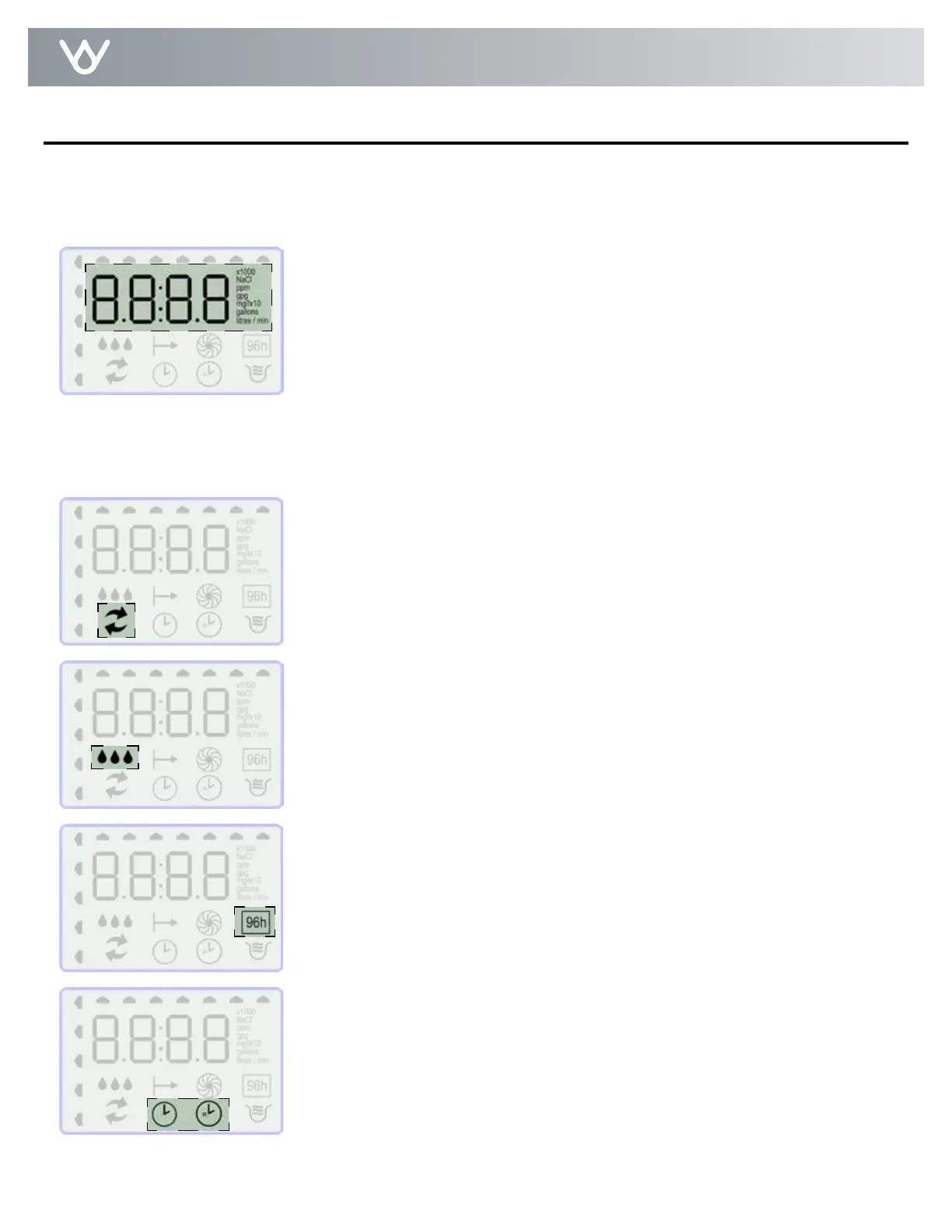
This area will display the gallons (or liters) of soft water remaining. Typically,
each person in the household uses about 75 gallons (284 L) per day.
This area will also show regeneration cycle numbers during regeneration.
The read-out will flash with the cycle number. The flashing regeneration
numbers are:
01 - First Cycle - First Backwash
02 - Second & Third Cycles - Brine / Slow Rinse
03 - Fourth Cycle - Second Backwash
04 - Fifth Cycle - Brine Refill
HO - Sixth Cycle - Moving to Home Position
When regeneration is complete, the display shows the number of gallons of
soft water remaining. A complete Regeneration typically is complete in about
30 minutes.
Indicates that water is flowing through the appliance; the water flow indicator
animates whenever water is being used; useful for checking for proper
plumbing and leaks.
Indicates that unit is in regeneration.
Screen Display
96 Hour Mode - With 96 hour mode on, the unit will never go more than 4 days
between regenerations. More frequent regenerations help keep iron build up
from occurring. This setting is recommended to be used when iron is present in
your water supply.
The clock icon will display when setting the time of day. The clock icon
with an “R” on it will display when setting the regeneration time of day.


 To Next Page