88
NOTE: With each full rotation on the depth-adjustment handle,
the planer’s height adjusts 1/16”. For example, 1/4 of a rotation is
1/64”, 1/2 of a rotation is 1/32”, and 1 full rotation is 1/16”.
ASSEMBLY AND ADJUSTMENTS
PREPARING THE TABLES (Fig. 3 - 5)
Lower the infeed and outfeed tables.
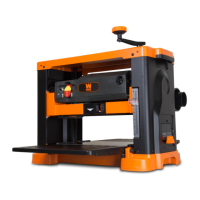
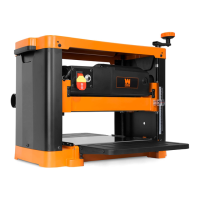
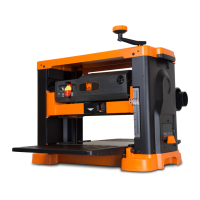
ATTACHING THE CRANK HANDLE (Fig. 2)
It’s time to put this thing together! First, place the washer (Fig. 2 -
3) over the socket head bolt (Fig. 2 - 2) and feed the bolt into the
handle (Fig. 2 - 4). Tighten the bolt to secure the handle in posi-
tion on top of the planer. Place the handle cap (Fig. 2 - 1) onto the
handle as shown in Fig. 2.
Fig. 3
Fig. 4
Remove the foam insert located between the main table and the blade drum (Fig. 5).
Fig. 5
1
2
3
4
Fig. 2


 To Next Page
 Loading...