EasyManua.ls Logo

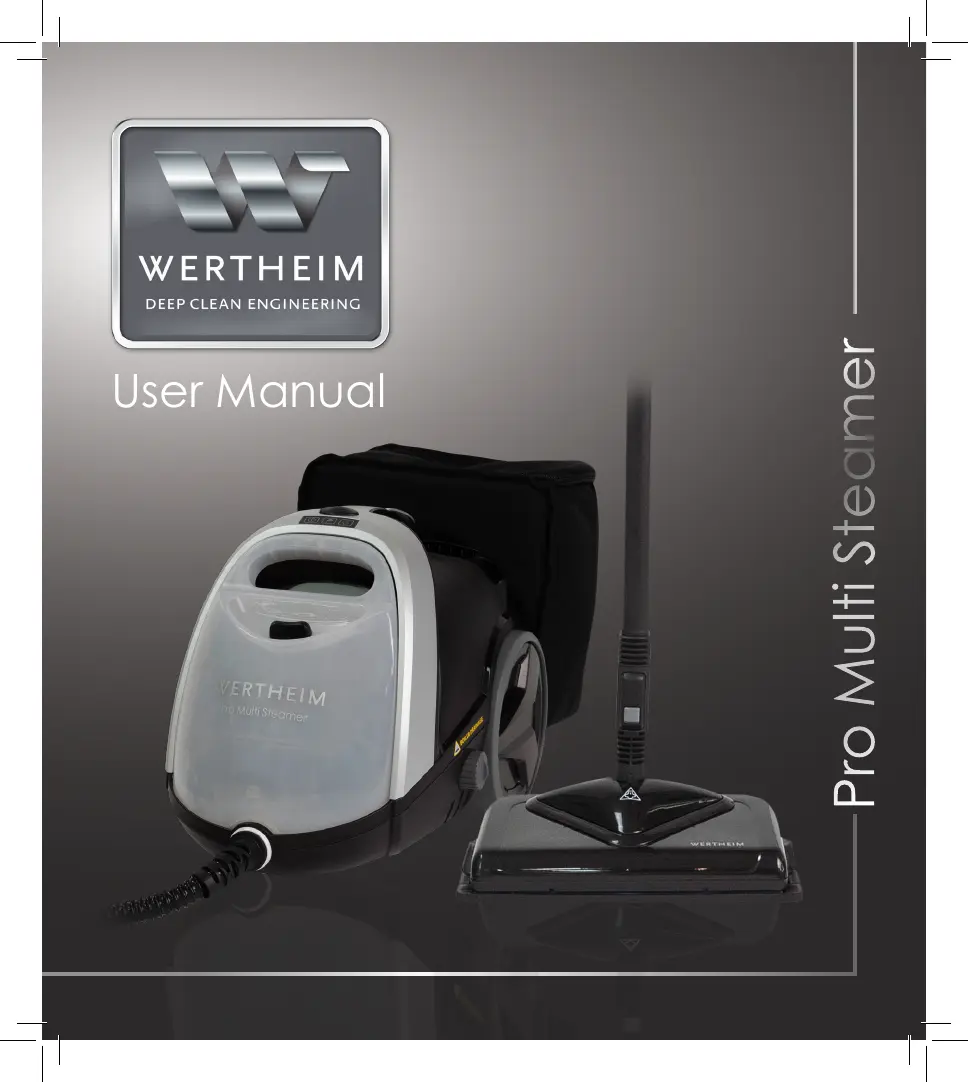
WERTHEIM Pro Multi Steamer - User Manual

WERTHEIM Pro Multi Steamer
32 pages
Print Icon
To Next Page IconTo Next Page
Loading...
User Manual
Pro Multi Steamer

Questions and Answers

  • A
    Anne OrtizAug 6, 2025
    Why is the On/Off indicator flashing blue on my WERTHEIM Pro Multi Steamer?
    • M
      Morgan OdonnellAug 6, 2025
      If the WERTHEIM Kitchen Appliances cleaner sits idle for 2 hours, the boiler heater will automatically switch off, and the On/Off indicator will flash blue. To resolve this, activate the steam release trigger to switch the boiler heater back on. The On/Off indicator will then stay on blue.
  • A
    angelavasquezAug 14, 2025
    How to fix a WERTHEIM Pro Multi Steamer Kitchen Appliances steamer that will not switch on?
    • K
      Kristy CampbellAug 14, 2025
      If your WERTHEIM Kitchen Appliances steamer won't switch on, first ensure it's properly plugged into a power supply. If it still doesn't turn on, try plugging it into a different power outlet to rule out a faulty power point.
  • J
    John GonzalezAug 21, 2025
    What to do if my WERTHEIM Kitchen Appliances steamer will not produce steam?
    • J
      James GilbertAug 21, 2025
      If your WERTHEIM Kitchen Appliances steamer is not producing steam, ensure that the water tank is filled with cold water. If the issue persists, try removing and reinstalling the water tank.
  • M
    Michelle DavidsonAug 28, 2025
    What to do if my WERTHEIM Pro Multi Steamer Kitchen Appliances cleaner leaves too much water on the floor?
    • S
      Stephanie CookAug 29, 2025
      If your WERTHEIM Kitchen Appliances cleaner leaves too much water on the floor, make sure that the mop pad isn't overly saturated. Try drying the pad before using it, or replace it with a new, dry pad.

Summary

INTRODUCTION

Product Specifications

Lists the technical specifications of the Wertheim Pro Multi Steamer.

SAFETY PRECAUTIONS & WARNINGS

BEFORE YOU BEGIN

Precautionary measures

Covers essential precautionary steps before operation.

Pre-Cleaning Surface Test

Tests surfaces before steam cleaning to avoid adverse consequences.

ASSEMBLY

Assembling Extension Tubes

Instructions for connecting the extension tubes to the handle.

Attaching Steam Mop Head

Instructions for connecting the steam mop head and mop pad.

Accessory Bag Attachment

Key Accessories Overview

Steam Mop Head

Ideal for cleaning hard floors and sanitising carpets.

Carpet Glider

Attachment for sterilising carpeted surfaces.

Extension Tubes

Allows accessories to be attached for long reach cleaning.

Specialised Accessories

Window Squeegee

Perfect for cleaning windows and glass surfaces.

Oven Steam Nozzle

Provides a concentrated jet of steam for cleaning ovens.

Accessory Bag

Allows convenient storage of accessories for quick access.

Accessory Connector

Enables connection of specialised brushes and jet nozzle.

Cleaning Brushes and Jet Nozzle

OPERATION

Filling the Water Tank

Step-by-step instructions for removing and filling the water tank.

Using the Variable Steam Dial

Status Light Indicator Guide

Steam Cleaning Hard Floors

Using the Scrubbing Head

Steam Cleaning Carpets

Attaching Accessories

Connecting Accessories to Handle

Instructions for connecting Window Squeegee and High Pressure Steam Nozzle to the handle.

Connecting Accessories via Connector

Connecting the Accessory Connector and then specialised brushes or nozzles.

Connecting Accessories to Extension Tubes

AFTER USE

Emptying the Water Tank

Steps to turn off, unplug, and empty the water tank.

Using a Descaler

Information on descaling frequency and benefits for steamer performance.

Boiler Drainage Procedure

Detailed steps for draining the boiler after descaling.

Troubleshooting Common Issues

Spare Parts List

Product Warranty Information

WERTHEIM Pro Multi Steamer Specifications

General IconGeneral
BrandWERTHEIM
ModelPro Multi Steamer
CategoryKitchen Appliances
LanguageEnglish