EasyManua.ls Logo

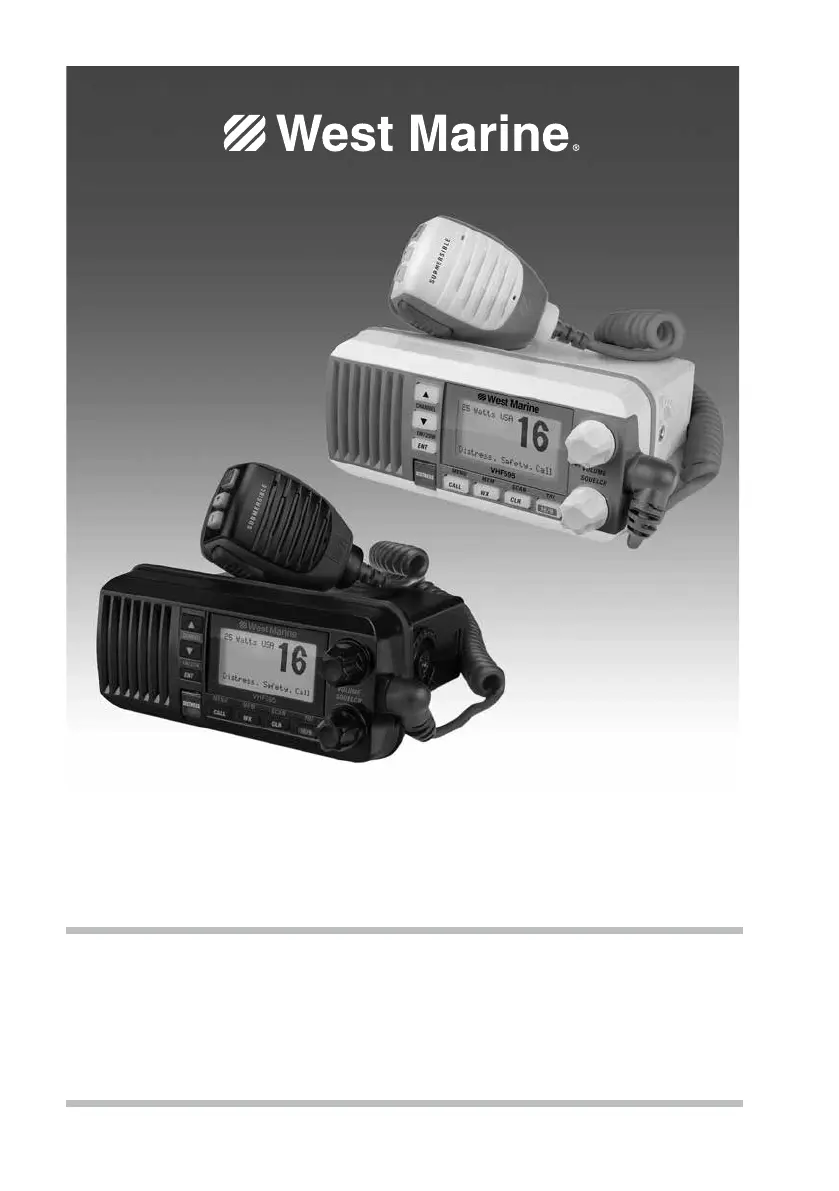
West Marine VHF595 - User Manual

West Marine VHF595
44 pages
Print Icon
To Next Page IconTo Next Page
Loading...
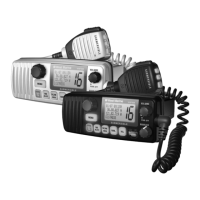
VHF595 CLASS ‘D’ MARINE RADIO
MODEL 18114520 (BLACK) / 18114512 (WHITE)
Owner’s Manual

Table of Contents

Questions and Answers

  • K
    Kelsey HoffmanAug 18, 2025
    Why is my West Marine Marine Radio display flashing?
    • G
      gchenAug 18, 2025
      The display of your West Marine Marine Radio might flash if the radio is in a watch mode or in scan mode. To resolve this, try turning off scanning, Weather Alert Watch, or Triple/Dual Watch.
  • S
    Stephen BoyerAug 20, 2025
    What to do if West Marine VHF595 Marine Radio won’t power on?
    • E
      Elijah MezaAug 20, 2025
      If your West Marine Marine Radio won’t power on, check the power connections, the fuse, and the master battery switch and branch circuit that connect to the radio.
  • R
    Rebekah BallardAug 23, 2025
    How to fix West Marine Marine Radio if I can't hear anything from the speaker?
    • E
      Ethan MilesAug 23, 2025
      If you can’t hear anything from the speaker of your West Marine Marine Radio, the squelch level is probably too high. Try adjusting the squelch level.
  • M
    Michael WarrenAug 26, 2025
    How to fix noise coming from West Marine VHF595 Marine Radio speaker?
    • A
      alexisrussellAug 26, 2025
      If you are experiencing constant noise from the speaker of your West Marine Marine Radio, the squelch level is probably too low. Try adjusting the squelch level.
  • J
    Juan BurkeAug 28, 2025
    What to do if West Marine Marine Radio won't transmit?
    • K
      Kenneth AbbottAug 28, 2025
      If your West Marine Marine Radio won’t transmit, make sure you are not in weather or scan mode. Also, ensure you are not trying to transmit on a receive-only channel, and that you are transmitting at the correct power level for the channel. Finally, make sure the duration of each transmission is less than 5 minutes.
  • M
    Michelle VelazquezAug 30, 2025
    Why am I not getting any GPS data on my West Marine VHF595 Marine Radio display?
    • J
      Jordan MurphyAug 30, 2025
      If you’re not getting any GPS data on your West Marine Marine Radio display, ensure your GPS receiver is correctly connected and working properly, and that it supports the NMEA parameters described.
  • B
    Brooke CaseySep 2, 2025
    How to adjust West Marine VHF595 Marine Radio display brightness at night?
    • H
      Heather JonesSep 2, 2025
      To adjust the brightness of your West Marine Marine Radio display at night, adjust the backlight brightness level. Alternatively, turn off the radio, hold the CALL-MENU button, and turn it back on.
  • C
    Christopher GarrettSep 4, 2025
    How to fix West Marine VHF595 if I can't read the display?
    • J
      John LeonardSep 5, 2025
      If you can’t read the display on your West Marine Marine Radio, adjust the contrast and backlight brightness level.
  • D
    Danielle DonaldsonSep 7, 2025
    What to do if I can transmit but no one can hear me on West Marine Marine Radio?
    • D
      Daniel JacobsSep 7, 2025
      If you can transmit using your West Marine Marine Radio, but no one can hear you, check your UIC channel settings.
  • W
    William LewisSep 9, 2025
    How to reset West Marine VHF595 Marine Radio display if I can't see any words?
    • L
      longandrewSep 9, 2025
      To reset your West Marine Marine Radio back to the default brightness level when you can’t see any words on the display, turn off the radio, hold the CALL-MENU button, and turn it back on.

West Marine VHF595 Specifications

General IconGeneral
BrandWest Marine
ModelVHF595
CategoryMarine Radio
LanguageEnglish

Related product manuals