APPENDICES
144
WD MY CLOUD EX2 PERSONAL CLOUD STORAGE
USER MANUAL
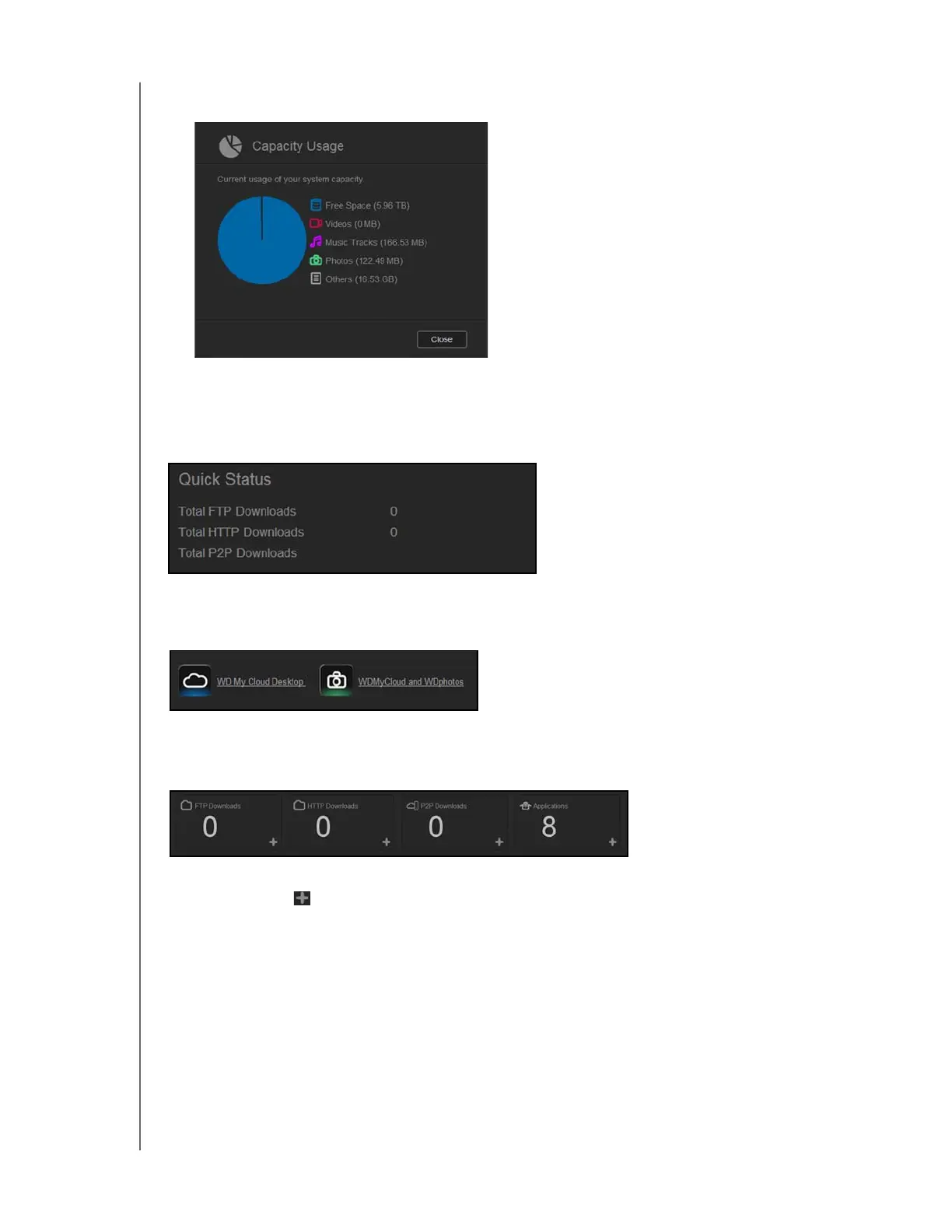
1. To see detailed information, click the arrow in the lower right to display the current usage
of the drive’s capacity:
2. To return to the Home page, click Close.
Quick Status
The Quick Status area displays the total number of FTP, HTTP, and P2P downloads
performed.
Cloud Access Links
The Cloud Access Links allow you to access the software necessary to gain access to the
WD My Cloude EX2 device from your desktop and mobile apps.
Downloads and Apps Information
The Downloads and Applications area displays information on the number of downloads
and apps available on your device.
To access the page associated with each download and applications page, click the
plus sign
.



 To Next Page