THE DASHBOARD AT A GLANCE
63
WD MY CLOUD EX2 PERSONAL CLOUD STORAGE
USER MANUAL
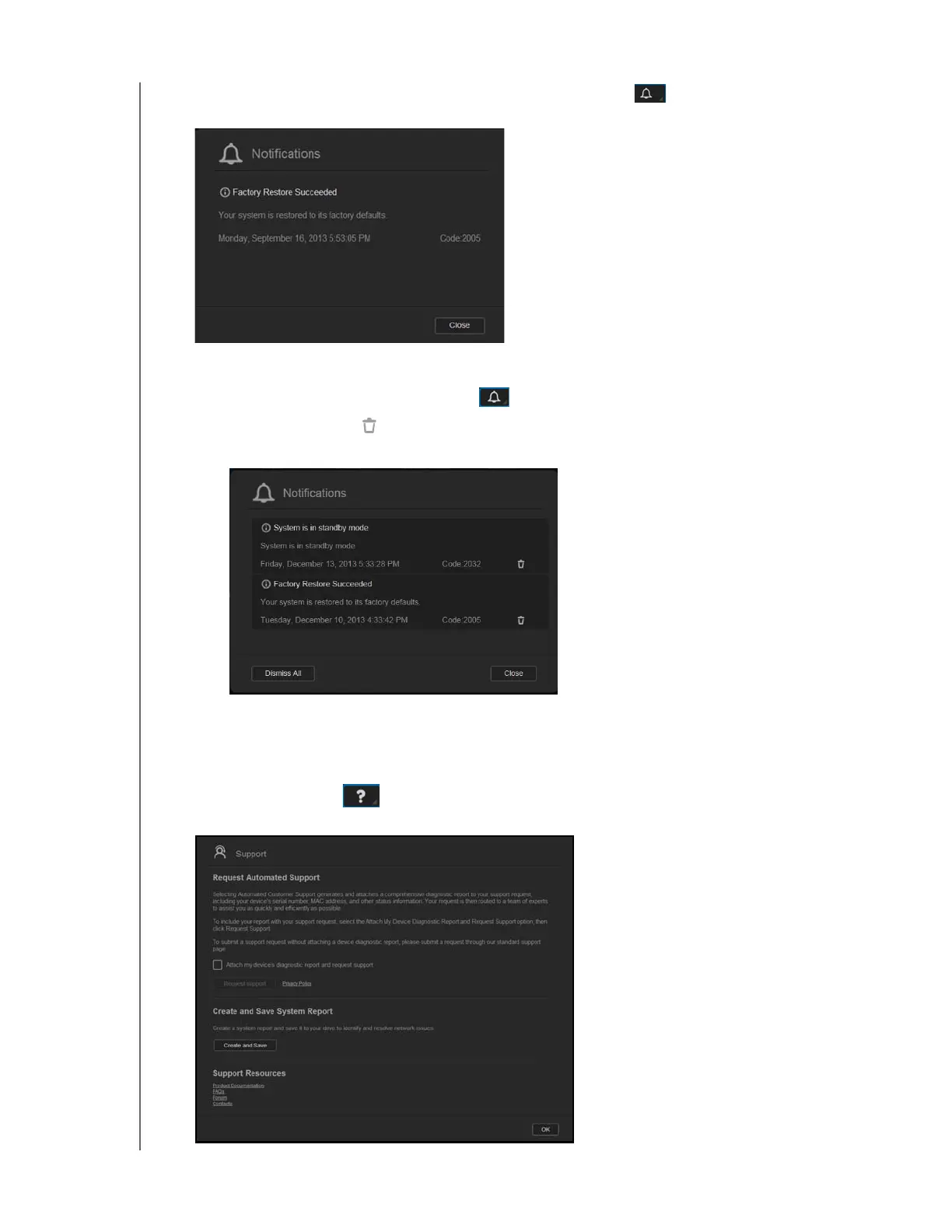
When an alert occurs, the alert message displays the Alert icon and window within the
dashboard. To close the alerts message, click Close.
Dismissing an Alert
1. On the dashboard, click the Alert icon in the upper right corner.
2. Select the delete icon next to the alert you’d like to dismiss.
To dismiss all alerts, click View All, and then Dismiss All.
Obtaining Customer Support
To open the Support page:
1. Click the Help icon on any page to display the Help menu.
2. Click Support to display the following page:



 To Next Page