APPENDICES
148
WD MY CLOUD EX2 PERSONAL CLOUD STORAGE
USER MANUAL
.
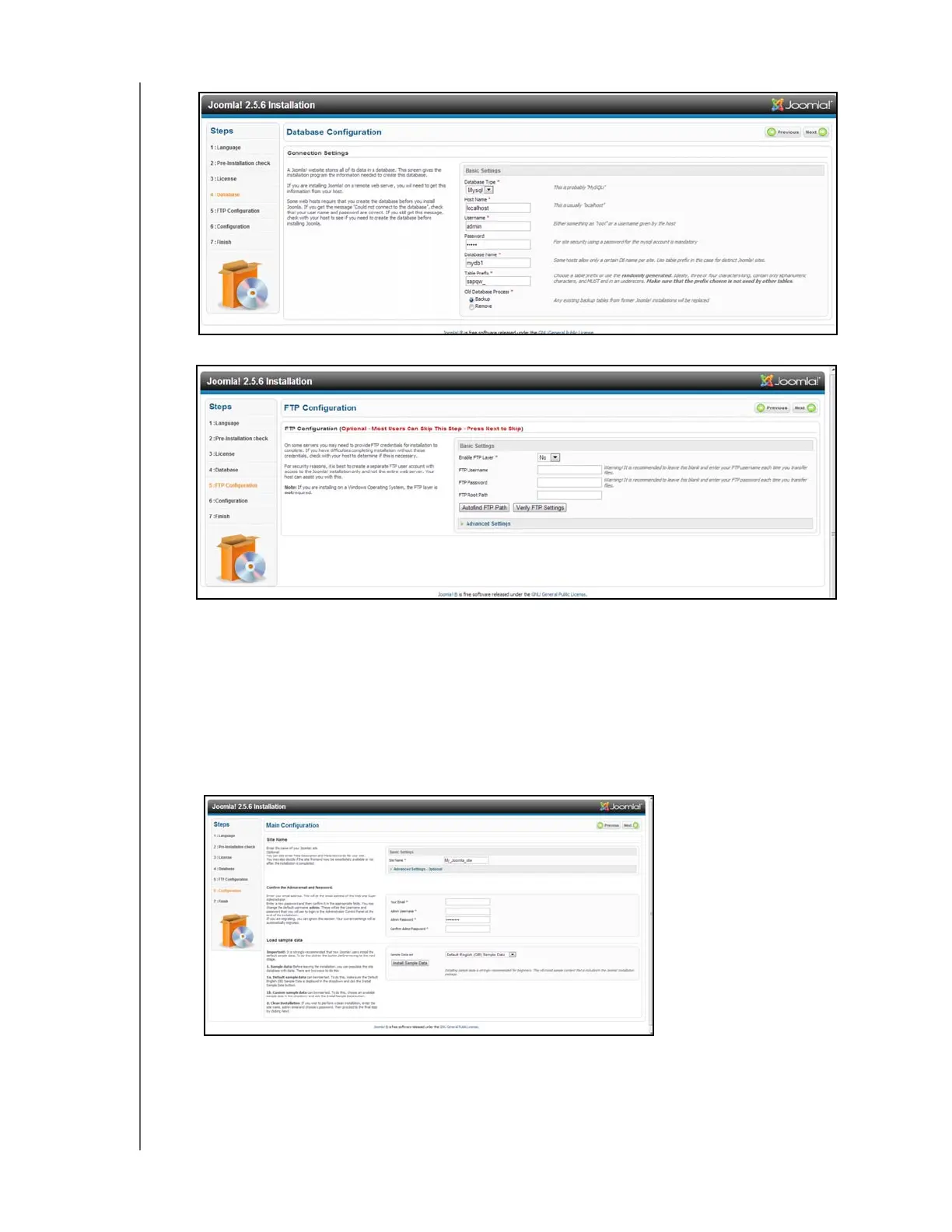
9. Keep the FTP Configuration screen default settings as they are and click Next.
10. Complete the Database Configuration screen with the following information:.
Site Name: Enter a name for your Joomla! site.
Your Email: Enter the email address of the individual that will act as the
administrator for the Joomla! site.
Admin Username: Enter the user name you’ll use to log into your Joomla! site.
Admin Password: Enter the password you’ll use to log into your Joomla! site.
Confirm Admin Password: Reenter the password you entered in the Admin
Password field.
11. Click Install Sample Data.
12. Click Next.



 To Next Page