ACCESSING YOUR CLOUD REMOTELY
28
WD MY CLOUD EX2 PERSONAL CLOUD STORAGE
USER MANUAL
Add and remove device content by dragging and dropping files and folders from
your computer.
Requirements
WD My Cloud EX2 personal cloud storage or with the most recent firmware,
connected to the Internet.
A PC or a Mac computer.
Installing WD My Cloud Desktop
Windows:
1. Open a web browser. For browser requirements, see “Web Browsers” on page 6.
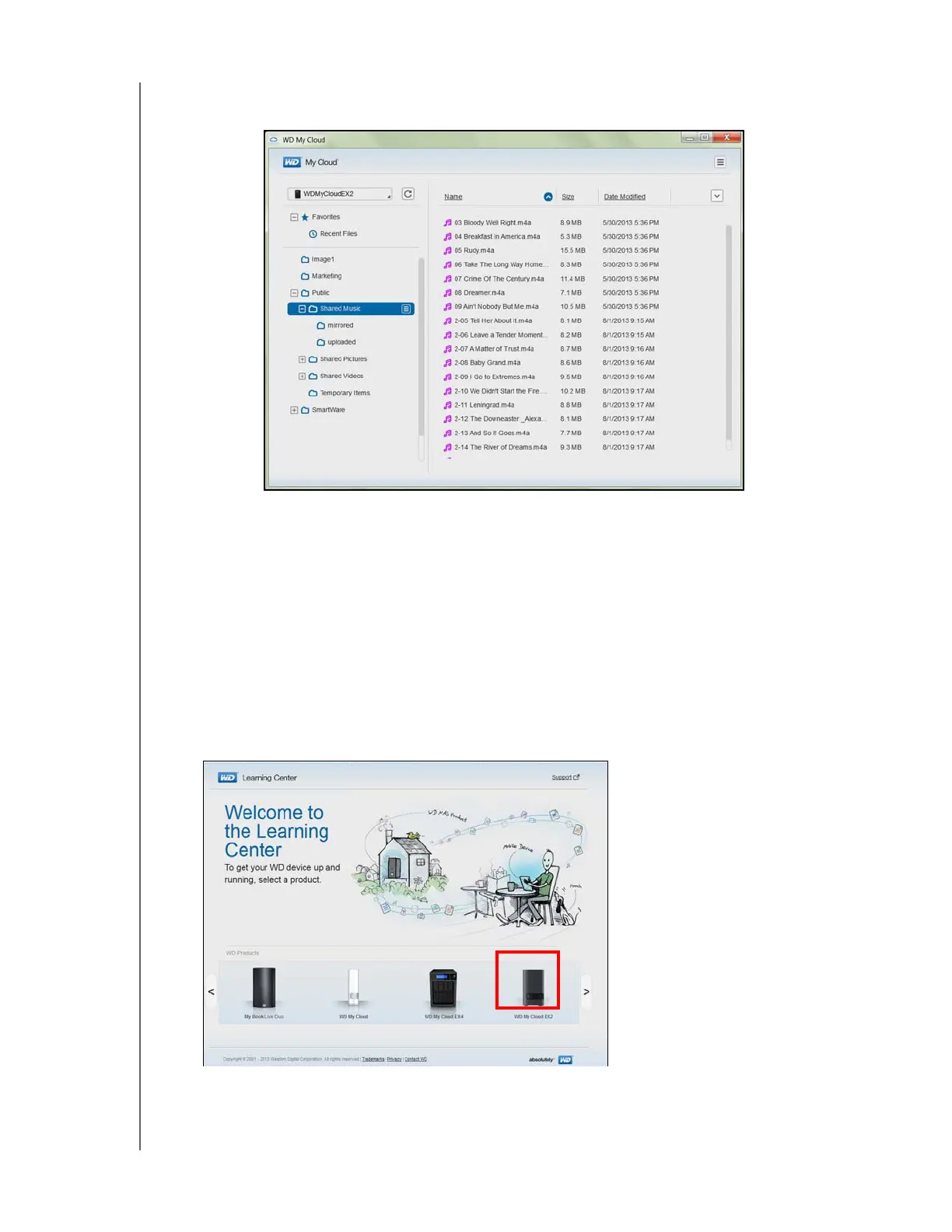
2. In the address field, type http://wd.com/setup/wdmycloudex2 to display the Welcome
to the Learning Center page:
3. Click WD My Cloud EX2 to display the download page:
.



 To Next Page