THE DASHBOARD AT A GLANCE
55
WD MY CLOUD EX2 PERSONAL CLOUD STORAGE
USER MANUAL
Viewing Device Status and Making Updates on the Home Page
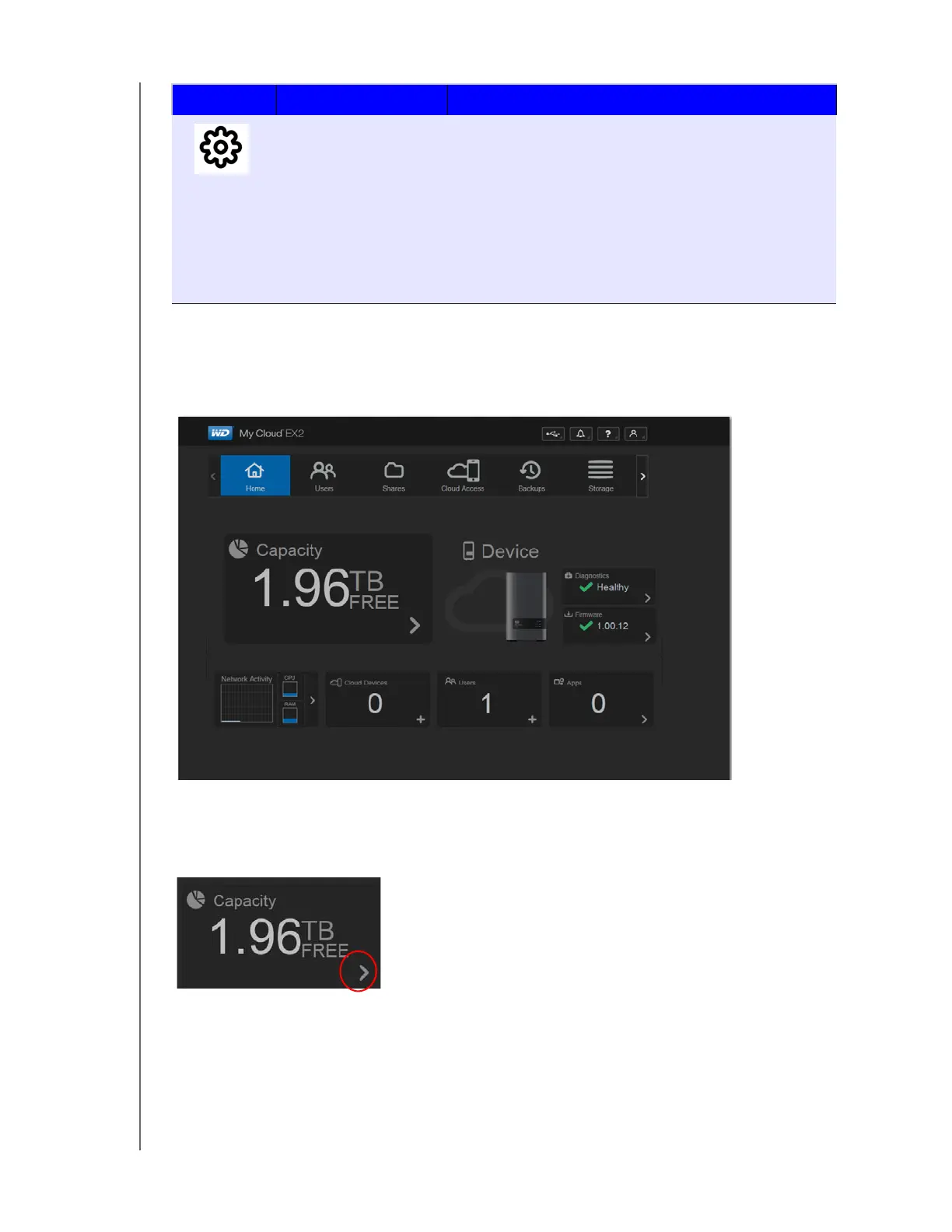
The main body of the Home page shows the status of the device and its functions and
provides shortcuts to the most necessary tasks.
Capacity
The Capacity panel displays the amount of free storage left on your WD My Cloud EX2
device.
Settings
Configure advanced settings for your WD My Cloud EX2
device, including:
• General device settings,
• Network configurations
• ISO mount options
• Media options,
• Device utility tasks
• Notification settings
• Firmware update setting
Icon Name Actions



 To Next Page