THE DASHBOARD AT A GLANCE
58
WD MY CLOUD EX2 PERSONAL CLOUD STORAGE
USER MANUAL
Network Activity
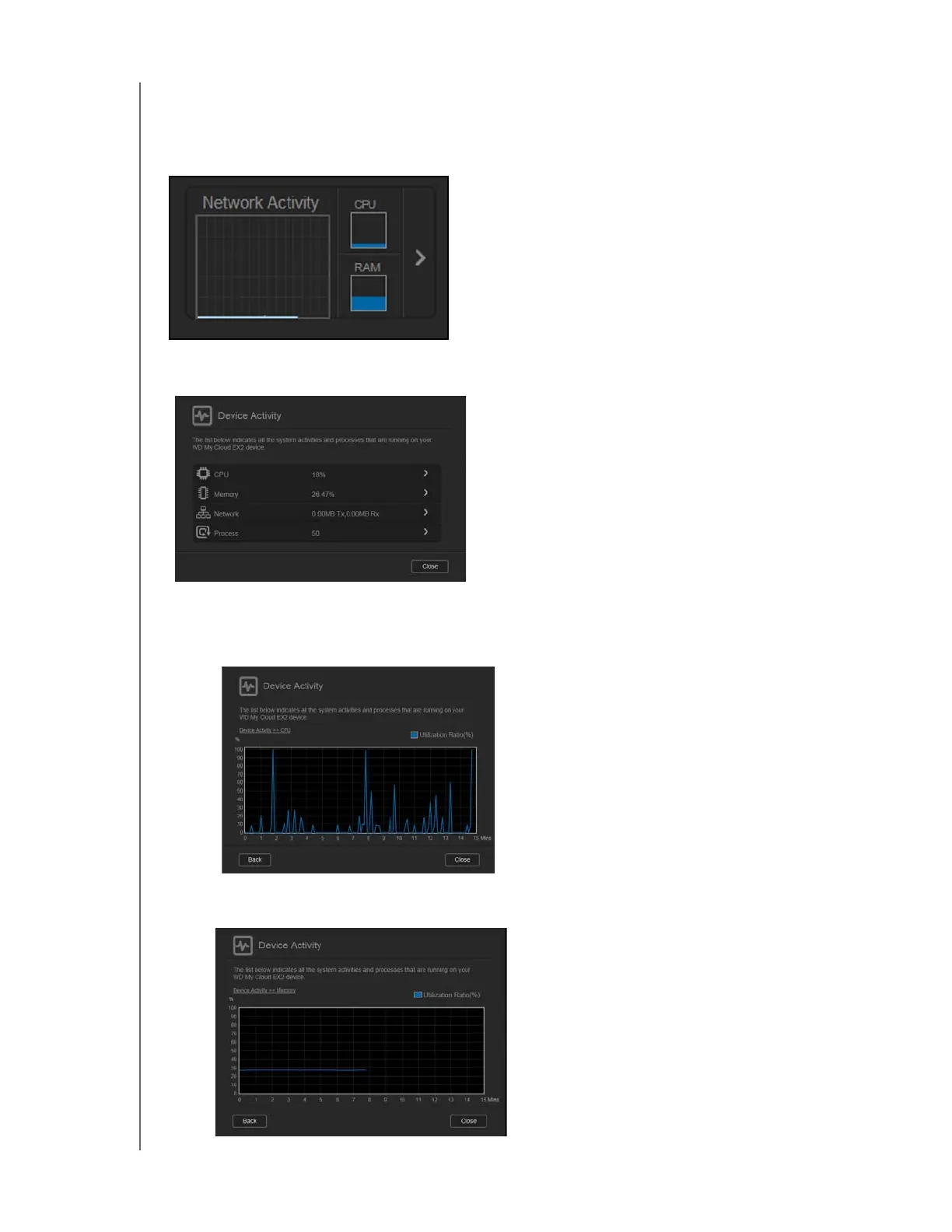
The Network Activity panel displays the system activities and processes that are running on
your WD My Cloud EX2 device. At a glance, you can see the network, CPU, and RAM
activity.
1. To view a list of all the system activities and processes that are running on your WD My
Cloud EX2 device, click the arrow on the right of the panel to display:
CPU: Click the right arrow to view the CPU activity. Click Back to return to the
Device Activity pane.
Click Close to return to the Home page.
Memory: Click the right arrow to view the Memory activity. Click Back to return to
the Device Activity pane. Click Close to return to the Home page.



 To Next Page