MANAGING STORAGE ON WD MY CLOUD EX2
94
WD MY CLOUD EX4 PERSONAL CLOUD STORAGE
USER MANUAL
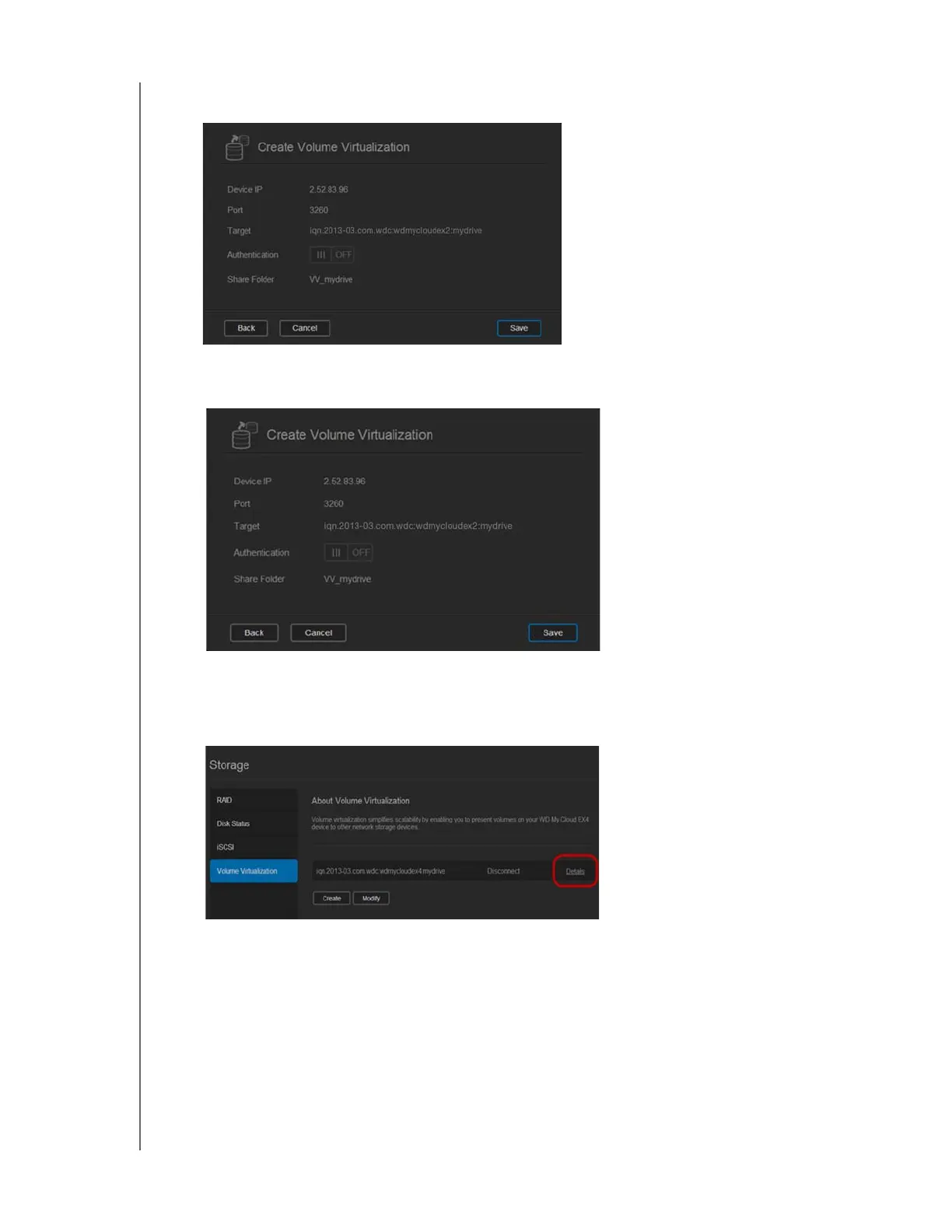
8. Review the Volume Virtualization summary to ensure that your settings are correct, and
then click Save.
A virtual volume is created.
Connecting a Virtualized Volume to a Target
Use the following steps to connect a virtualized volume to a target on your device.
1. On the Storage page, click Volume Virtualization, if not already selected.
2. Click Details next to the virtual volume you’d like to connect.



 To Next Page