EasyManua.ls Logo

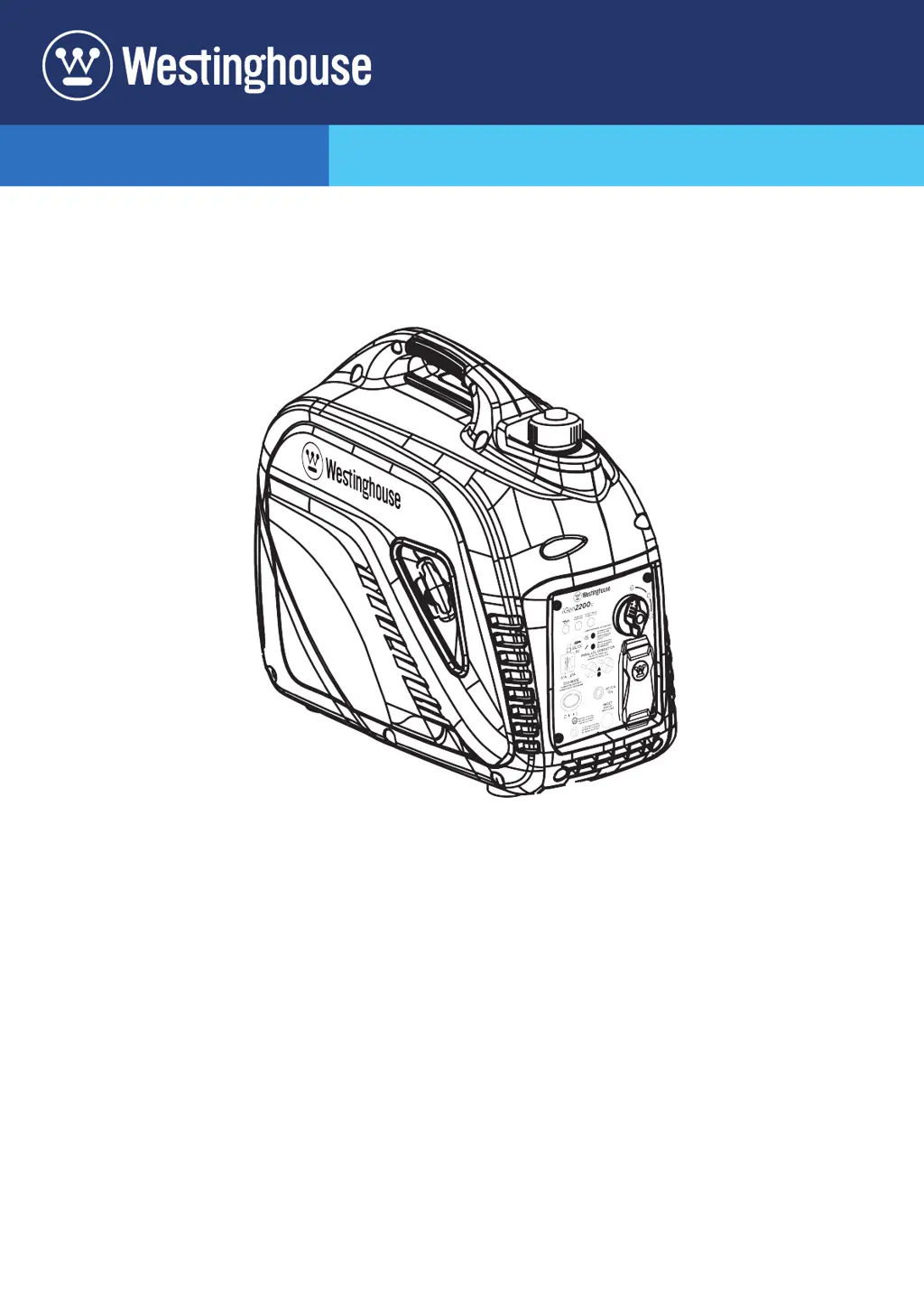
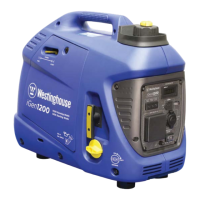
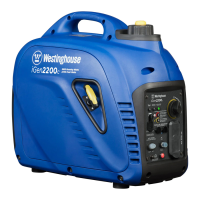
Westinghouse iGen2200c - User Manual

Westinghouse iGen2200c
29 pages
Print Icon
To Next Page IconTo Next Page
Loading...
USER MANUAL
DO NOT RETURN THIS PRODUCT TO THE STORE
If you have questions or need assistance, please call customer
service at 855-944-3571.
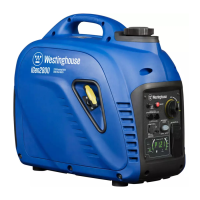
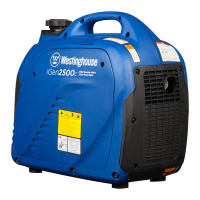
iGen2200c
Digital Inverter Generator
1800 Running Watts | 2200 Peak Watts

Questions and Answers

  • K
    Katherine BurnettAug 11, 2025
    Why does my Westinghouse iGen2200c Portable Generator start, then shuts down?
    • L
      Laurie PhillipsAug 11, 2025
      If your Westinghouse Portable Generator starts and then shuts down, it could be due to several reasons. First, ensure that the generator has enough fuel by refueling it. Also, verify that the engine oil level is correct. A dirty air filter can also cause the engine to shut down, so clean it. If the fuel is contaminated, drain the fuel tank and refuel with fresh gasoline.
  • E
    Erika CoxAug 17, 2025
    What to do if there is no power at AC receptacles of Westinghouse iGen2200c Portable Generator?
    • C
      Cody RoyAug 17, 2025
      If there is no power at the AC receptacles of your Westinghouse Portable Generator, check the AC load, and then stop and restart the engine if the OUTPUT READY LED is OFF and the OVERLOAD LED is ON. Also, check the AC loads and reset the circuit breaker(s) if they have tripped. Finally, if you are using a faulty power tool or appliance, replace or repair the tool or appliance, and then stop and restart the engine.
  • A
    Aaron PaulAug 23, 2025
    Why does my Westinghouse iGen2200c engine lacks power?
    • A
      Ann BlackAug 23, 2025
      If your Westinghouse Portable Generator engine lacks power, start by cleaning or replacing the air filter if it is restricted. Also, if the fuel is bad, drain the fuel tank and refuel with fresh gasoline.
  • A
    Andrea BruceAug 28, 2025
    What to do if Westinghouse iGen2200c Portable Generator engine runs rough or bogs when load applied?
    • S
      Sherry WardAug 28, 2025
      If your Westinghouse Portable Generator engine runs rough or bogs when a load is applied, first clean the air filter. If the generator is overloaded, unplug some devices. If you are using a faulty power tool or appliance, replace or repair the tool or appliance, and then stop and restart the engine.
  • D
    Debra LyonsNov 4, 2025
    How to troubleshoot a Westinghouse iGen2200c that will not start?
    • J
      jamesmeyerNov 4, 2025
      If your Westinghouse Portable Generator won't start, several factors could be at play. First, ensure that the generator has enough fuel by refueling it. If the fuel is old or contaminated, drain the fuel tank and refuel with fresh gasoline. A dirty air filter can also prevent the engine from starting, so clean it. Check the engine oil level, and if the low oil LED is illuminated, turn the battery switch off and add engine oil. If the spark plug is wet with fuel (flooded engine), wait five minutes, turn the battery switch off, and pull the recoil handle rapidly several times; if it still doesn't start, remove and dry the spark plug. Also, inspect the spark plug to verify that it is not faulty, fouled, or improperly gapped; gap or replace the spark plug and reinstall. Finally, make sure that...

Summary

Safety

Safety Definitions

Defines key safety terms like DANGER, WARNING, CAUTION, and NOTICE used in the manual.

Safety Symbols

Explains the meaning of various safety alert symbols and icons used on the generator and manual.

Safety Instructions

Provides essential guidelines for safe generator operation, including correct and incorrect usage scenarios.

General Safety Precautions

Outlines crucial precautions for operating the generator safely, covering electrical, fuel, and physical hazards.

Fuel Safety

Details safety measures related to handling, storing, and using gasoline and its vapors.

Safety Labels and Decals

Identifies and explains the various safety labels affixed to the generator unit.

CO Sensor

Explains the function and operation of the carbon monoxide sensor and its auto-shutoff feature.

Control Panel CO Auto-Shutoff

Describes the CO sensor indicator lights (RED/YELLOW) and their meaning.

Components

Generator Components

Identifies and describes the main external parts of the generator unit.

Control Panel Components

Details the various controls, indicators, and ports located on the generator's control panel.

Assembly

Carton Contents

Lists the items included in the generator's packaging and contact information for missing parts.

Initial Oil Fill

Instructions for adding engine oil before the first use to prevent engine damage.

Fuel

Details on fuel requirements, using fuel stabilizer, and safe refueling procedures.

Operation

Generator Location

Guidelines for selecting a safe and proper operating environment to prevent hazards.

Grounding

Explains the importance and procedure for grounding the generator for electrical safety.

High Altitude Operation

Adjustments and considerations for operating the generator at higher altitudes.

Break-in Period

Instructions for the initial break-in process to ensure engine longevity and performance.

Starting the Engine

Step-by-step procedure for starting the generator engine safely.

Stopping the Engine

Instructions on how to properly shut down the generator.

Eco Mode

Explains how to use the Eco Mode for fuel efficiency and noise reduction.

Overload Reset

Procedures for resetting the generator after an overload or short circuit condition.

AC Circuit Breaker

Information on the AC circuit breaker and how to reset it after tripping.

Generator Capacity

Guidance on understanding and managing the generator's wattage and amperage limits.

Extension Cords

Safety and selection guidelines for using extension cords with the generator.

Power Management

How to safely connect and manage electrical loads sequentially to the generator.

Parallel Operation

Instructions for connecting two compatible generators for combined power output.

Transporting

Guidelines for safely moving and transporting the generator, including cooling and fuel considerations.

Maintenance

Maintenance Schedule

Recommended service intervals for optimal generator performance and longevity.

Air Filter Maintenance

Procedures for cleaning and replacing the air filter for engine health.

Engine Service Cover

Instructions on how to remove and replace the engine service cover for access.

Engine Oil Level Check

Steps to check and maintain the correct engine oil level.

Engine Oil Change

Procedure for changing the engine oil, including frequency and warm engine recommendations.

Spark Plug Maintenance

Guide for inspecting, cleaning, and replacing the spark plug.

Spark Arrestor Service

How to check and clean the spark arrestor to maintain engine performance.

Storage

Preparation steps for storing the generator for short or long periods to prevent fuel issues.

Valve Clearance

Instructions for checking and adjusting engine valve clearance when the engine is cold.

Troubleshooting

Troubleshooting

Lists common problems encountered during operation and their corresponding solutions.

Exploded View

Exploded View A

Detailed diagram and parts list for major generator assemblies and components.

Exploded View B

Detailed diagram and parts list for additional generator components and assemblies.

Schematics

Schematic

Electrical wiring diagram illustrating the generator's systems and connections.

Westinghouse iGen2200c Specifications

General IconGeneral
Starting Wattage2200 Watts
Running Wattage1800 Watts
Fuel TypeGasoline
Engine Type4-Stroke OHV
Engine Displacement79 cc
Noise Level52 dBA
Weight46 lbs
Run Time at 25% Load12 hours
Starting SystemRecoil Start
Fuel Tank Capacity1.2 gallons
AC Output120V
Outlets1x 12V DC outlet
DC Output12V

Related product manuals