EasyManua.ls Logo

Westinghouse iGen1200 - User Manual

Westinghouse iGen1200
56 pages
Print Icon
To Next Page IconTo Next Page
Loading...
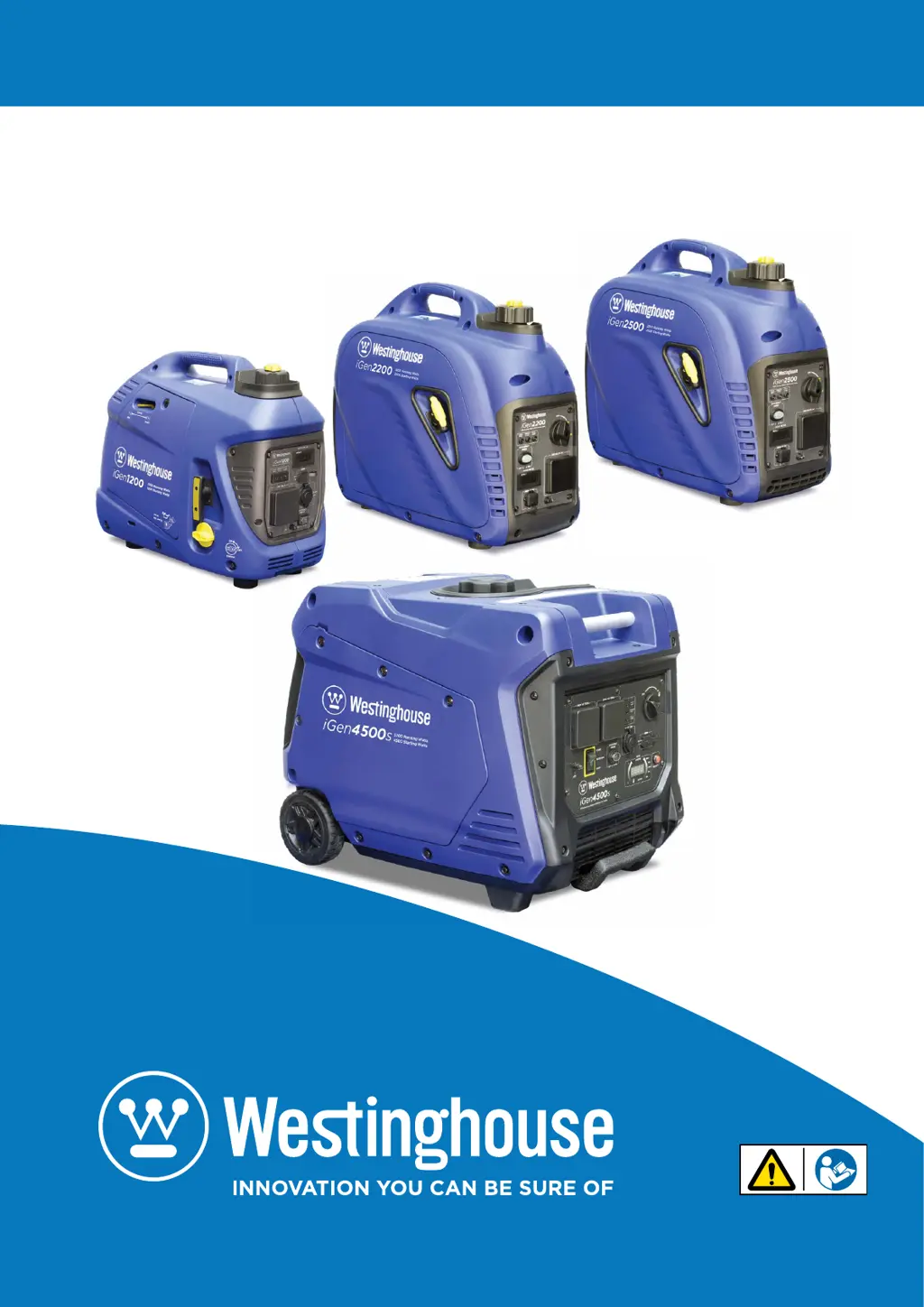
Digital Inverter Generators
Instruction Manual
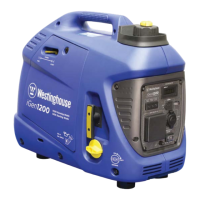
iGen1200
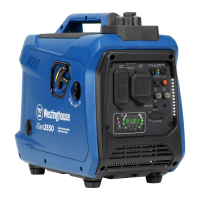
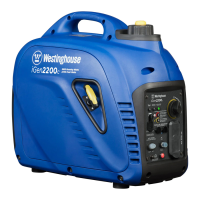
iGen2200
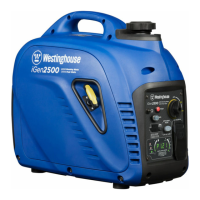
iGen2500
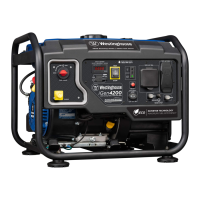
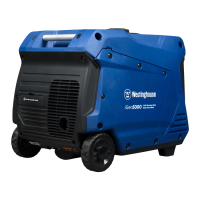
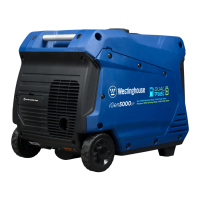
iGen4500s

Table of Contents

Other manuals for Westinghouse iGen1200

Questions and Answers

  • R
    rwarnerAug 19, 2025
    How to fix a Westinghouse Portable Generator that won't start?
    • J
      Jeremy MaldonadoAug 19, 2025
      If your Westinghouse Portable Generator won't start or stay running, several issues could be the cause. Start by adding gasoline to the inverter. Check and clean the air filter. Make sure to check the oil level and add oil if necessary. Ensure the spark plug boot is fully engaged with the spark plug tip. Remove and check the spark plug, replacing it if faulty. Check and clean the spark arrestor. Also, drain any stale fuel and replace it with fresh fuel. Finally, inspect and clean fuel delivery passages.
  • A
    alyssalopezAug 22, 2025
    What to do if my Westinghouse iGen1200 engine stops?
    • C
      Cynthia JonesAug 22, 2025
      If your Westinghouse Portable Generator engine stops during operation, start by checking the fuel level and adding fuel if necessary. Ensure the fuel isn't contaminated; if it is, drain and refill with fresh fuel. Verify the fuel cap vent and fuel control switch are in the ON position. Also, check the oil level and add oil if needed. Make sure the spark plug boot is firmly connected to the spark plug. If there's an overload, disconnect all electrical cords and devices, restart the generator with the ECO throttle switch OFF, and reconnect loads individually. Check the power demands of each load against the generator's AC output rating. If the issue persists after checking these, consult an authorized Westinghouse service dealer.
  • C
    Caitlin PughAug 25, 2025
    Why does my Westinghouse iGen1200 Portable Generator have no 240-Volt AC output?
    • M
      Michael KimAug 26, 2025
      If your Westinghouse Portable Generator's engine is running but there's no 240-Volt AC output, first check if the output indicator light is green. If so, inspect the connected electrical cords and appliances. Ensure the cord or appliance plug is fully inserted into the 240-Volt AC outlet. Try connecting a known working appliance to verify the electrical output. If the output indicator light isn't lit, and the overload alarm is red, disconnect all devices, press the reset button (iGen4500s only), and restart the engine with the ECO throttle switch OFF. Reconnect loads individually to identify any faulty or overloading devices. If the overload alarm is not illuminated, the generator may be faulty. If problems persist, take the generator to an authorized Westinghouse service dealer.
  • P
    Peter StricklandAug 28, 2025
    How to fix a Westinghouse iGen1200 Portable Generator that runs erratically?
    • N
      Nathaniel HoffmanAug 28, 2025
      If your Westinghouse Portable Generator runs erratically, it could be due to varying power demands from connected devices, which is normal, especially with the ECO throttle on. If both the output indicator and overload alarm are lit, switch off or unplug devices to reduce the load. Ensure the engine is warm enough by letting it run for at least 2 minutes after moving the choke to the RUN position, and make sure the choke isn't in the START position when the engine is warm. Also, check for stale or contaminated fuel and clean the air filter if it's dirty. If the problem continues, seek assistance from an authorized Westinghouse service dealer.
  • K
    Kelly GarciaAug 31, 2025
    What to do if the electric starter on my Westinghouse iGen1200 iGen4500s won't crank?
    • A
      Alexandra StewartAug 31, 2025
      If the electric starter on your Westinghouse iGen4500s Portable Generator isn't cranking the engine properly, first disconnect any electrical devices. If the battery is flat, try starting the engine manually or recharge the battery using an external charger. If the battery is faulty, replace it. Also, ensure the remote control fob is within range and has a clear line of sight to the generator; replace the remote's battery and pair it with the generator if needed. If these steps don't resolve the issue, the generator may be faulty, and you should take it to an authorized Westinghouse service dealer.
  • B
    Bobby SanchezSep 3, 2025
    Why is there no DC output from my Westinghouse iGen1200?
    • L
      lindseybarnesSep 3, 2025
      If your Westinghouse Portable Generator is running but has no 5 or 12-Volt DC output, first check that the electrical cord or appliance plug is fully inserted into the DC outlet. If it is, test the appliance with a known working one to verify the electrical output. Also, check for any overload or short circuit in the connected DC load. Disconnect all devices, restart the engine with the ECO throttle switch OFF, and ensure the DC devices do not overload the generator's rated DC output. If problems persist, the generator may be faulty, and you should consult an authorized Westinghouse service dealer.
  • S
    Sarah AguirreSep 6, 2025
    What to do if my Westinghouse iGen1200 has no electrical output?
    • R
      rhamiltonSep 6, 2025
      If your Westinghouse Portable Generator is running but providing no electrical output, first, try resetting the reset breaker. Also, ensure the power cord plug is fully connected to the inverter's outlet. If that doesn't work, the power cord or the electrical appliance you're using might be faulty. Try replacing the power cord or connecting a known working appliance to check if the inverter is producing power.
  • B
    Brenda RamirezSep 9, 2025
    Why does my Westinghouse Portable Generator suddenly stop?
    • Y
      yperrySep 9, 2025
      If your Westinghouse Portable Generator suddenly stops running, there could be several reasons. First, check the fuel level and add fuel if necessary. Another possible cause is the low oil shut down switch, so check the oil level and add oil if needed. Finally, too much load can cause the generator to stop; in this case, restart the inverter and reduce the load.
  • M
    Matthew JohnsonSep 12, 2025
    Why does my Westinghouse Portable Generator engine run erratic?
    • J
      Jonathan SpencerSep 12, 2025
      If the engine of your Westinghouse Portable Generator runs erratically and doesn't hold a steady RPM, first, make sure the choke is in the RUN position, not the CHOKE position. Next, clean the air filter. Also, changes in engine speed may occur as applied loads cycle; this is a normal condition.
  • H
    Heather WilsonNov 15, 2025
    Why won't my Westinghouse Portable Generator start?
    • T
      Tracey AcostaNov 15, 2025
      If your Westinghouse Portable Generator's engine won't start or runs rough, several factors could be at play. First, ensure the oil level is adequate and add oil if needed. Next, check the fuel level and replenish if necessary. Stale or contaminated fuel can also cause issues, so drain and refill with fresh fuel. Disconnect any electrical loads from the 240-Volt AC receptacles. Make sure the fuel cap vent and fuel control switch are in the ON position. For iGen4500s models, the engine control switch should be in the AUTO RUN position. If the engine is cold, use the choke; if hot, adjust the choke position. Check that the spark plug boot is firmly connected, and the spark plug itself is clean. Lastly, inspect the air filter and spark arrester for blockages. If none of these steps work, cons...

Summary

Safety

Safety Definitions

Defines key safety terms like DANGER, WARNING, CAUTION, and NOTICE used in the manual.

Safety Symbol Definitions

Explains the meaning and significance of various safety alert symbols found on the generator.

General Safety Rules

Provides essential safety rules for operating the generator safely and preventing hazards.

Safety Labels

Identifies and explains the location and meaning of safety labels on the generator.

Unpacking

Unpacking the Generator

Step-by-step guide to safely unpack the generator and its components from the packaging.

Included Accessories

Lists and identifies all accessories that are included with the generator unit.

Features

iGen1200 Main Generator Components

Identifies and labels the main external parts of the iGen1200 generator model.

iGen1200 Control Panel Features

Explains the functions of each control and indicator on the iGen1200 control panel.

iGen2200 & 2500 Main Generator Components

Identifies and labels the main external parts of the iGen2200 and iGen2500 generators.

iGen2200 & 2500 Control Panel Features

Explains controls and indicators on the iGen2200 and iGen2500 control panels.

iGen4500 s Main Generator Components

Identifies and labels the main external parts of the iGen4500s generator model.

iGen4500 s Control Panel Features

Explains controls and indicators on the iGen4500s control panel.

Operation

Connecting the Battery (iGen4500 s)

Step-by-step guide to connecting the battery for the iGen4500s model.

Before Starting the Generator

Crucial pre-operation checks including location selection and safety guidelines.

Checking and Adding Engine Oil and Fuel

Procedures for checking and adding engine oil and fuel levels before operation.

Starting the Generator

Instructions for starting the generator, including model-specific steps.

ECO Throttle Control

Explains how the ECO Throttle feature minimizes fuel consumption by adjusting engine speed.

Overload Reset

Procedure to reset the generator's electrical output after an overload or short circuit.

Stopping the Generator

Instructions for safely stopping the generator during normal or emergency use.

Ambient Conditions

Specifies the recommended operating temperature and altitude ranges for the generator.

Connecting Electrical Loads

Guides on connecting 240V AC, 12V DC, and 5V DC devices to the generator.

Power Output and Demand

Explains generator power limits, running vs. starting demands, and overload prevention.

240-Volt AC Extension Cords

Guidelines for selecting and using appropriate 240V AC extension cords.

12 Volt Battery Charging

Methods for charging an external 12V battery using the generator.

Transporting the Generator

Instructions and precautions for safely transporting the generator.

Maintenance

Maintenance Precautions & Schedule

Safety rules and routine schedule for generator upkeep.

Engine Oil Maintenance

Covers oil specifications, checking, adding, and changing engine oil.

Air Filter & Fuel Strainer Maintenance

Instructions for cleaning air filters and fuel strainers.

Spark Plug & Spark Arrester Maintenance

Procedures for checking, cleaning, and replacing spark plugs and arresters.

Generator Cleaning & Battery Maintenance

Cleaning the generator and maintaining the 12V battery.

Fuel Draining & Storage Procedures

Steps for draining fuel, remote fob care, and preparing for storage.

Dismantling & Disposal

Guidelines for safely dismantling and disposing of the generator.

Troubleshooting

Specifications

Wiring Diagrams

iGen1200 Wiring Diagram

Electrical schematic showing the internal wiring of the iGen1200 model.

iGen2200 & 2500 Wiring Diagram

Electrical schematic showing the internal wiring of iGen2200/2500 models.

iGen4500 s Wiring Diagram

Electrical schematic showing the internal wiring of the iGen4500s model.

Warranty Against Defects

Proof of Purchase

Recommendation to keep original tax invoice for warranty claims.

Warrantor Information

Details of the warrantor, including name, address, phone, email, and web.

Warranty Conditions

Terms and conditions of the warranty, coverage, and exclusions.

Westinghouse iGen1200 Specifications

General IconGeneral
BrandWestinghouse
ModeliGen1200
CategoryPortable Generator
LanguageEnglish

Related product manuals