41
Machine control board, Software
704 67 020 00 _ 111
OPERATING INSTRUCTIONSGF Robimat XL / XM
With this function all prices entered can be copied. Here you have the following options:
• Copy [PRICE CASH] to [PRICE LIST 1]
• Copy [PRICE CASH] to [PRICE LIST 2]
• Copy [PRICE CASH] to [HAPPY HOUR]
• Copy [PRICE LIST 1] to [PRICE LIST 2]
• Copy [PRICE LIST 2] to [PRICE LIST 1]
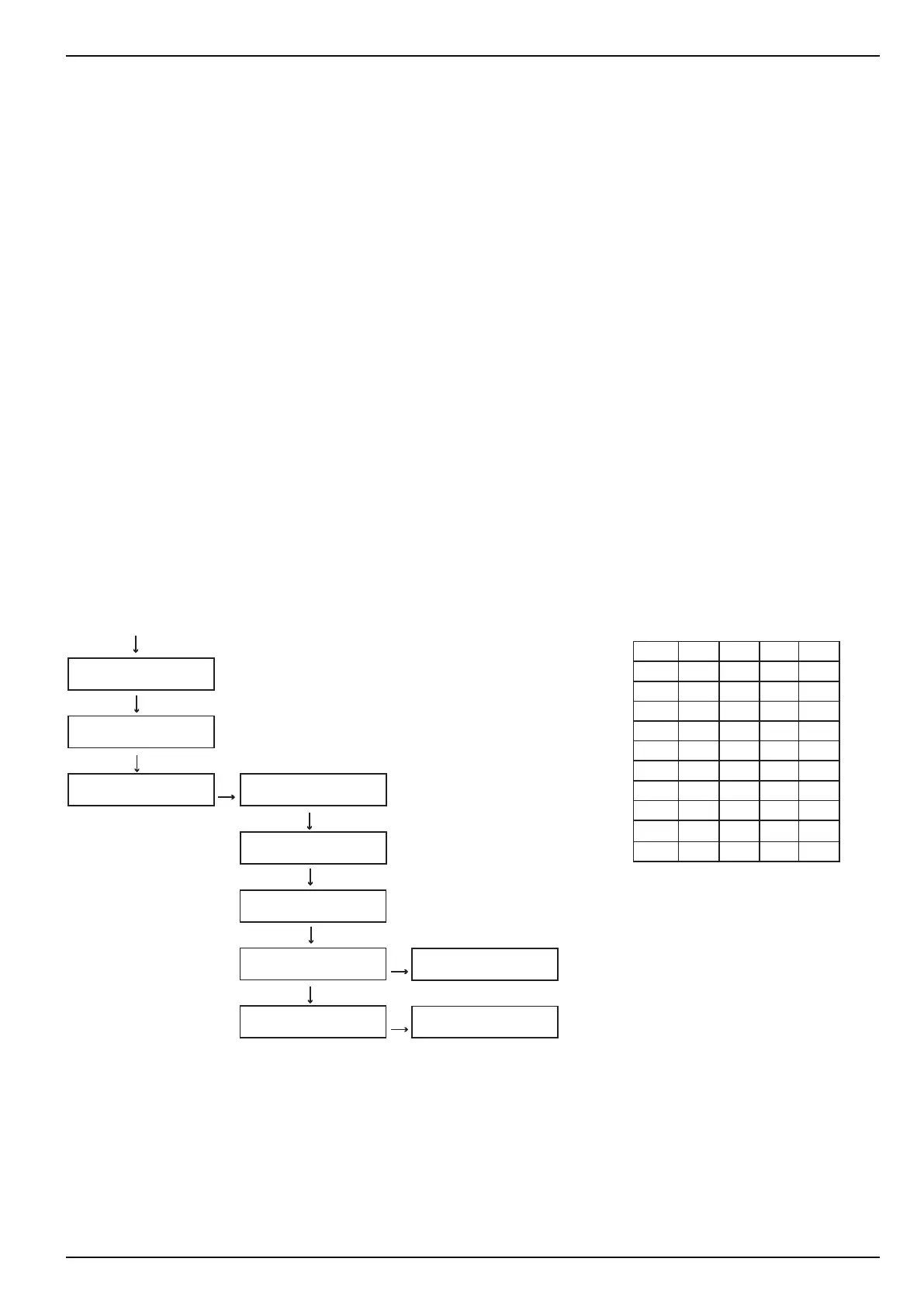
Any selection button can be assigned to a product name, which is shown in the display during the vend process. The
numeric keypad is used to enter the product name.
• Press the appropriate digit key and scroll using the [ M ] button to the next character required.
• Repeat this process until your desired text appears in the display.
• Conrm the whole text by pressing [ E ].
• The [ L ] button deletes the character in front of the current cursor position.
• The [ C ] button deletes the entire row of characters.
Digit 1xM 2xM 3xM 4xM
1 A B C D
2 E F G H
3 1 J K L
4 M N O P
5 Q R S T
6 U V W X
7 Y Z £ $
8 + ( ) .
9 Ä Ö Ü
0 / _ * -
M
E
L
E
1+M
3+4xM
L
5+3xM
E
CHECK
←L SEL. M→ :E
PROGRAMMING MODE
←L SEL. M→ :E
PROGRAMMING MODE
PRICE CASH
PRODUCT NAMES
SEL. 10 Ident.
A
SEL. 10 Ident.
AL
SEL. 10 Ident.
A
SEL. 10 Ident.
ALS
SEL. 10 Ident. SEL. 11 Ident.



 To Next Page