44
Machine control board, Software
704 67 020 00 _ 111
GF Robimat XL / XM
OPERATING INSTRUCTIONS
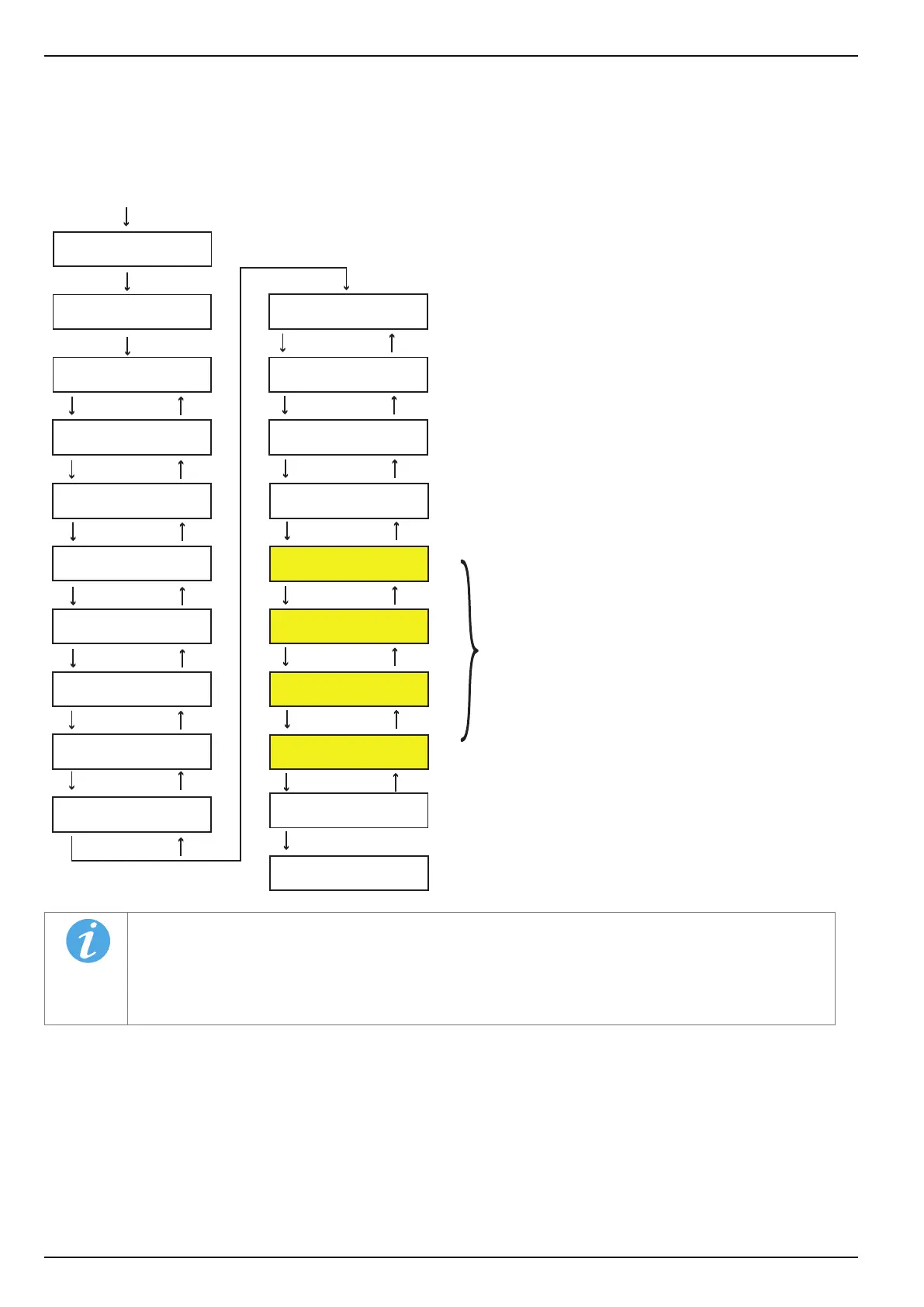
The menu [SHOW STATISTICS] displays sales statistics. Specic product stock information can be accessed via the
sales statistics.
If a [SECURITY CODE] has been entered, the statistics may be deleted by the operator via [CODE A].
NOTE
Fields highlighted show the individual types of sale per selection button. All none zero values are
displayed. The display in the vending machine may therefore be dierent to the diagram above.
The statistics are not actually deleted until the next vend. In the meantime the statistical values can be
re-accessed.
depending on sales made
E
L
E
L
E
L
E
L
E
L
E
L
E
L
E
L
E
L
E
L
E
L
E
L
E
L
E
L
1 + E
E
E
L
CHECK
←L SEL. M→ :E
M
4
VENDS PER
SEL 12 1
EMPTY SEL. PER
SEL 14 5
VENDS PER CARD *
SEL 52 1
FREE VENDS
SEL 8 5
COINS OUT
HOP.1*
3: £ 0.50
CARD VENDS *
32: £ 37.20
E
OVERPAY (C-OV)
£ 0.00
BILLS ACC. *
7: £ 10.00
SHOW STATISTICS
←L SEL. M→ :E
MACHINE NUMBER
0
CASH
£ 13.50
CASH COLD
£ 0.00
VENDS
4
CASHBOX CONT.
£ 110.00
TEST VENDS
9
STAT. DELETED!
TUBES CONT.
£ 50.00
TUBE FILLING
£ 20.00
yes=1, no=0
DEL. STATISTICS
In the [SHOW FULL STAT] menu sales since the machine was rst commissioned are displayed.
The total statistics cannot be cleared.



 To Next Page