Operating Instruction
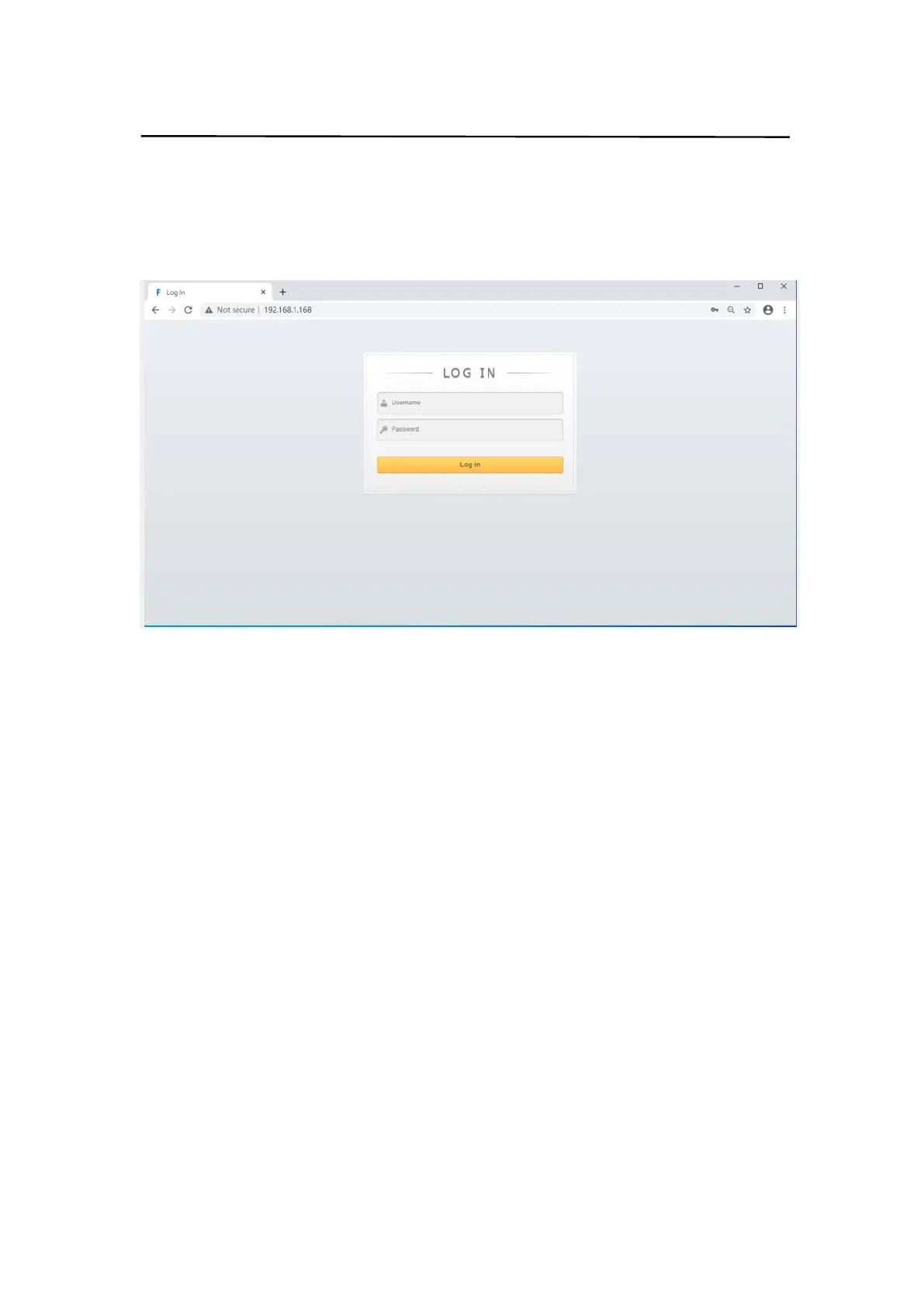
10.2 Log in by browser
Default IP address for log-in:192.168.1.168
Type in user name and password(default user name:admin;default password:123456)
Note:suggest to use newer version of Google,firefox,IE11 browser for better compatibility.
10.3 Video interface:
1. output :01 >> 02,01 means input,02 means output,all means all output
Operation steps:
Click 01 >> 01 or All,then click input 01~04。eg:switching input1 to output 4;Click“04 >> 04”
firstly,then click“01”.
2. input:01~04 means HDMI input 1~4.
3. OFF :close output channel,click”OFF” to close output channel; Click”ON”to close this
function. The default is “OFF”
4. Store:preset1~preset8. Recall:call the preset; Save:save the preset
Operation steps:
1)Call preset:preset1 + Recall,call preset1
2)Save preset:preset2 + Recall,save preset2
Modify Port Name:
1. Click to choose the input or output port,rename in input box,then click Save&Exit.
2. Click to choose preset, rename in input box,then click Save&Exit.
Note:Rename limit:1~15 letters/numbers/underline.


 To Next Page