Operating Instruction
8.2 Video control:
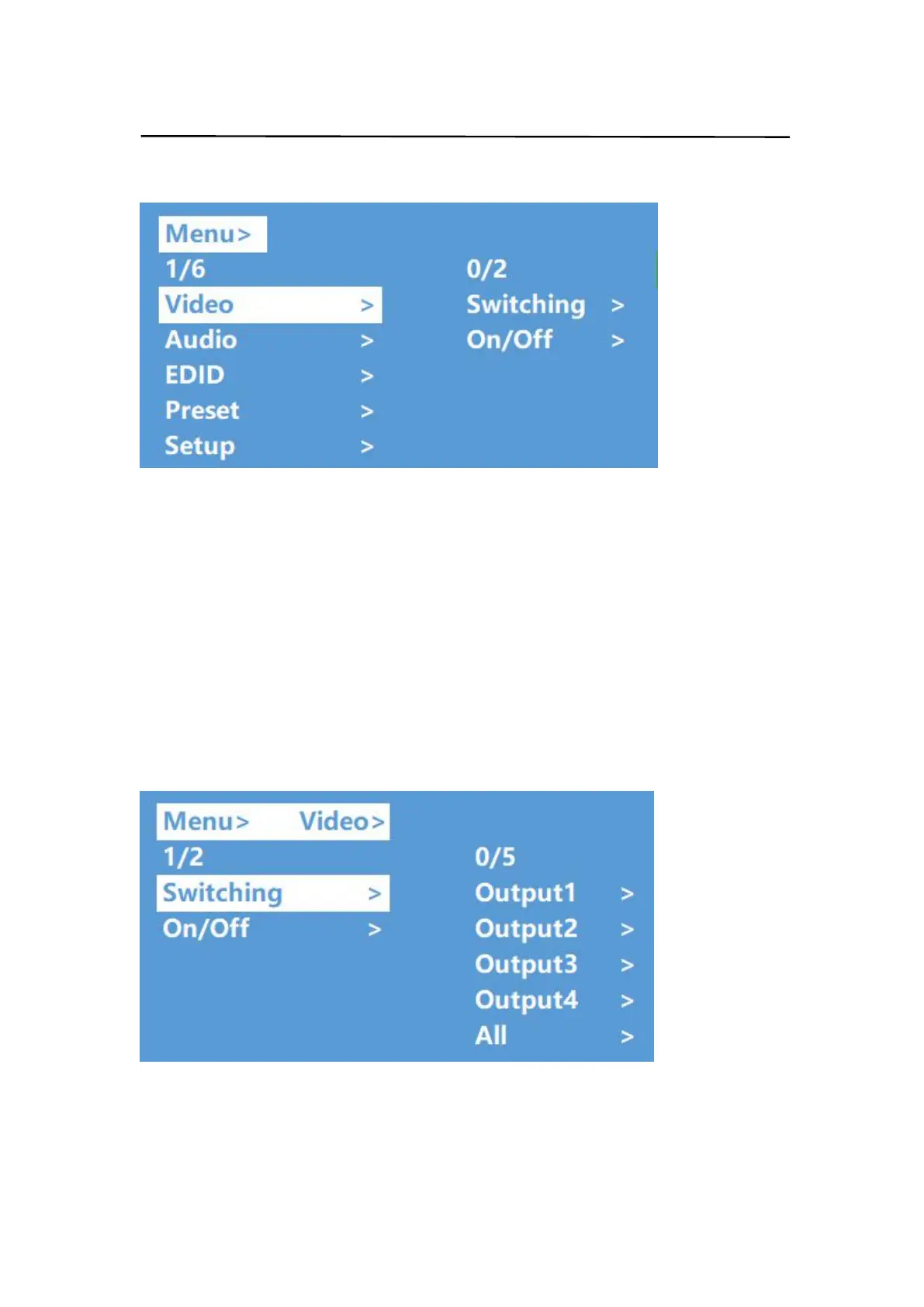
There are 2 sub-menus in video interface:1.switching 2.On/Off
8.2.1 Video switching
Operation:
① select"Video"in the main menu,press "ENTER" button.
② press“up and down” button to choose “Switching” .
③ press "ENTER"to enter the next sub-menu
④ press the“up and down” button to select “ Output1~4 ” (“All” means all output ,
"Swtching"),the bottom color of the selected output turn to white
⑤ press "ENTER"to enter the next sub-menu
⑥ press the“up and down” button to select input,the bottom color of the selected input
turn to white
⑦ press "ENTER"button to complete video switching


 To Next Page