Operating Instruction
Note: all button is for short press, no function for long press
Power on/standby: short press to standby mode, LCD screen will show”System
Shutdown”,HDMI output 5V will disconnect and TV without image. Short press again to
awake device, HDMI output returns to normal.
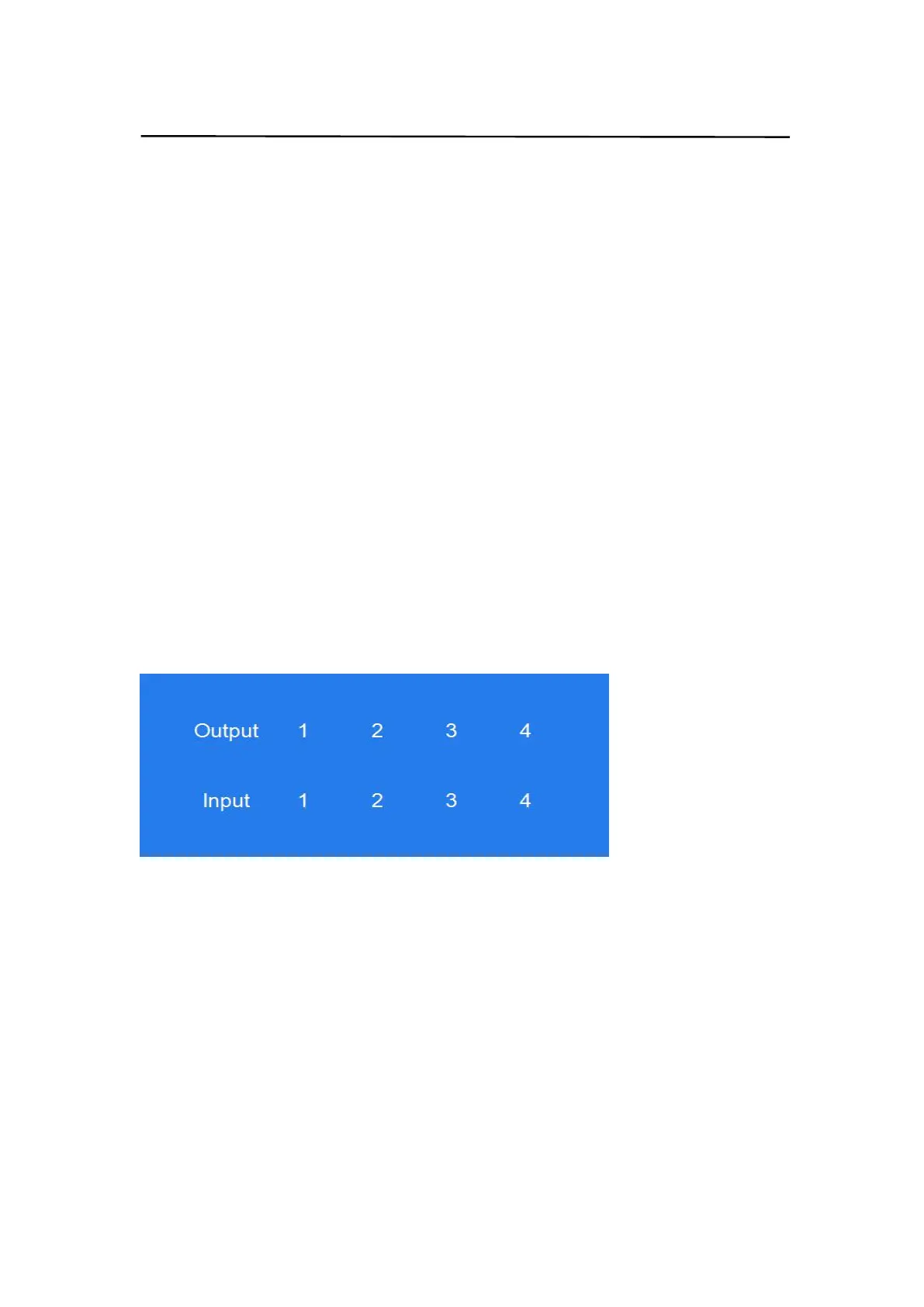
Video switch: output+input(eg:output1+input2, switch output1 to input1)
Turn off HDMI output audio:output+M(eg:output1+M, turn off output1 audio)
Lock remote control: short press”W”to lock,short press again to unlock.
Turn off output channel:output+X(eg:Output1 + X,output1 turns to be black
screen ,output+X again to return to normal)
Switching input left and right:output + <(>);(eg:All + <,TV image will change according
to the switching input and skip automatically if no input signal).
8. Panel Control Description
8.1.Video switch operation:
Signal switching includes 4 switching channels, which can be randomly configured as
input/output according to requirements to form a 1×4~4×4 matrix .It can switch any input
signal to1 channel output or all channel output.
Operation format:"output channel"+"input channel",or long press “input channel”
For example:
1. Switch output1 to input4
Operation:press output1+input4 to complete switch
2. Output2,1,3 switch to input 2
Operation:press output2,1,3+input2 to complete switch
3. All output switch to input4
Operation:long press output4+long press input4 to complete switch
Note:press output+input to switch; then can press input button again to switch input(no
need to repeatedly press output(if exceeds 10s, need to press output again)


 To Next Page