Using your Dehumidifer
Night Mode
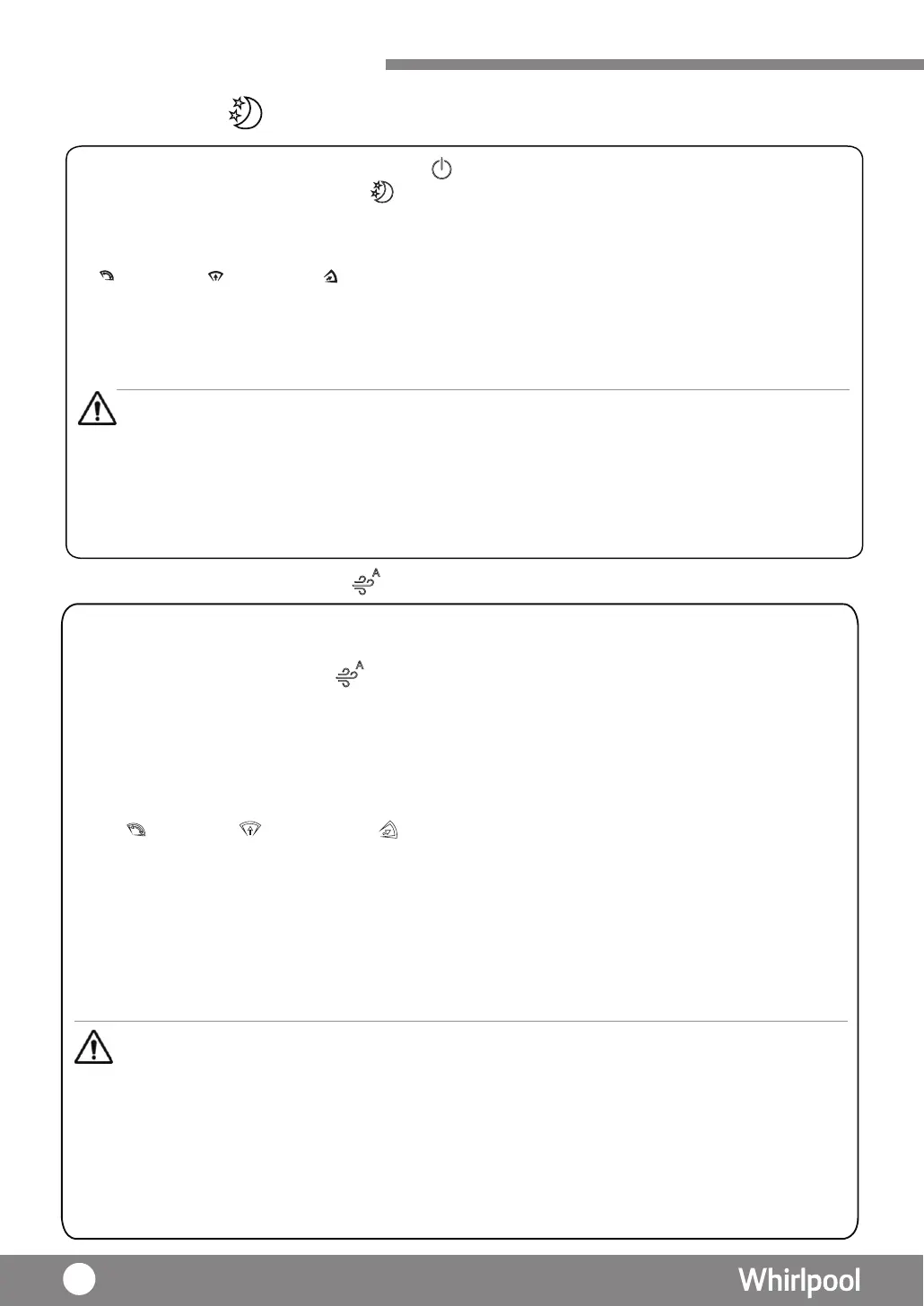
1. Press “POWER” key to turn on the dehumidifer, lights up.
2. Press “ DEHUMIDITY MODE” key until
lights up.
3. Under Night mode, fan speed operates at low speed. Louver will set at front-up. After 1 minute
operation, the Air Quality
Indicator will turn off, the display and other icons will become dim.
4. Press “SWING” key to select vertical louver swing angle.
Air fow front-up front-down
Remarks:
1 : When choosing different angle of the louver, louver will be swing to the maximum angle for 10 seconds first , and then move to
the selected option.
2 : Press the Air flow icon again, louver will stop as is.
5. If necessary, press “TIMER” key to adjust the operation duration as 1-24 hours or CO(continuous).
6. If necessary, press “HUMIDITY ” key to adjust the humidity level.
Remarks :
Remarks :
• Under Night mode, the fan speed cannot be adjusted.
Machine will stop under following situation:
• When the water tank is full (P. 42)
• When the temperature or humidity is out of operation range (P. 37)
• Press "CO" ( continuous)the unit will stop automatically after 48 hours operation. If water
tank was taken out during operation , the counting time
will start over again.
CAUTION
Air Purifying (Auto) Mode
1. Press “PURIFY MODE ” key until lights up.
2. Under Air purifying (Auto) mode , compressor will be stopped and no dehumidify function.
3. The 3-color Air Quality Indicator lights up according to below conditions:
· Green – Air Quality is good
· Blue – Air Quality is normal
· Red – Air Quality is bad
4. Press “SWING” key to select vertical louver swing angle.
Air flow front-up front-down
Remarks:
1 : When choosing different angle of the louver, louver will be swing to the largest angle for 10
seconds
first , and then move to the selected option.
2 : Press the “SWING ”key again, louver will stop as is.
5. Under Air Purifying (Auto) mode , IONIZER turns on automatically. You can stop it when necessary.
6. Under Air Purifying (Auto) mode , Timer can be set.
7. Under Air Purifying (Auto) mode , LED display will show “--”.
Air purifying system is used to remove contaminants and odors from the air in a room. This unit also
includes air purify system such as pre-filter and Multi-protection
filter,
Ionizer and Air
Quality Indicator.
• Air Purifying function will be operated automatically under every mode and cannot be switched off.
• Press "CO" (continuous), the unit will stop automatically after 48 hours operation. If water tank
was taken out during operation, the counting time will start over again.
• Under Air Purify (Auto) mode, HUMIDITY mode cannot be adjusted.
• Under Air Purifying (Auto) mode, fan speed will be operated automatically according to the air
quality level.
• Under Air Purifying (Auto) mode, fan speed cannot be adjusted manually.
40




 To Next Page