PAGE 2
FOR SERVICE TECHNICIAN’S USE ONLY
DO NOT REMOVE OR DESTROY
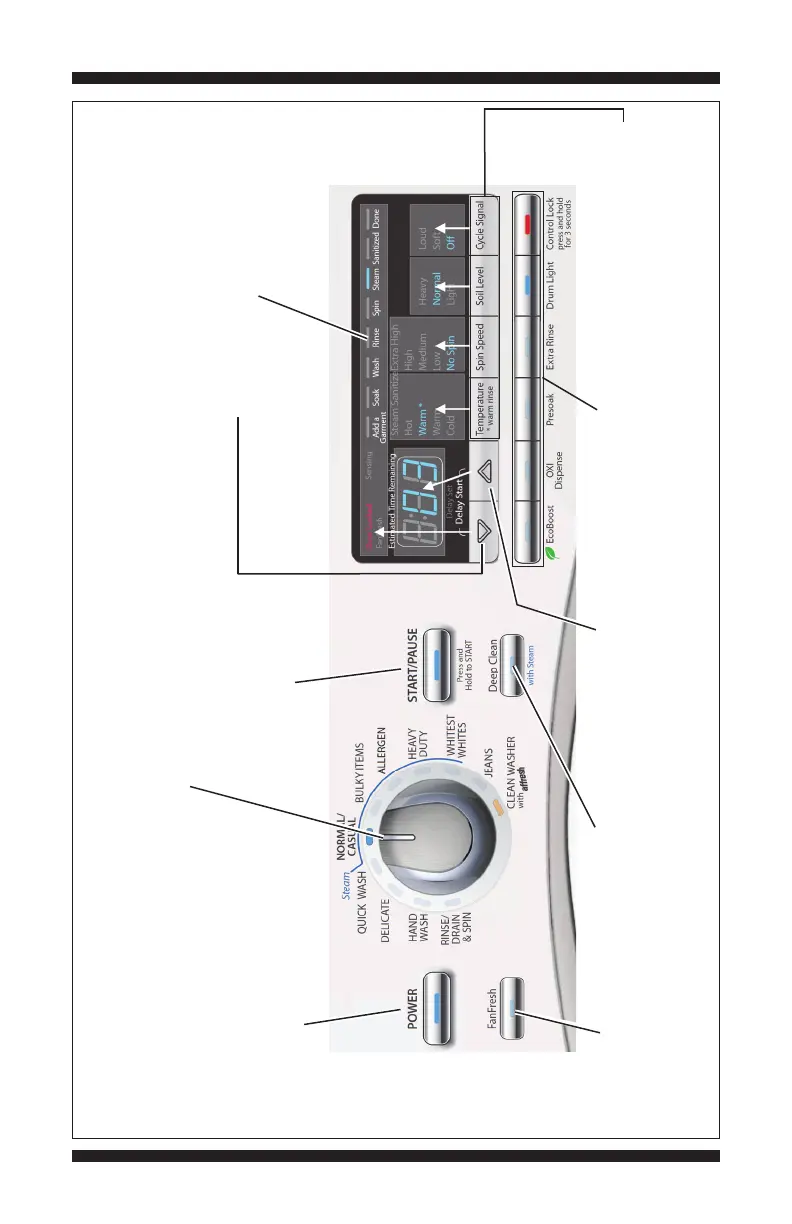
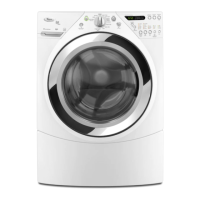
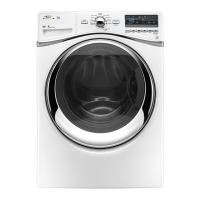
WHIRLPOOL CONTROL PANEL (features and appearances may vary between models)
Figure 1 - User Interface Test
“FanFresh” button: press
once to turn off indicator.
Not available on all models.
“Deep Clean” button: press
once to turn off indicator.
Not available on all models.
Option buttons: press each
button once to turn off
its respective indicator.
Press each modifier button
once to turn off its respective
display segment.
“Delay Start (p)”
button: press once to turn off
seven-segment display.
Rotating the cycle selector knob turns off each corresponding cycle
indicator. (Features and appearances vary between models).
“POWER” button: press once to turn
off indicator. Press twice to exit most
service diagnostic modes and return
to standby mode.
“START/PAUSE” button: begin
or continue test. Press once
to turn off indicator.
“Delay Start (
q
)” button: press once
to turn off top segment of display.




 To Next Page