Listening
programs
Description Chosen
program
position:
Master Standard program
Acclimati-
zation
Acclimatization program
Music Music program
TV TV program
Comfort Attenuates background
noise
Audibility
Extender
Makes high-frequency
sounds audible
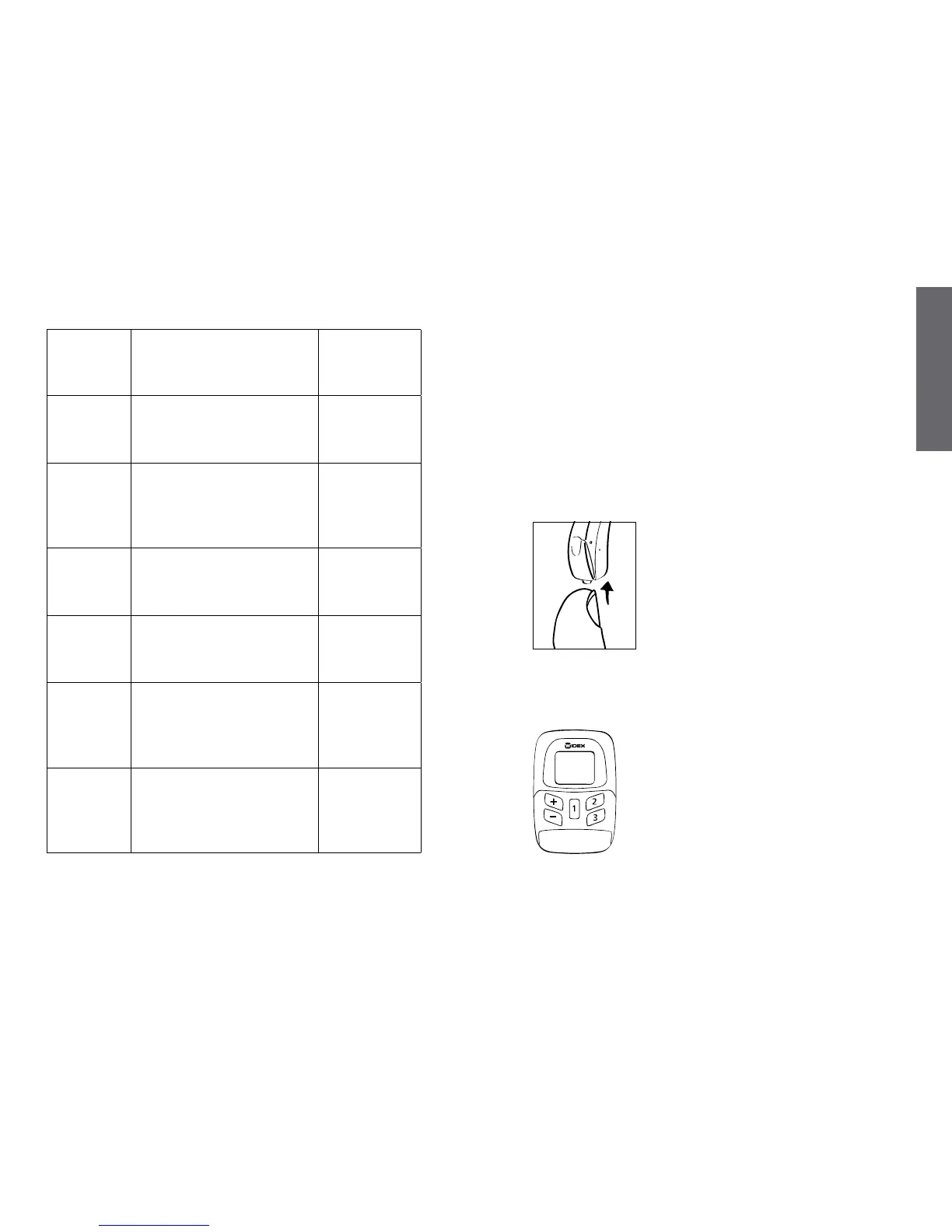
Switching between the available listening programs
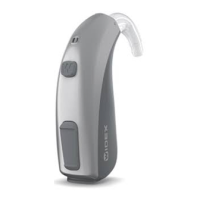
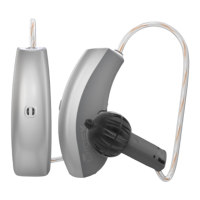
If the hearing aid is provided with a program button,
you can switch between the programs by pressing this
button at the bottom of the hearing aid.
Each time you switch to another program, you will hear
beep-tones. The beeps tell you which program you
have chosen:
Program 1: One brief beep
Program 2: Two brief beeps
Program 3: Three brief beeps
(depending on hearing aid model)
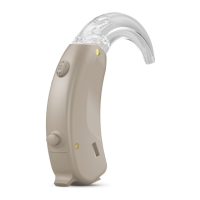
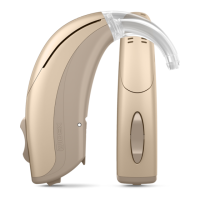
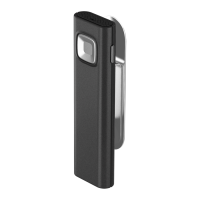
Some hearing aid models may be pro-
vided with a remote control. If your
hearing aid has a remote control, please
refer to the user’s instructions for the re-
mote control.




 To Next Page