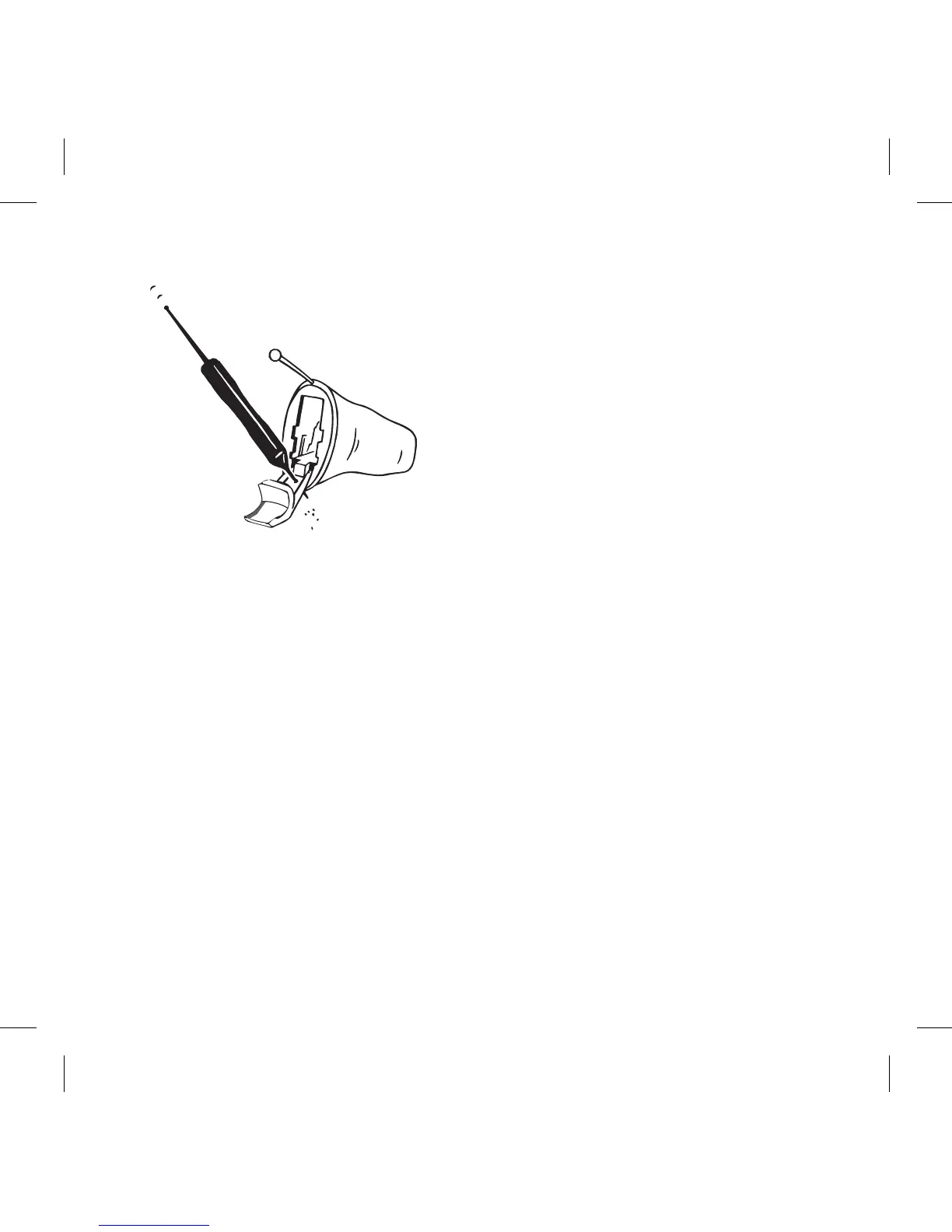
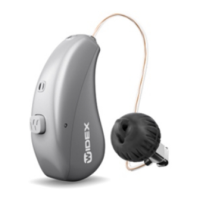
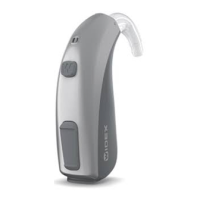
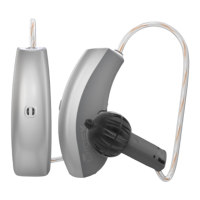
Open the battery lid and turn the
hearing aid so the lid is facing
downwards (see illustration).
Guide the short wax removing
tool (no. 4 ) through the micro-
phone openings on the lid from
the inside (see illustration).
NOTE
If you suspect that earwax or dirt has got into the microphone inside
the hearing aid, contact your hearing care professional. Do not insert
anything into the microphone.
The vent
39


 To Next Page