10
Windows Vista SP2
When you install under a Windows Vista system, the steps are the same as
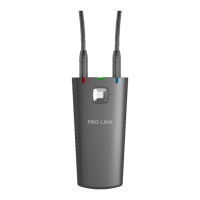
earlier described (see pages 5-6), but when you connect the Widex USB
Link, Windows Vista automatically installs it.
You must use Windows Vista SP2 Edition or later.
Windows 7
When you install under a Windows 7 system, the steps are the same as
earlier described (see pages 5-6), but when you connect the Widex USB
Link, you have to open the Windows Device Manager and activate ‘Scan
for New Hardware’.


 To Next Page