5
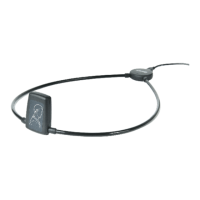
inStALLinG tHe Widex USB
Link driVer And ConneCtinG
tHe Widex USB Link
Installing the driver and connecting the Widex USB Link is a three-step
process. The first step is to install the driver for Windows. The second and
third steps involve connecting the Widex USB Link. It is recommended that
Compass is closed during the installation.
Please do not connect the Widex USB Link to the computer before com-
pleting the driver installation.
STEP 1: INSTALL THE DRIVER UNDER WINDOWS XP SP2/SP3
1. The driver is installed from the Compass V5.1 CD (or a newer version).
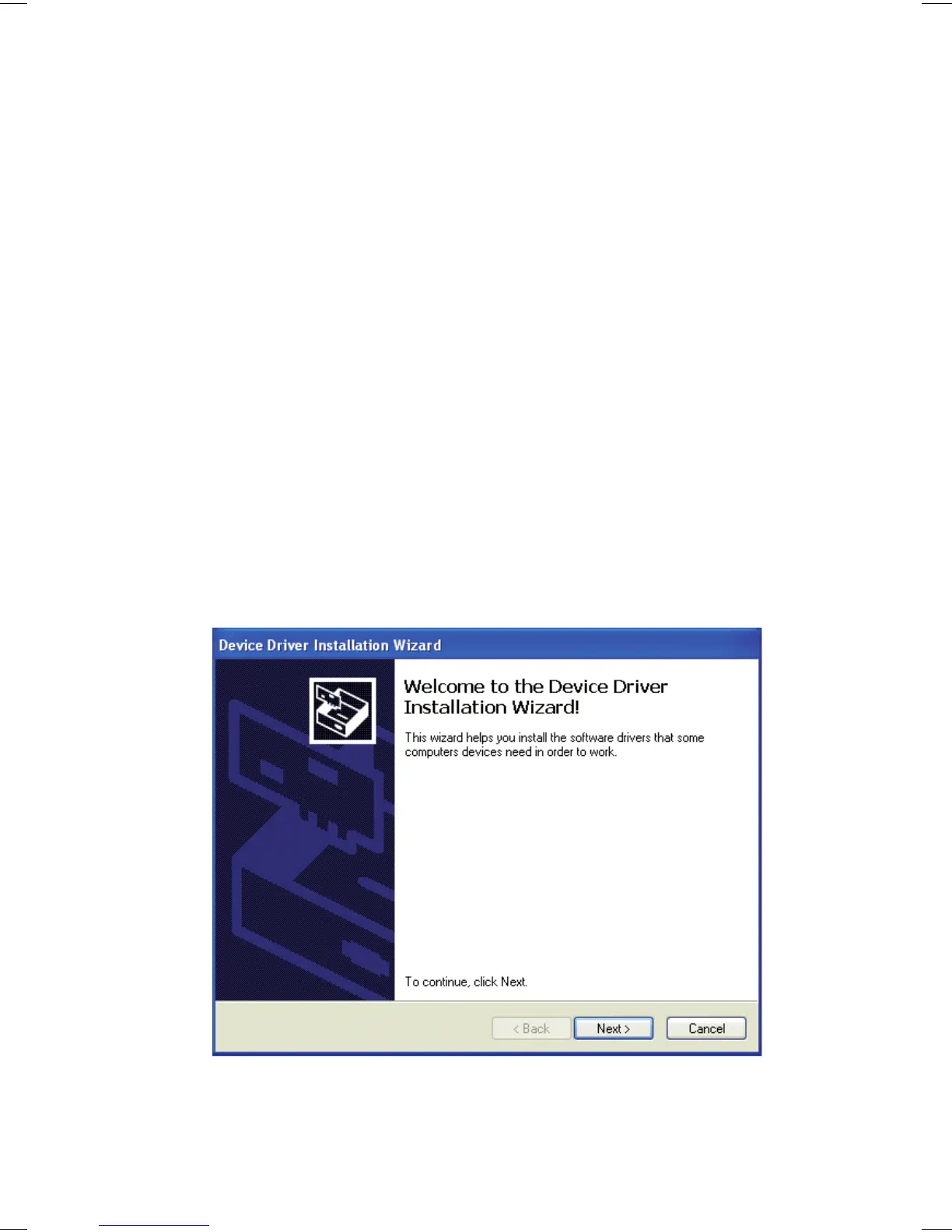
2. Select ‘setup.exe’ in the folder Support\USB driver Ver.X.X.
3. Click Next to start the installation.


 To Next Page