STREAM AUDIO FROM AN APP
1. Open a music app (like Apple Music) and select a track to play.
2. Tap .
3. Select your WiiM Pro device.
7.3 TIDAL CONNECT
TIDAL is a global music streaming platform bringing fans closer to artists through unique
experiences and the highest sound quality. Stream your favorite music seamlessly from
TIDAL App straight to your devices in the highest possible quality.
7.4 AMAZON MUSIC CAST
Cast your up to 192 kHz/24-bit, Ultra HD music directly from the native Amazon Music to
WiiM Pro in the highest possible quality. To use this, please login your Amazon account for
Amazon Alexa on WiiM Home App.
8 ALL MUSIC IN ONE APP
With the free WiiM Home App, you can control your content and devices from one place.
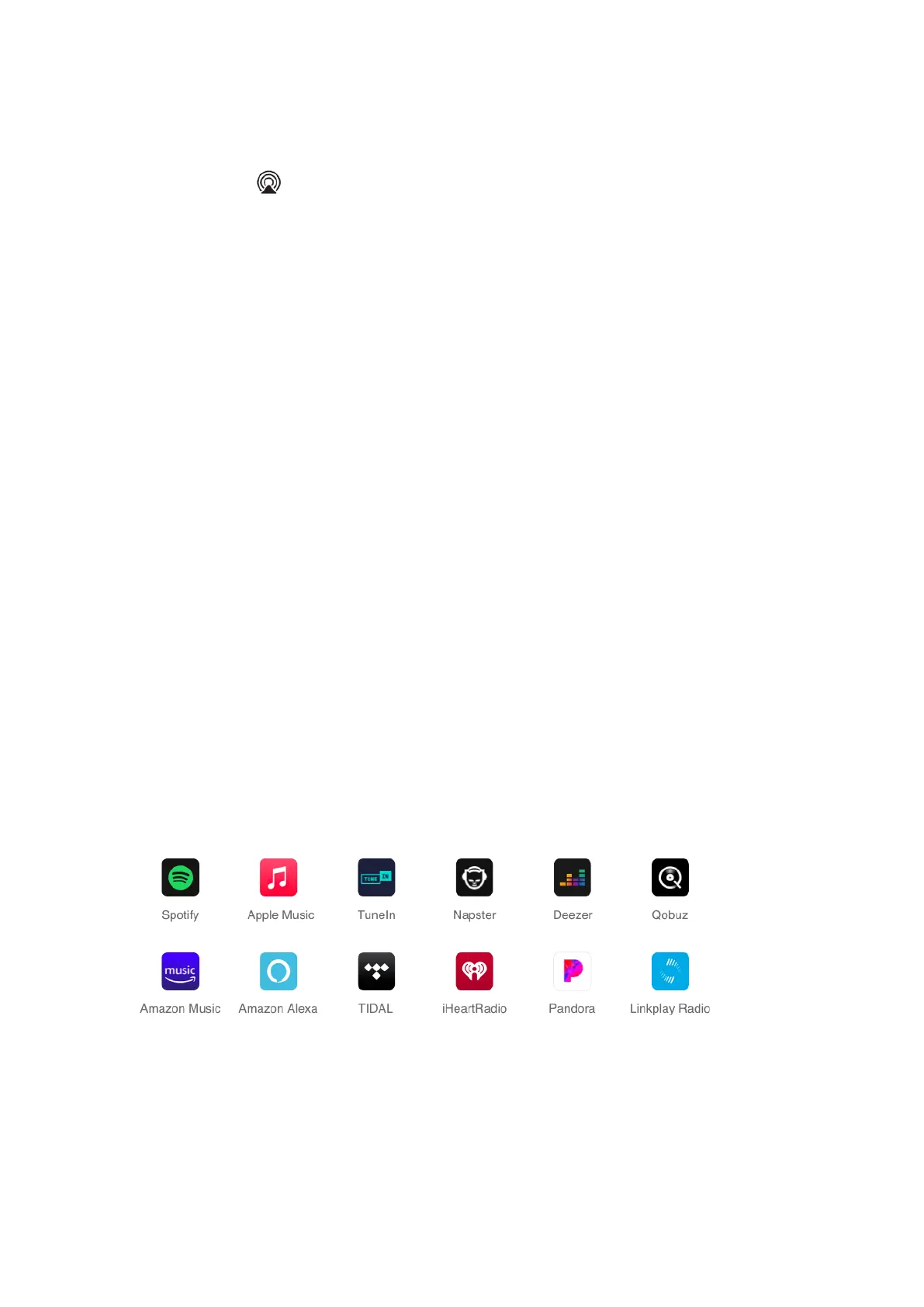
We support many popular music streaming services in the app such as Spotify, iHeartRadio,
Tidal, Amazon Prime Music and Unlimited, SoundCloud, Qobuz, Pandora, Deezer, TuneIn
& more to come. You can also play music stored in your mobile device, local network media
servers or even personal cloud server.
The App supports the unified search that you can search content across multiple music
services and your local network for artist, track, station, playlist etc. It’s a powerful tool to
discover your favorite content from your online and local library.
Besides, it supports multiple EQ options that you can assign to different sources such as
AUX in, online music or your BT streaming. You can customize your own EQ options with
the 26 presets or 10-band graphics EQ. It has twelve presets so that you can save your
favorite station, playlist etc. and access them with one button on device & remote or the
app tap.


 To Next Page