Installing Batteries
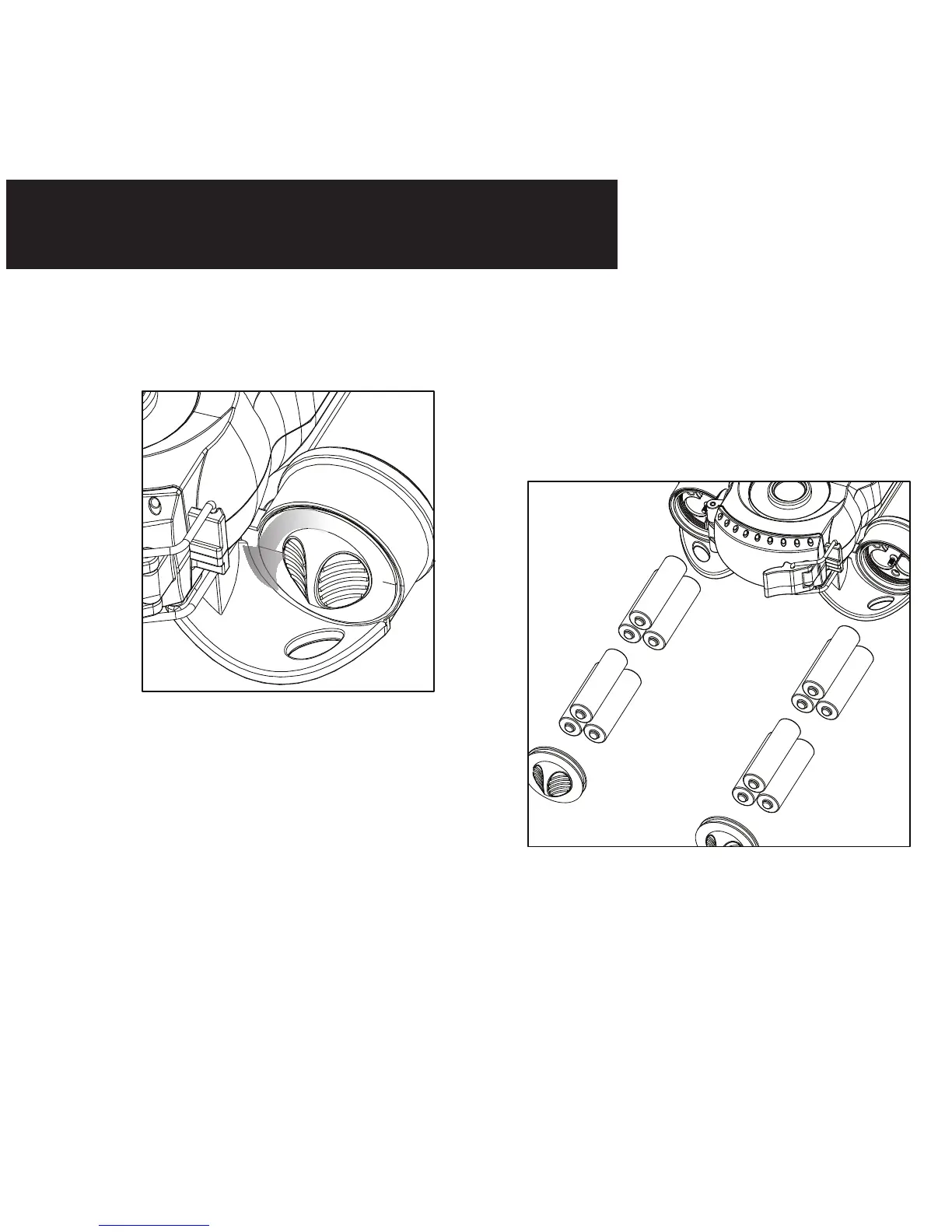
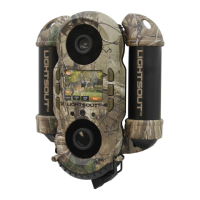
With the camera facing up, open
the battery compartment at the
bottom of the camera by turning
them to the left.
1.
With the bottom of the camera
towards you, load 6 AA batteries
with the positive ends towards you
in the left battery chamber and
load 6 AA batteries with the
positive ends towards you in the
right battery chamber.
2.
Close battery compartment cover
by turning them to the right.
3.
Open the door at the bottom of
the camera by unlatching the
locking tabs.
4.
Load SD memory card (up to 32GB
not included)
into the SD card slot
with the connectors facing down.
5.
TIPS:
Make sure the SD Card is unlocked (small
switch on the side of the SD Card) or the
camera LCD will read “LOCK”.
IMPORTANT:
Make sure the camera is powered off before
removing or installing an SD card.
If you are using an SD card from other
cameras, please make sure to format the SD
card in your computer prior to use in your
camera. New cards are ok to use straight from
the package.
NOTE:
Do not mix old and new batteries. Do not mix
alkaline, standard (carbon-zinc) or rechargable
(ni-cad, ni-mh, etc.) batteries.


 To Next Page