13
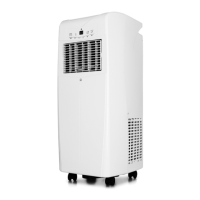
CHILL 12 CONNECTED · AC2B-12000C
EN
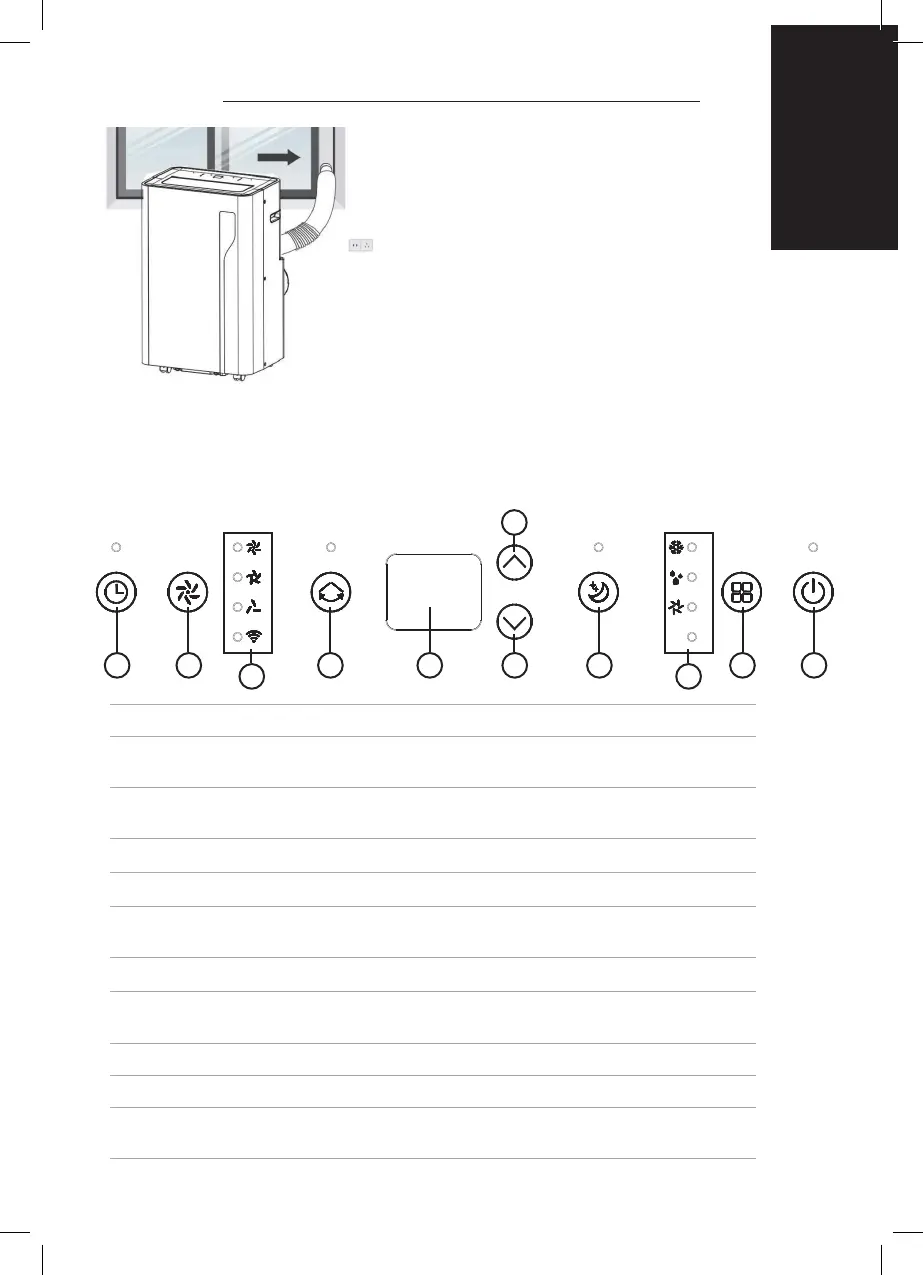
CONTROL PANEL AND DISPLAY
1 SWING Adjust the air ow direction vertically.
2 MODE Mode button Press to switch the operation mode between
fan, cooling and dehumidier.
3 UP Increasing the desired temperature (16°C - 32°C) or timer
setting.
4 POWER Press to switch the machine on or off.
5 DOWN Decreasing the desired temperature or timer setting.
6 SPEED Press to switch the fan speed between high,
medium and low.
7 TIMER Sets a time for the unit to automatically start or stop.
8 SLEEP Press to enter sleep mode. Can only be entered in cooling
mode.
9 INDICATORS LED indicators for fan speed and WIFI.
10 LED Display This LED Display the Room Temperature or Time Setting.
11 MODE Indicator This display the Mode Setting between fan, cooling and
dehumidier.
Step 7: Adjust the louver at the air outlet, and then switch on the unit.
15mm
15mm
logo size: 15mm
logo color: white color with hollow text
7 6 1 10 8 2 45
3
9
11


 To Next Page