21
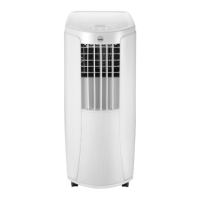
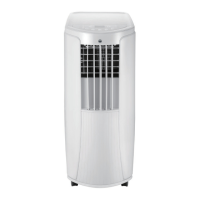
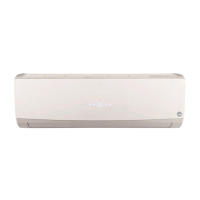
CHILL 12 CONNECTED · AC2B-12000C
EN
TROUBLESHOOTING CONNECTION
Problem Solutions
The device does not show up in the
app when you try to connect with wi-
Make sure your Bluetooth is turned
on on your smartphone. Turn your
internet off for 3 minutes. Keep
your phone within 10 meters of the
unit and try to connect again using
bluetooth.
The device does not show up in the
app when you try to connect with
Bluetooth
Press the + in the upright corner and
press “large home appliances”, then
add air conditioner. Press and hold
the timer button 3 seconds until the
wi- lamp ashed rapidly. Then follow
the instructions on the app
The app is not working to control the
device
Make sure you are connected to the
wi-. If the wi- is down, make sure
you are connected to Bluetooth
Turn the device off for 5 seconds and
turn it back on.
Restart the application.


 To Next Page