®
10
FRICTION BRAKE
Engage friction brake during B.E.S.T.™ stringing for appropriate turn
table movement.
It should always be engaged during B.E.S.T.™ mode.
Switch is located on the left side under the turntable.
BADMINTON ADAPTERS
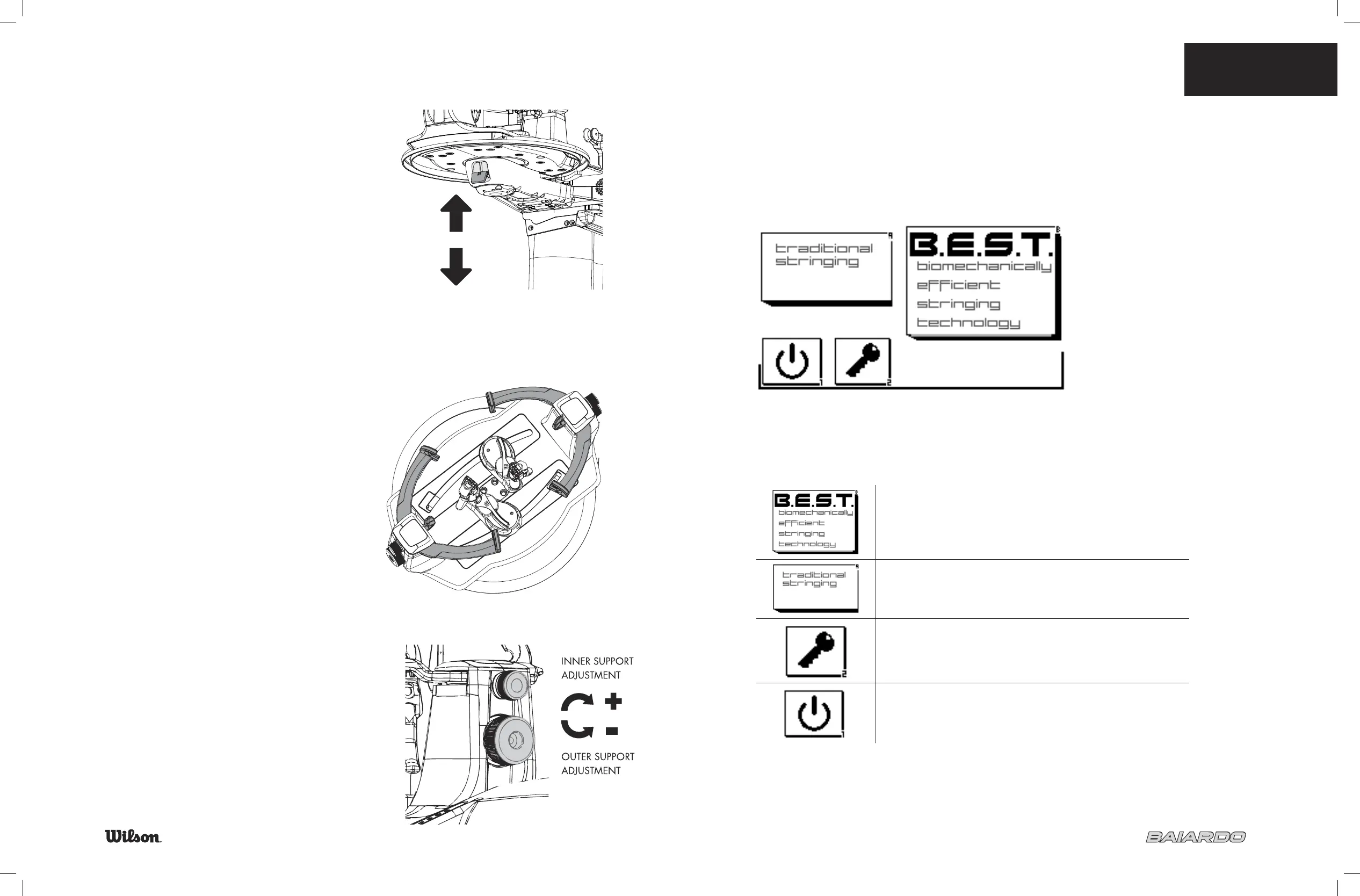
Adapters are included and should be used when
stringing badminton racquets.
Set up:
Remove the inner supports by turning the upper adjustment knob
•
counter clockwise until the inner support is out
Insert the badminton inner supports and turn the adjustment knobs
•
clockwise until set at desired position
Place the 4 included sleeves over the outer supports as shown
•
ON
OFF
7.1 OPERATING THE
MACHINE
11
Operating the Machine
HOME SCREEN
The fi rst screen that is displayed after diagnostics is the Home Screen.
This screen gives you four options.
Wilson’s innovative system that allows the machine to adjust to you
and remember up to 13 customized settings for 6 stringers
To use as a traditional machine
Access functions reserved for the machines owner
(password protected)
To turn off the machine


 To Next Page