EasyManua.ls Logo

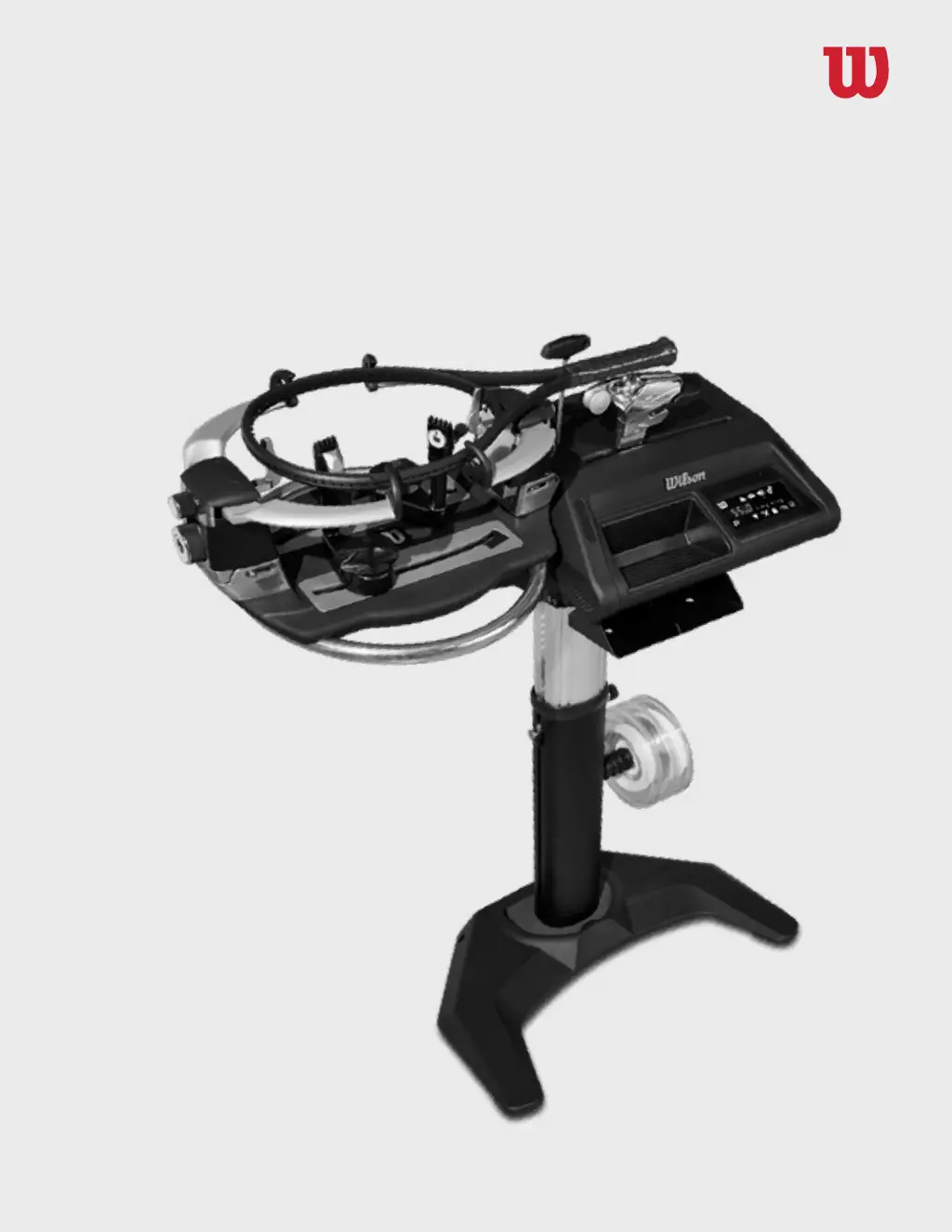
Wilson Electronics BAIARDO L - User Manual

Wilson Electronics BAIARDO L
12 pages
Print Icon
To Next Page IconTo Next Page
Loading...
BAIARDO L
OPERATION MANUAL

Questions and Answers

  • M
    Michael SmithAug 3, 2025
    What to do if an error code is displayed on Wilson Electronics BAIARDO L Accessories?
    • A
      Aaron TaylorAug 3, 2025
      If an error code appears on the screen of your Wilson Electronics Accessories, try turning off the machine, waiting a few minutes, and then restarting it. If the problem persists, contact Wilson and provide the error code number.
  • M
    Michelle WeaverAug 10, 2025
    Why do the clamps leave white marks on the string of Wilson Electronics BAIARDO L?
    • T
      Timothy PearsonAug 10, 2025
      White marks on the string after using the clamps are normal for some multifilament strings. You can clean and adjust the clamps to use the least amount of pressure needed to hold the string. Also, make sure to adjust the clamps based on the diameter of the string you're using.
  • M
    Mr. Jimmy BeltranAug 15, 2025
    How to troubleshoot low string tension on Wilson Electronics BAIARDO L Accessories?
    • K
      kimmeganAug 15, 2025
      If the string tension seems lower than normal on your Wilson Electronics Accessories, check that the string isn't slipping through the clamps. You may also need to calibrate the machine.
  • J
    Jeremy GregoryAug 22, 2025
    What to do if string seems tighter than normal on Wilson Electronics BAIARDO L Accessories?
    • J
      Janet JonesAug 22, 2025
      If the string seems tighter than normal on your Wilson Electronics Accessories, you may need to calibrate the machine.
  • S
    Samantha BradyAug 27, 2025
    Where to buy replacement hex key set for Wilson Electronics BAIARDO L Accessories?
    • K
      Kaitlyn BakerAug 27, 2025
      The hex keys are a standard metric set and can be purchased at many tool shops.

Summary

Safety and Assembly

Warnings and Precautions

Essential safety precautions and warnings for operating the stringing machine.

Machine Assembly Guide

Instructions and guidance for assembling the Baiardo L stringing machine.

Functional Adjustments

Clamps and Clamp Bases

Detailed guide on engaging, releasing, and adjusting clamps and clamp bases.

Configuration and Maintenance

Calibrate Machine

Step-by-step guide for calibrating the machine's tension accuracy.

Maintenance Procedures

Cleaning instructions for clamp teeth, puller surface, and glide rails.

Service and Troubleshooting

Replacing Machine Components

Instructions for replacing the electronic box, puller head, and clamp base.

Troubleshooting Common Issues

Solutions for common problems like power issues, string slippage, and error codes.

Wilson Electronics BAIARDO L Specifications

Power IconPower
power supplyExternal switching, 100-240 volts (60 watts)
Materials and Accessories IconMaterials and Accessories
main materialAluminum (25% recycled)
included stringing toolsStarter clamp, Needle nose pliers, Cutter, Awl
included assembly toolsAll necessary hex keys
Weight and Dimensions IconWeight and Dimensions
assembled weight43.6 kg / 96.2 lb
width104 cm / 41 in
height at maximum extension130.4 cm / 51.3 in
height at minimum extension100.4 cm / 39.5 in
machine top box sizeL118.5 x W53.5 x H50 cm / L46.5 x W21 x H19.5 in
machine top box weight44.7 kg / 98.5 lb
machine base box sizeL82 x W57.5 x H30 cm / L32.5 x W22.5 x H12 in