®
24
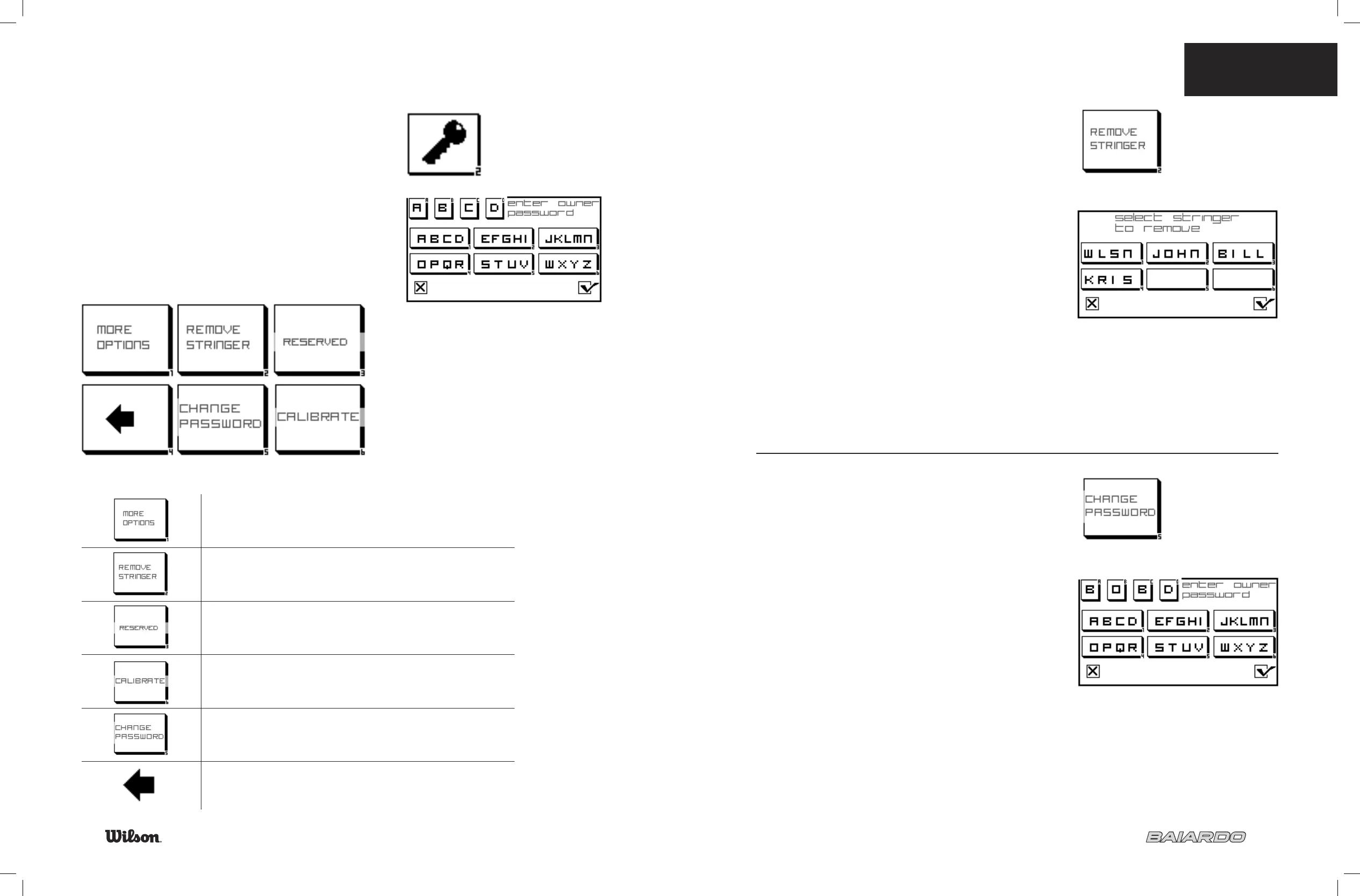
OWNER’S OPTIONS SCREEN
The owner’s screen is password protected.
The factory set password is: “ABCD”.
Once the password is input, select the check mark.
Shows additional owner options
To remove a stringer
This icon is reserved for future upgrades to the software
Calibrate the machine to an external measuring device
Change the password
Return to the “Home Screen”
7.5 OWNER’S OPTIONS
25
REMOVE STRINGER
Select which stringer you would like to have removed, and
select the check mark to confi rm.
CHANGE PASSWORD
Enter the password you prefer, and select the check mark to save.
Password must be 4 characters.


 To Next Page