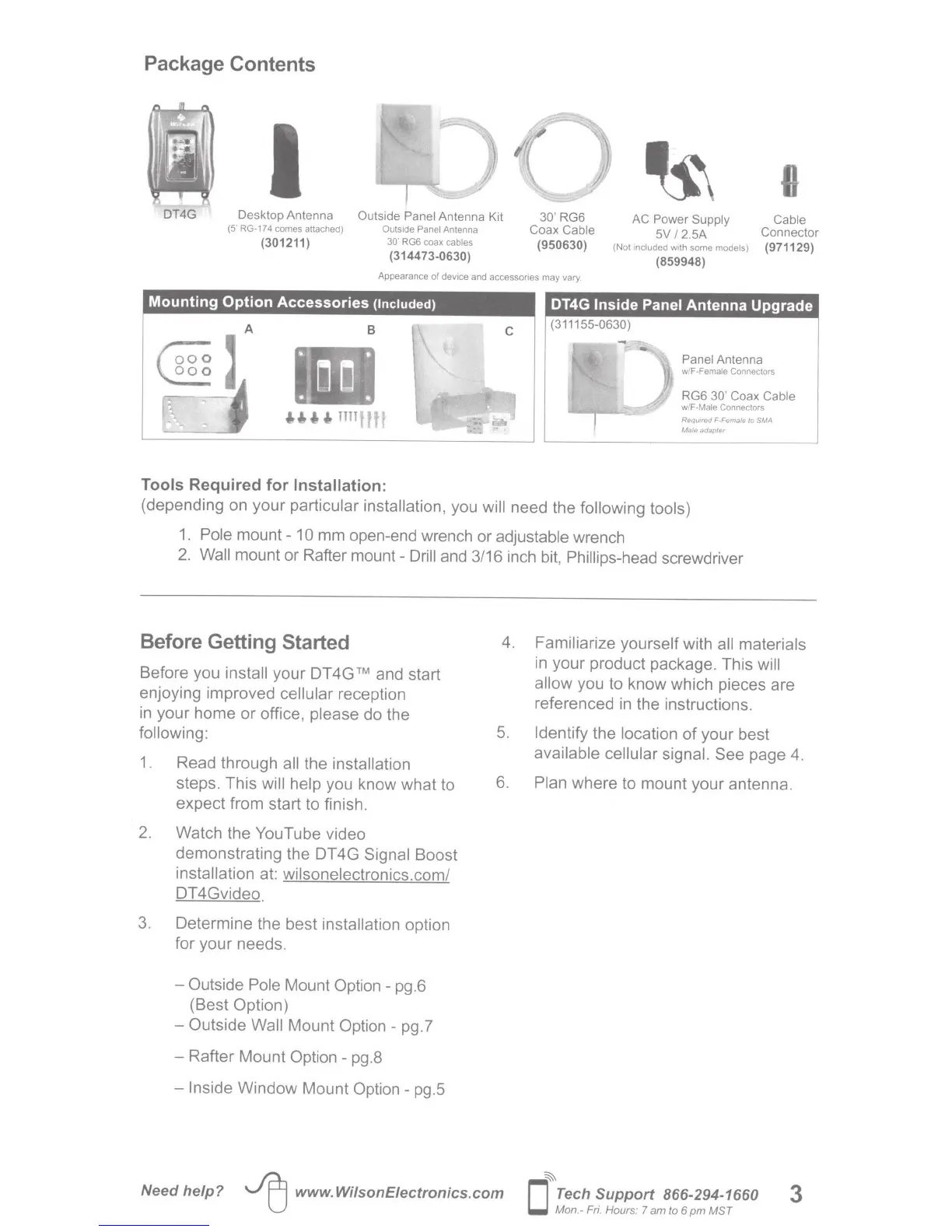
Package Contents
I
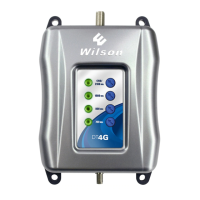
DT4G Desktop Antenna
Outside Panel
Antenna Kit
30'
RG6
Coax Cable
(950630)
AC Power Supply Cable
(5' RG-174 comes attached)
Outside Panel
Antenna
{301211)
30'
RG6 coax cables
(314473-0630)
5V
1
2.5A Connector
(Not included with some models)
(971129)
(859948)
Appearance
of
device and accessories may vary.
Mounting
Option
Accessories
{Included)
B
Tools
Required
for
Installation:
DT4G
Inside
Panel
Antenna
Upgrade
(311155-0630)
Panel
Antenna
w/F-Female Connectors
RG6
30' Coax Ca
bl
e
w/F-Male
Connectors
Reqwred
F-Female
to
SMA
Male
adapter
(depending on
your
particular installation, you
will
need the following
tools)
1.
Pole
mount-
10
mm open-end wrench or adjustable wrench
2.
Wall
mount or Rafter
mount-
Drill
and 3/16 inch bit, Phillips-head screwdriver
Before Getting Started
Before you install
your
DT
4G
TM
and start
enjoying improved
cellular
reception
in your home
or
office,
please
do the
following:
1.
Read through
all
the installation
steps. This
will help
you know
what
to
expect from start to finish.
2. Watch the
YouTube
video
demonstrating the DT4G
Signal
Boost
installation at:
wilsonelectronics.com/
DT4Gvideo
3. Determine
the
best installation option
for your
needs
.
-Outside
Pole
Mount
Option-
pg.6
(Best Option)
- Outside
Wall
Mount
Option-
pg.7
- Rafter
Mount
Option - pg.8
-Inside
Window
Mount
Option-
pg
.5
4. Familiarize
yourself
with
all materials
in your product package. This
will
allow you to know which pieces are
referenced
in
the instructions.
5.
Identify the location
of
your best
available cellular signal. See
page 4.
6.
Plan where to mount your antenna.
Need
help?
~
www.WilsonEiectronics.com
~
0
Tech
Support
866-294-1660
Mon.- Fri. Hours:
7
am to 6
pm
M
ST
3






 To Next Page