SIGNALBOOST™ DT Installation Instructions
6
Installing the Cradle Antenna
Window Mount (Packet A)
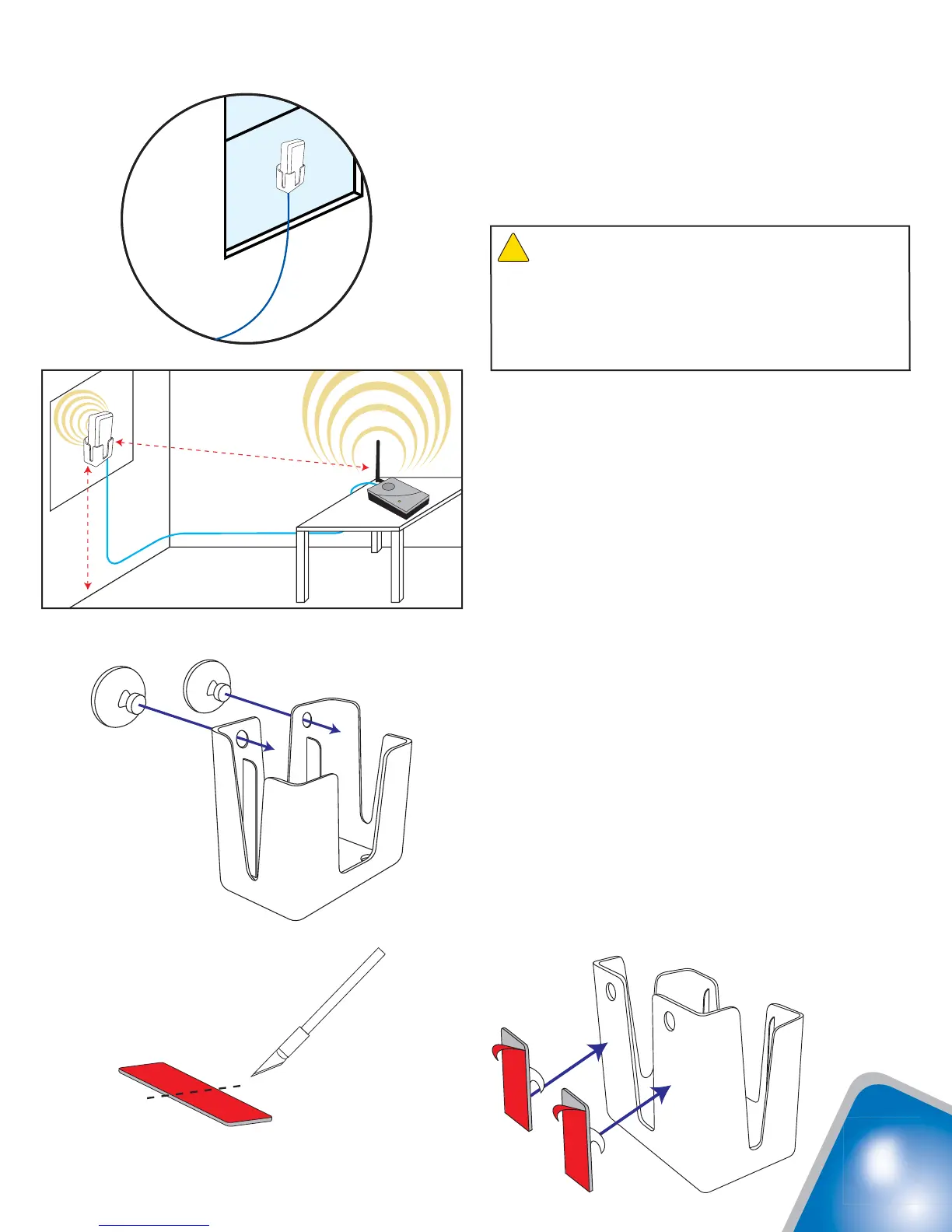
1. Select a location on the inside of the window
at least 5 feet up from the fl oor, at least 20 feet
away from any other amplifi er or antenna and
at least 20 feet from where the amplifi er will be
located (see Figure 1).
2. Clean the area on the glass with the supplied
alcohol prep pad.
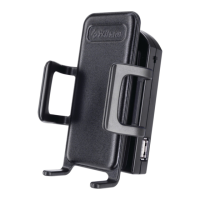
3a. If you plan to remove or relocate the cradle
antenna at some point, use the suction cups
provided in Packet A. Using a twisting motion,
press the suction cups into the two holes
on the antenna cradle (see Figure 2), then
press the cradle onto the glass at the desired
location.
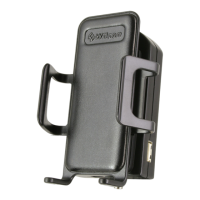
3b. For a more permanant installation, use the
double-sided adhesive strip. Cut the strip as
shown in Figure 3. Peel the backing from one
side of the strip and place it on the back of the
cradle (see Figure 4). Peel the backing from
the other side of the strip and press the cradle
onto the glass at the desired location.
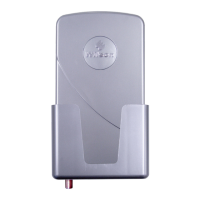
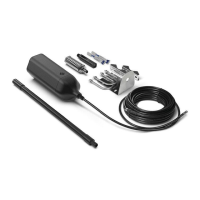
4. Insert the antenna into the cradle with the
Wilson label facing in the direction of the
cell tower. The cable connection should
protrude through the bottom of the cradle.
5. Connect one end of the supplied coax cable to
the antenna and route the cable as desired to
where the amplifi er will be located.
Min. 20 feet
Min. 5 feet
Figure 1
Suction cup installation
Figure 2
Adhesive installation
Figure 4
Figure 3
Antenna
and
Cradle
Warning: RF Safety: The cradle antenna, when used
with the included cable, must have a separation distance of at
least 8 inches from all persons. If the cable is shortened, or if a
different type of cable is used, or if a different antenna is used,
consult with Wilson Technical Support to verify that the planned
installation is safe. Call 866-294-1660 or 453-673-5021, or
email tech@wilsonelectronics.com.
!




 To Next Page