support01@wimius.com
EN 24
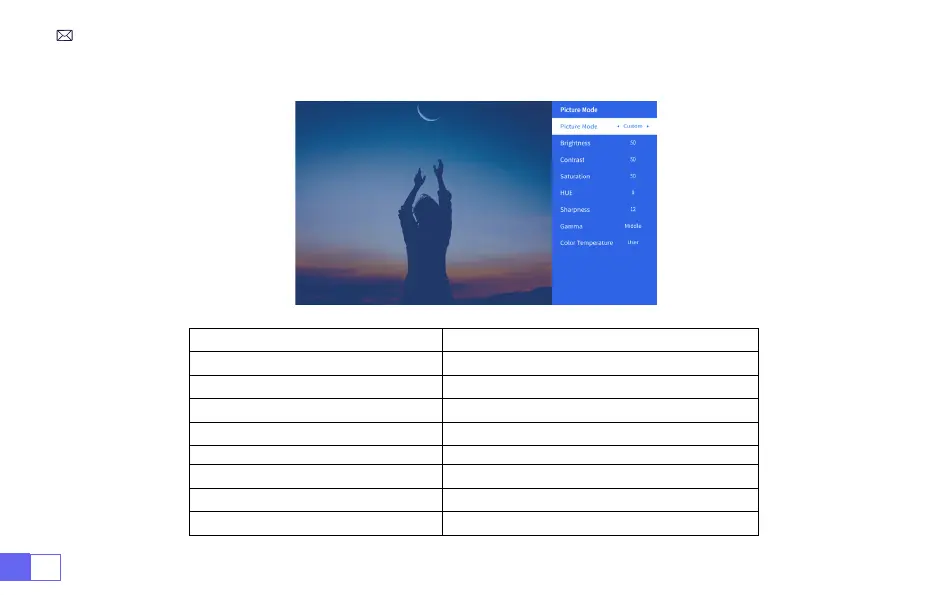
2.Picture Mode Menu
Menu Content
Picture Mode Select the Picture Mode
Brightness Set the Screen Brightness Value
Contrast Set the Screen Contrast Value
Saturation Set the Screen Saturation Color
Hue Set the Screen Hue Color
Sharpness Set the Screen Sharpness Value
Gamma Correct the Gamma Value
Color Temperature User/Cool/Standard/Warm



 To Next Page