D. How to disable battery when system hang up
on WMP-17F
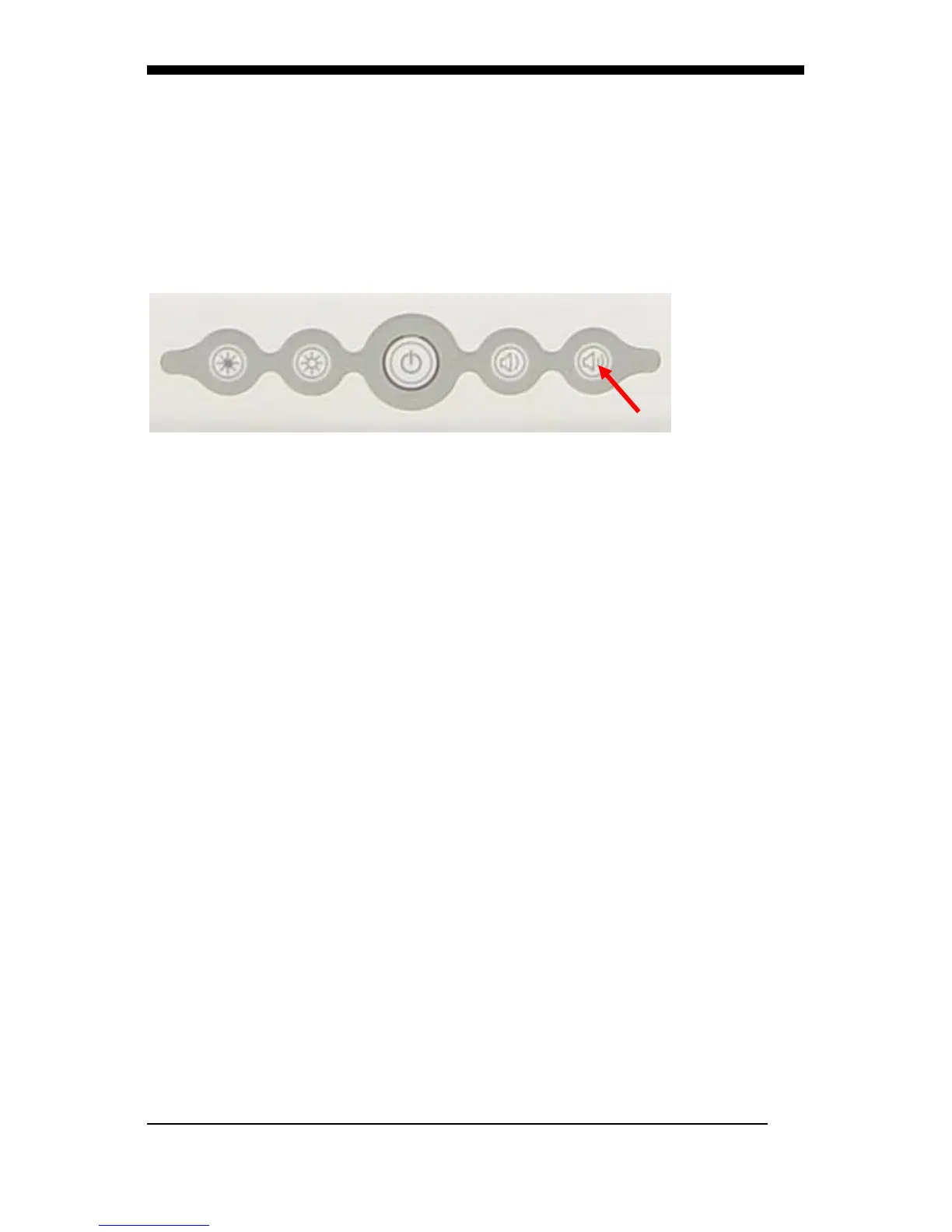
1. When system hang up, press power button 4 seconds to turn
off system. If you can’t power on system by power button.
Please follow below step to reset system.
2. Press volume up key 10 seconds, then power LED will turn on
then turn off
3. Plug in AC power cord again, press power button then you can
power on system.


 To Next Page