Connecting to Ethernet
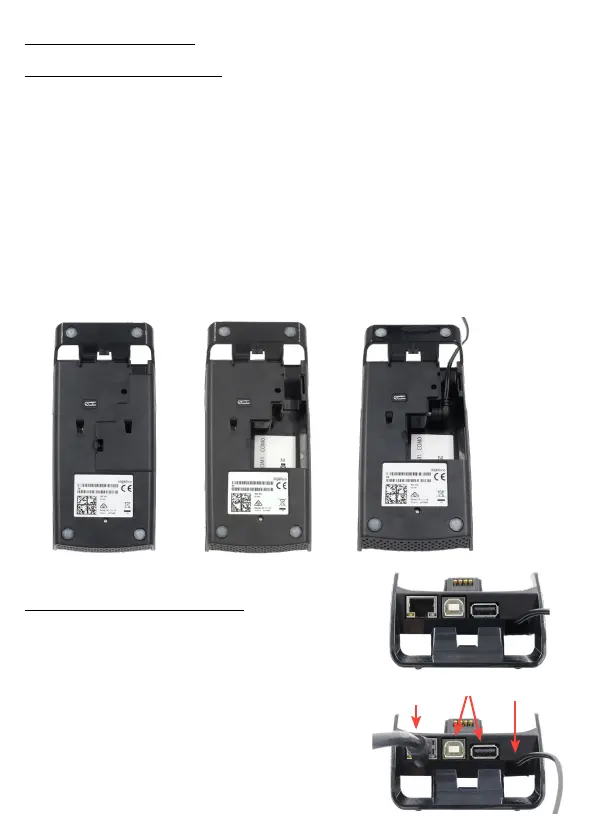
1. On the back of the Move 5000 base
station you will see multiple ports
including USB and ethernet.
2. Connect one end of an Ethernet cable
from the Ethernet port on the Move 5000
base station.
3. Connect the other end to your Modem/
Router.
1. On the rear of the base station is a small black panel that conceals
the power connection, carefully remove this.
2. Feed the power cable through the gap at the top right of the base
station.
3. Connect the power cable into the power port of the base station as
shown in the image.
4. Replace the black panel.
5. Connect the other end of the power cable to a wall socket.
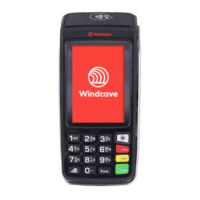
6. Flip the base station over and place the Move 5000 on top, a beep
will be heard if the Move 5000 is charging.
Connecting to Power
Power
USB
Ethernet
Get Connected


 To Next Page