Start Transacting
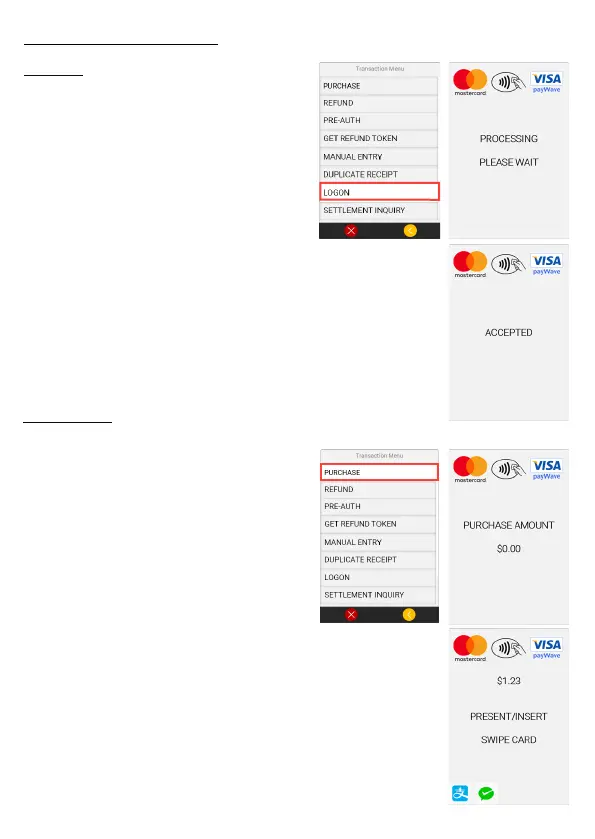
1. Open the Transaction Menu
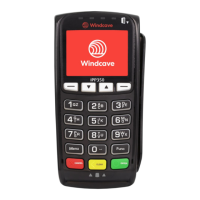
by pressing the Menu key on the
Move 5000.
2. From the options available
select the Logon option.
3. “Processing Please Wait”
will be displayed while awaiting
response from the logon message.
Please ensure that the correct trading name and
address is printed at the top of the receipt.
Logon
Purchase
1. Open the Transaction Menu by
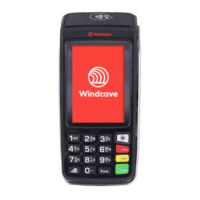
pressing the Menu key on the
Move 5000.
2. From the options available select
the Purchase option.
3. When prompted enter the amount.
The amount will be displayed on
the screen of the terminal, if correct
press the Enter key.
4. The result of the logon request will be displayed
on the screen, and on a small receipt that is printed
by the Move 5000 terminal.
4. Pass the terminal to the cardholder to present their
card and enter any card verication method i.e. PIN.
5. Once complete the terminal will display the
transaction result and a cardholder receipt will be
printed also indicating the result of the transaction.
6. When prompted press Yes if you would like a
merchant copy of the receipt.


 To Next Page