BLINDS & AWNINGS
Motoware Automation Programming Instructions | Vertical Awning Motor
2.2 Check motor direction
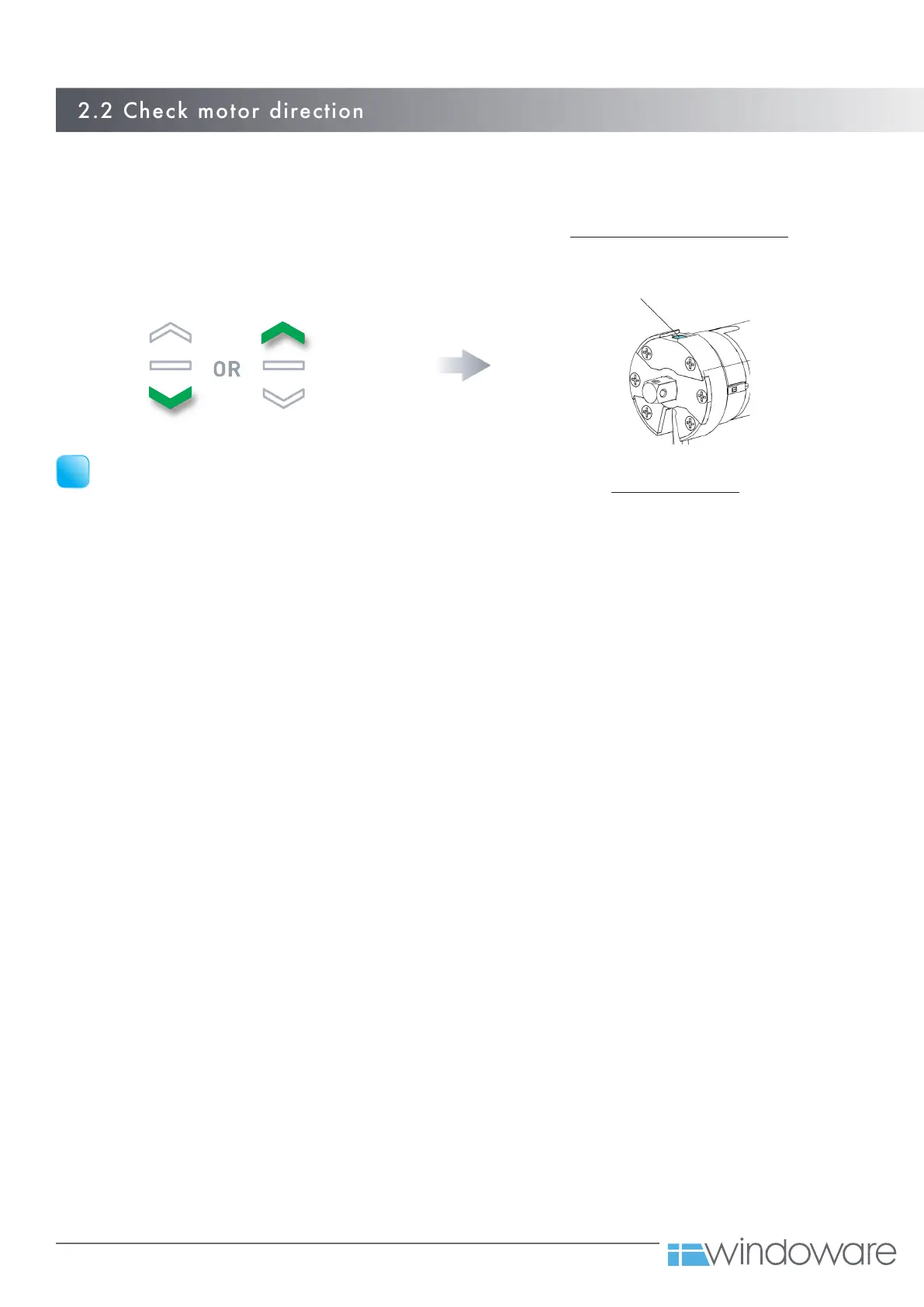
To check travel direction of your blind, press UP
or DOWN on the controller. Press STOP if your
blind is still moving.
If your motor is traveling in correct way please skip
to next step (3.1).
To reverse your blind direction, hold the
P1 button on the motor head approximately for 5 seconds.
Release button immediately after
1 x LONG BEEP
IMPORTANT
Damage to your blind may occur when operating motor
prior to setting limits. Attention should be given.
!
Motor confirmation
1 x JOG
P1 button on
motor head



 To Next Page