MOTOW ARE
MOTOW ARE
MOTOW ARE
motoware
MOTOWARE
MOTOWARE
MOTOWARE
BLINDS & AWNINGS
Motoware Automation Programming Instructions | Vertical Awning Motor
4. FAVOURITE POSITIONING
4.1 Set a favourite position
4.2 Make your blind go to the “favourite position” that’s been set up
4.3 Delete favourite position
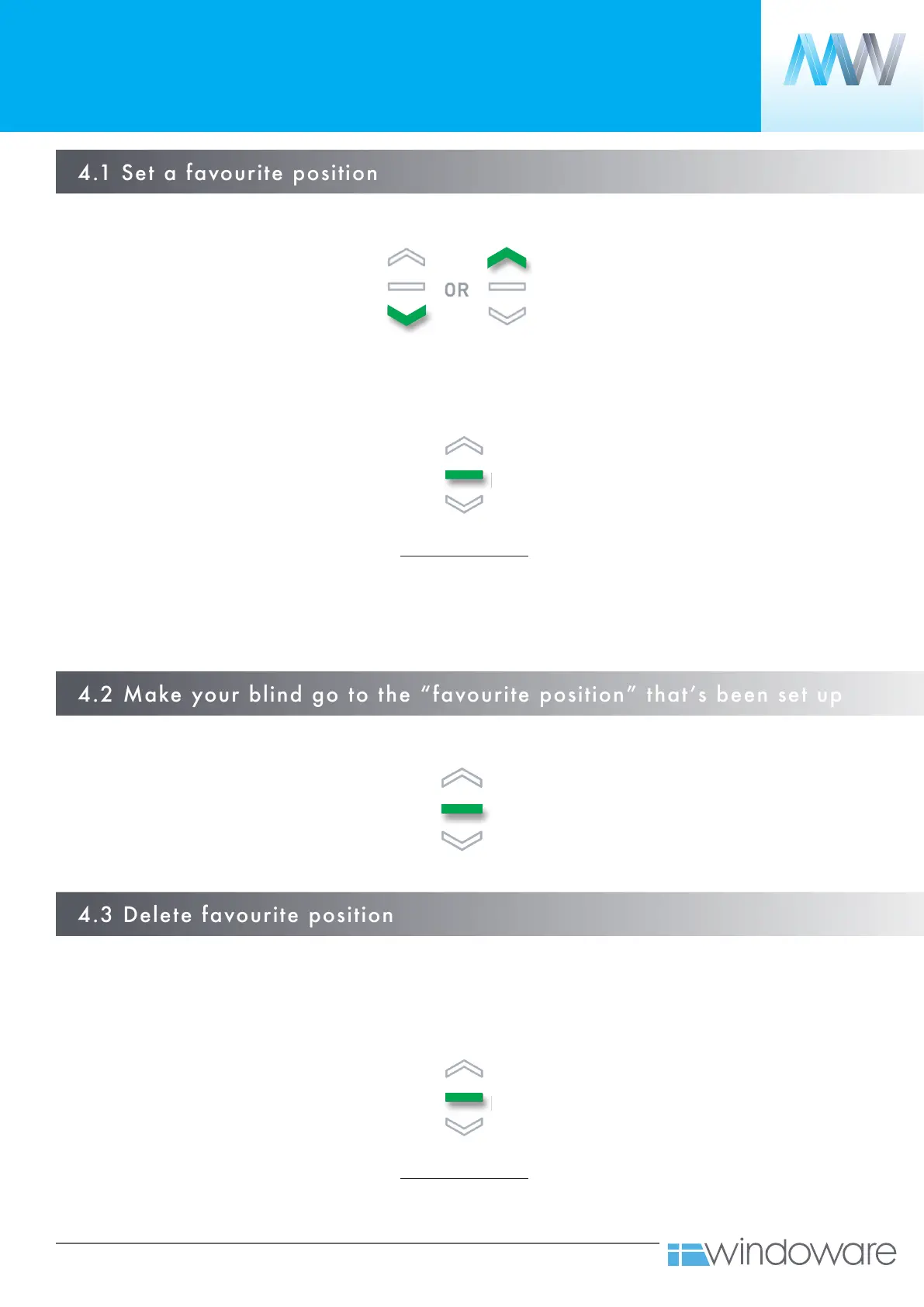
Move your blind to the desired position by pressing the UP or DOWN button on the controller.
Move your blind to your favourite position by holding down STOP (as per 4.2).
Hold STOP on controller until motor begins moving, then release.
Press STOP on controller 5 times.
(Motor will beep each time).
Press STOP on controller 5 times.
(Motor will beep each time).
Motor confirmation
1 x LONG BEEP
1 x JOG
Motor confirmation
1 x LONG BEEP
1 x JOG
Note: If you’re using a grouped channel all
blinds will be sent to their favourite position
(Ideal for leveling multiple blinds at a half way point)



 To Next Page