MOTOW ARE
MOTOW ARE
MOTOW ARE
motoware
MOTOWARE
MOTOWARE
MOTOWARE
BLINDS & AWNINGS
Motoware Automation Programming Instructions | Vertical Awning Motor
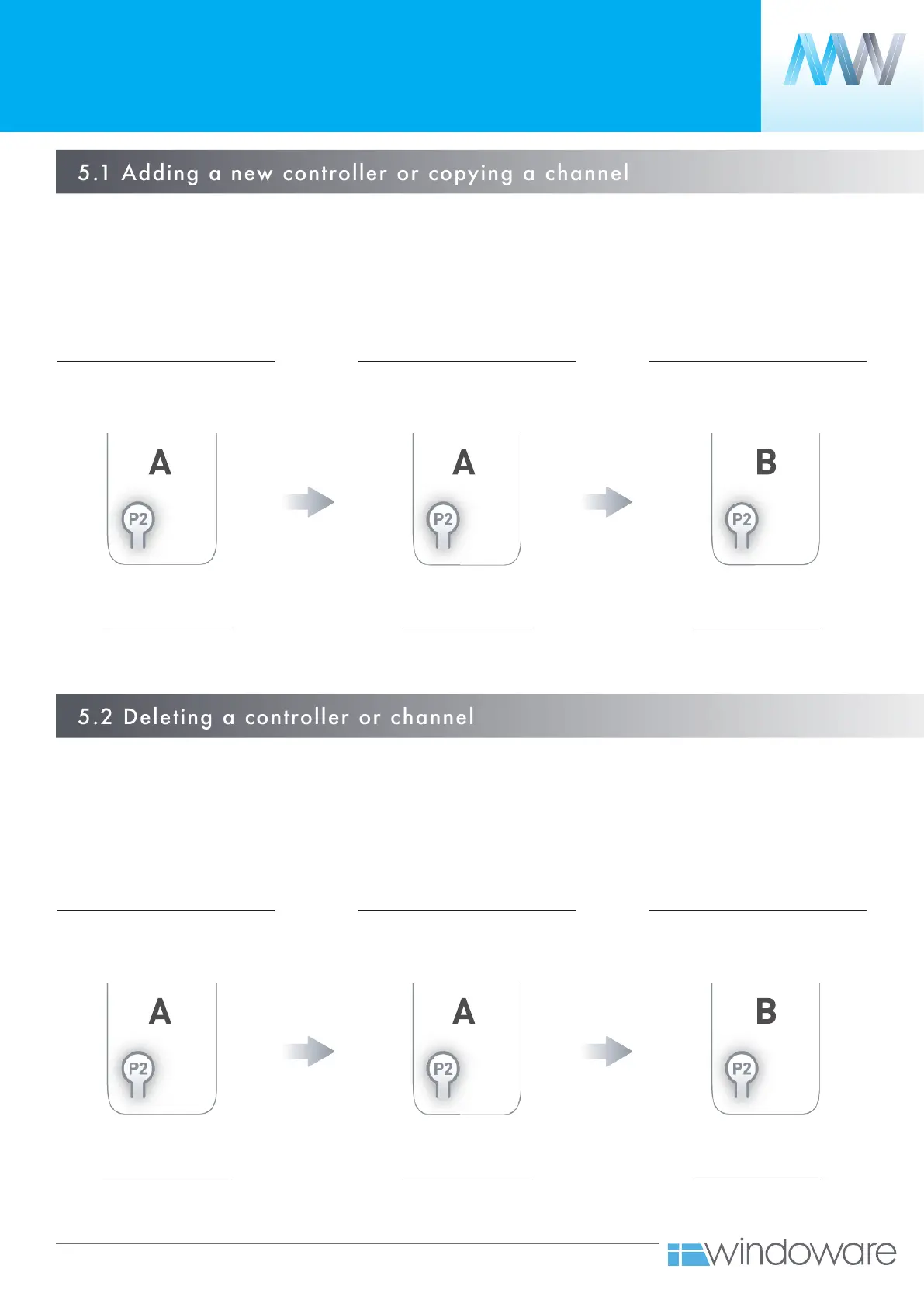
5.1 Adding a new controller or copying a channel
5.2 Deleting a controller or channel
ADDING OR REMOVING
CONTROLLERS AND CHANNELS
5.
A = Existing controller or channel (to keep)
B = Controller or channel to add or remove
A = Existing controller or channel (to keep)
B = Controller or channel to add or remove
Press P2 on existing controller.
Release button immediately after
1 x JOG
Press P2 on existing controller.
Release button immediately after
1 x JOG
Press P2 on existing controller.
Release button immediately after
1 x JOG
Press P2 on existing controller.
Release button immediately after
1 x JOG
Press P2 on new controller.
Release button immediately after
2 x JOG
Press P2 on new controller.
Release button immediately after
2 x JOG
Motor confirmation
1 x BEEP
Motor confirmation
1 x BEEP
Motor confirmation
1 x BEEP
Motor confirmation
1 x BEEP
Motor confirmation
3 x BEEP
Motor confirmation
3 x BEEP



 To Next Page