19
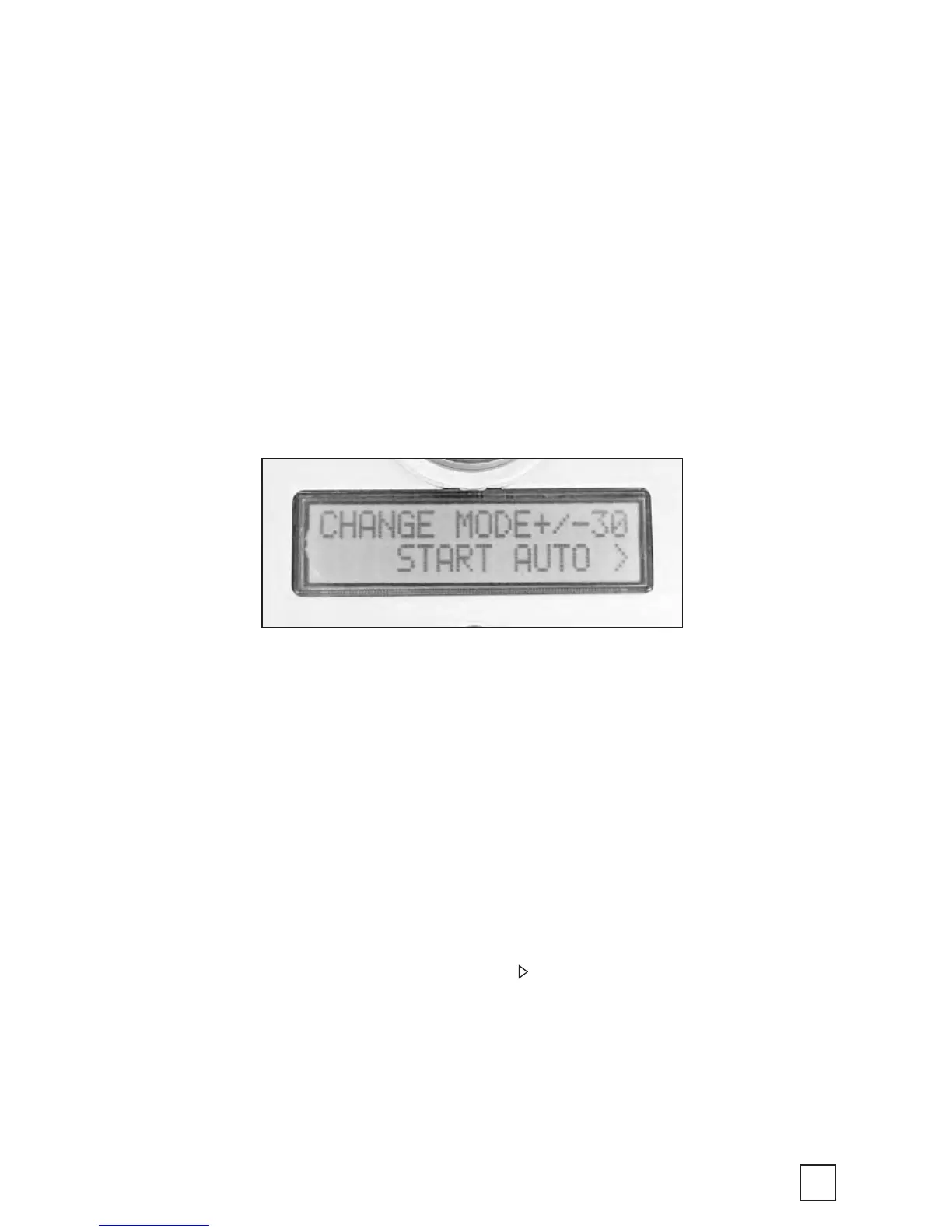
MODE Menu
This Mode menu allows you to move between the BirdCam’s three
operating modes (AUTO, MANUAL, and TIMELAPSE) and the
SETUP menu.
Enter the MODE menu:
At any time, press MODE to enter the MODE menu.
Navigate the MODE menu:
To navigate between the three operating modes (AUTO, MANUAL,
and TIMELAPSE) and the SETUP menu, press either the MODE, +,
or - button.
Enter your selection:
From the Mode menu, you can press the button to activate a selection.
NOTE: In the MODE menu, if no button is pressed within 30 seconds,
the BirdCam will enter whichever selection is displayed.



 To Next Page