21
SETUP Menu
The SETUP offers a range of settings which allow you to customize how
the BirdCam operates. You can control the number of images taken,
infrared sensitivity, photo resolution, and other options that will optimize
the BirdCam in different conditions.
REMEMBER: At any time, you can reset the BirdCam to its default,
factory settings by scrolling to RESET TO EASY? in the SETUP menu
and selecting EASY - PHOTO.
Using the SETUP Menu
Enter the SETUP menu:
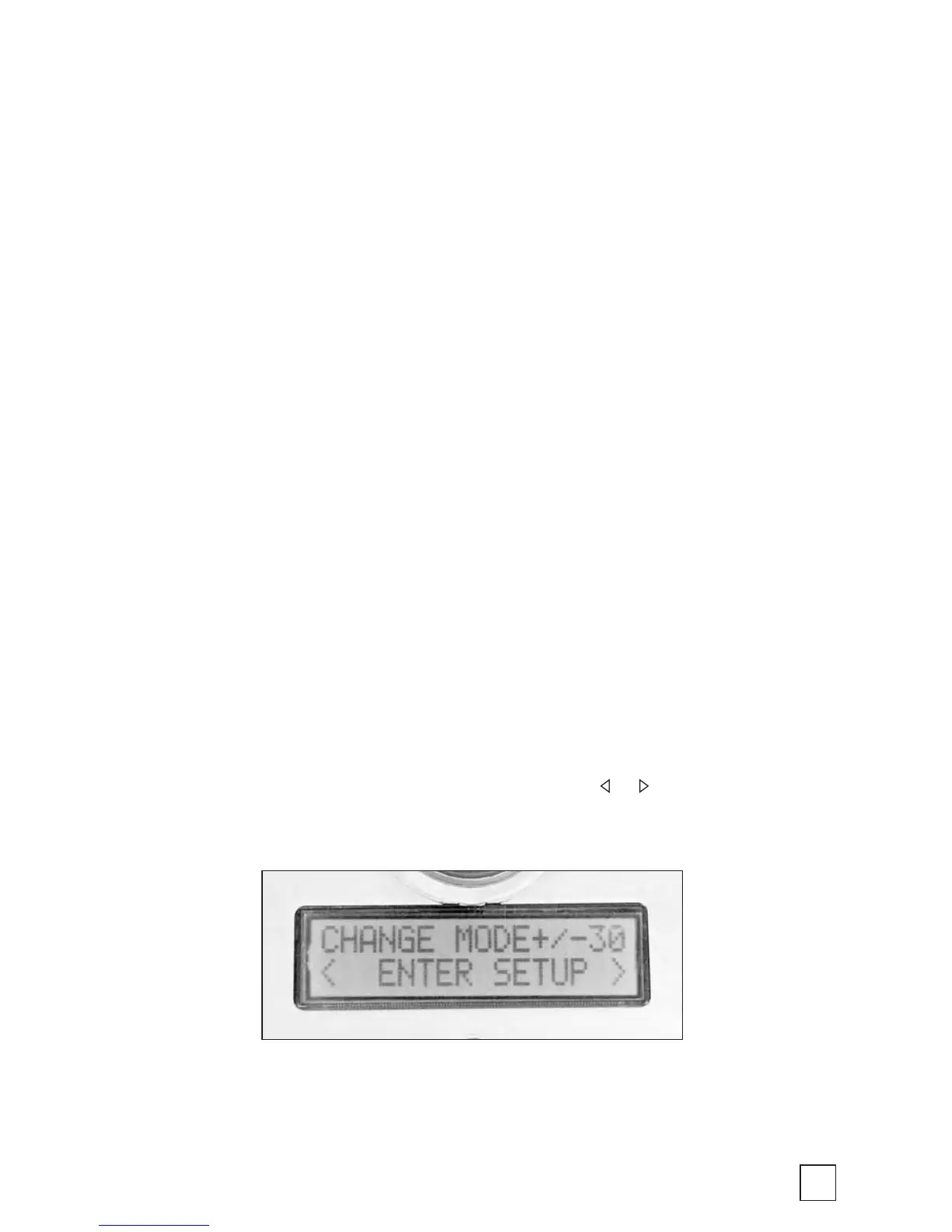
From the MODE menu, press the +, -, or MODE button until the
display reads: < ENTER SETUP >. Press either or to enter the
SETUP menu.



 To Next Page